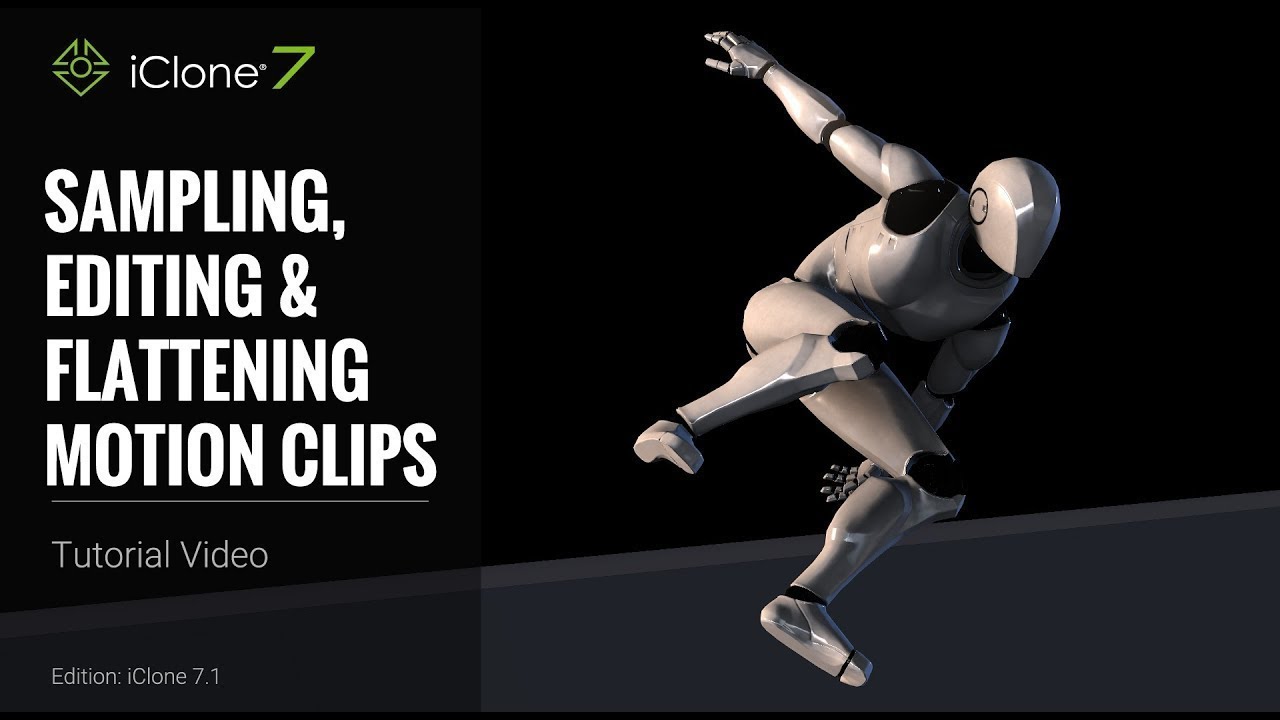
iClone 7 Tutorial - Timeline: Sampling, Editing & Flattening Motion Clips
Автор: Reallusion
Загружено: 2017-11-23
Просмотров: 39502
Описание:
Check out our Assassin Moves content pack: https://www.reallusion.com/ContentSto...
Find out more about iClone 7: https://www.reallusion.com/iclone/
Assassin Moves content pack here: https://www.reallusion.com/ContentSto...
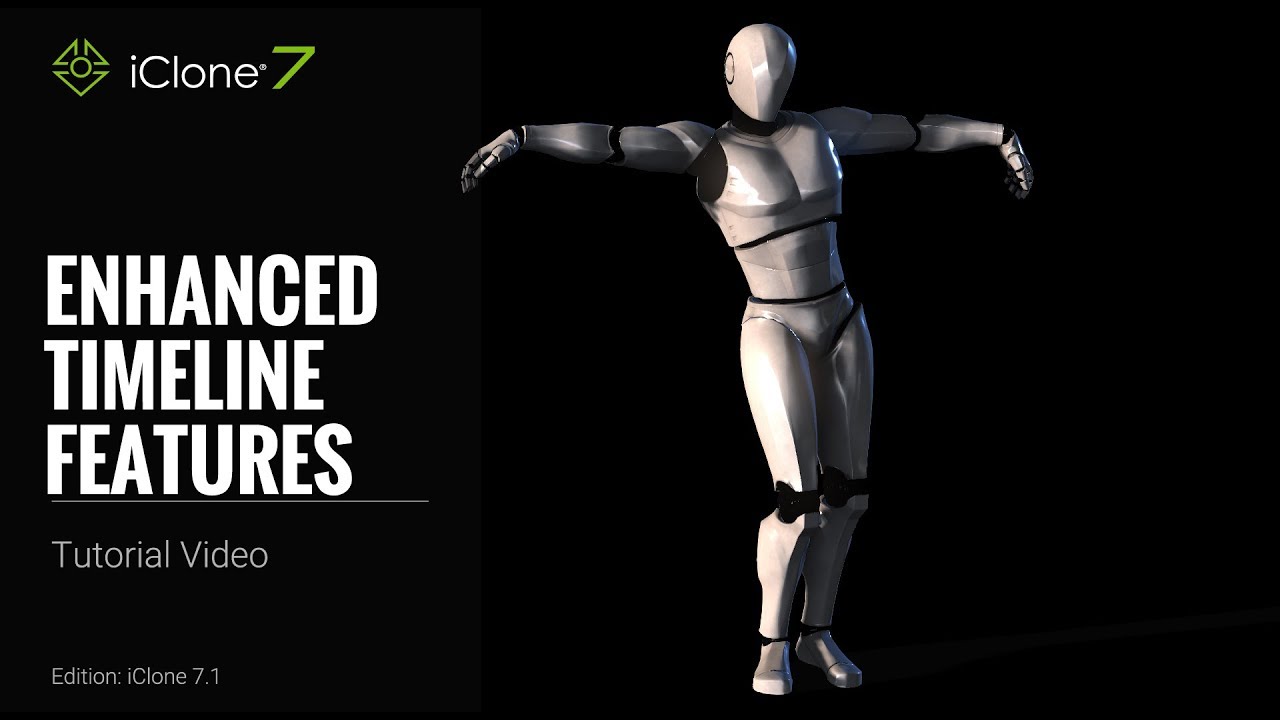
There are a number of cool new enhanced features with the timeline improvements in iClone 7.1.
This tutorial demonstrates the various ways that you can manipulate the data embedded in your motion clips. By following this tutorial, you'll find out how to extract data for each individual body part from a motion clip, then edit and delete it. You'll also discover how to flatten your motion key edits so you can bake the changes you've made and make a whole new round of edits.
1:30 Simple Motion Key Editing
2:59 Sampling Selected Parts
6:12 Sampling & Flattening All Parts
8:25 Flattening & Editing Body Parts
FOLLOW US!
Facebook: / reallusionsoftware
Forum: http://forum.reallusion.com/default.aspx
Blog: http://blog.reallusion.com/
ONLINE HELP
http://manual.reallusion.com/iClone_7...
Повторяем попытку...
Доступные форматы для скачивания:
Скачать видео
-
Информация по загрузке: