ycliper

Популярное

Музыка Кино и Анимация Автомобили Животные Спорт Путешествия Игры Юмор

Интересные видео

2025 Сериалы Трейлеры Новости Как сделать Видеоуроки Diy своими руками

Топ запросов

смотреть а4 schoolboy runaway турецкий сериал смотреть мультфильмы эдисон
Скачать

iClone 7 Tutorial - Timeline: Enhanced Timeline Features

Автор: Reallusion

Загружено: 2017-11-21

Просмотров: 20485

Описание: Find out more about iClone 7: https://www.reallusion.com/iclone/

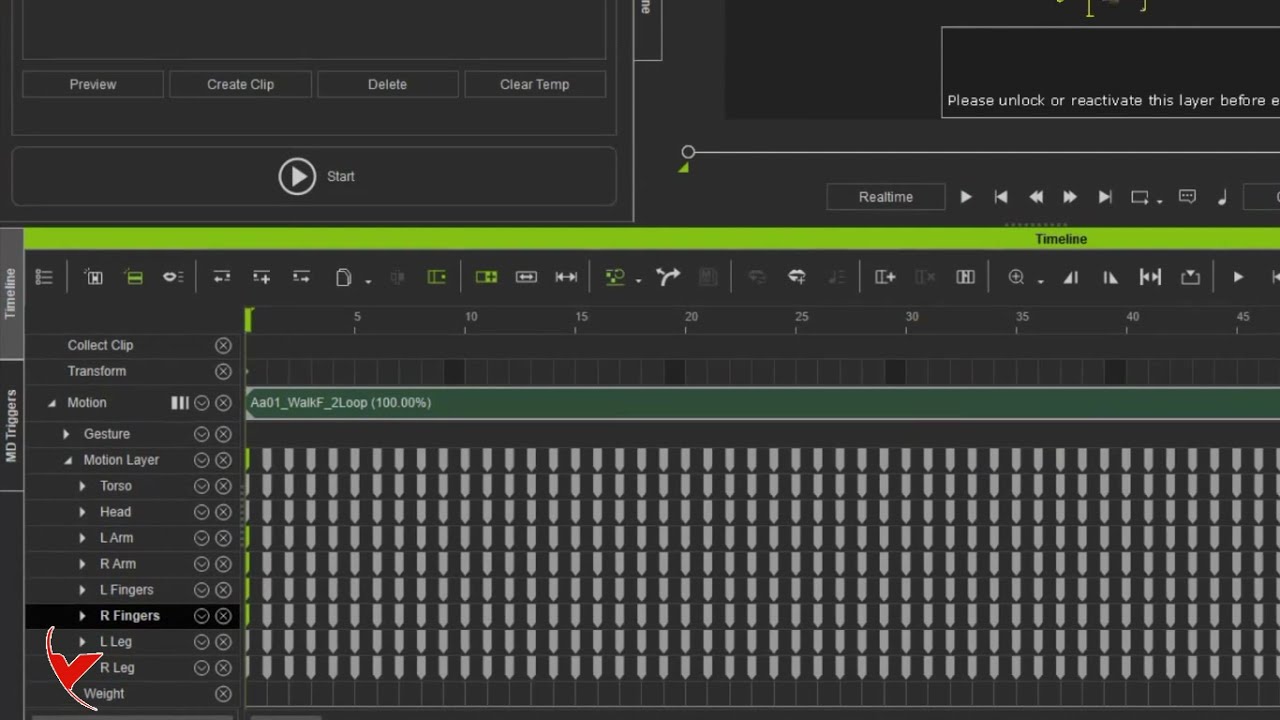
There are a number of cool new enhanced features with the timeline improvements in iClone 7.1.

This tutorial will walk you through all the various changes and improvements we've made to the timeline from version 7.0 to 7.1. There are tons of new ways to manipulate and modify your motion clips, save your motions, and now new keyframe edits can exetend your motion clip automatically. You can also now easily edit the transition areas of your clips separately by creating separate transition clips.

0:35 Motion Clips & Layer Keys
1:54 Speed, Loop & Time Warp
4:40 Saving Motions
7:03 Adding a Key Pose
9:30 Transition Clips

FOLLOW US!
Facebook:   / reallusionsoftware  
Forum: http://forum.reallusion.com/default.aspx
Blog: http://blog.reallusion.com/

ONLINE HELP
http://manual.reallusion.com/iClone_7...

Не удается загрузить Youtube-плеер. Проверьте блокировку Youtube в вашей сети.
Повторяем попытку...
iClone 7 Tutorial - Timeline: Enhanced Timeline Features

Поделиться в:

Доступные форматы для скачивания:

Скачать видео

  • Информация по загрузке:
Скачать аудио

Похожие видео

iClone 7 Tutorial - Timeline: Sampling, Editing & Flattening Motion Clips

iClone 7 Tutorial - Timeline: Sampling, Editing & Flattening Motion Clips

iClone Basics Tutorial - Intro to Lighting

iClone Basics Tutorial - Intro to Lighting

Новая страна вступила в войну? / Первый удар нанесён

Новая страна вступила в войну? / Первый удар нанесён

iClone- Working with Particles

iClone- Working with Particles

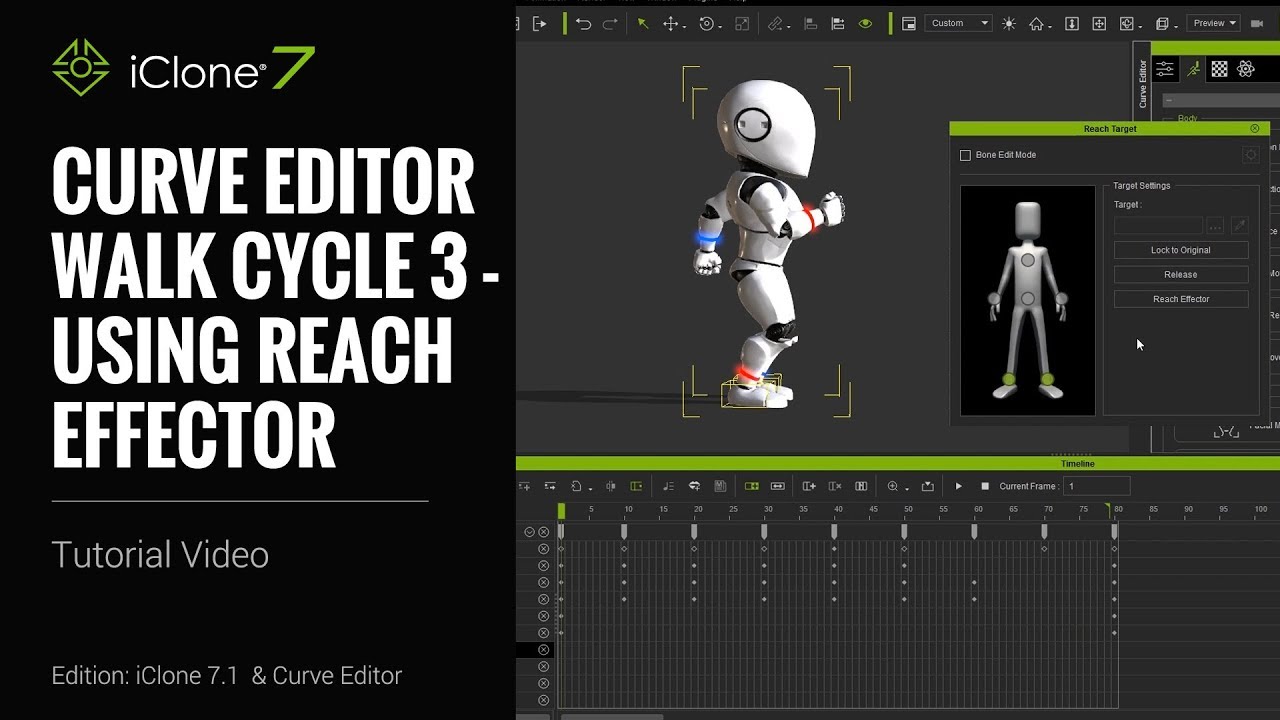
iClone 7.1 Tutorial - Curve Editor: Walk Cycle 3 Using Reach Effector

iClone 7.1 Tutorial - Curve Editor: Walk Cycle 3 Using Reach Effector

Лучшая Музыка 2026🏖️Зарубежные песни Хиты🏖️Популярные Песни Слушать Бесплатно 2026 #27

Лучшая Музыка 2026🏖️Зарубежные песни Хиты🏖️Популярные Песни Слушать Бесплатно 2026 #27

Нейросеть ReRender AI: режим

Нейросеть ReRender AI: режим "улучшение"

Дидюля - The Best - Лучшее 2021

Дидюля - The Best - Лучшее 2021

Древнерусская Музыка 432 Гц: Гусли и Свирель | Исцеление Души

Древнерусская Музыка 432 Гц: Гусли и Свирель | Исцеление Души

How to use iClone 8 Motion Director (MD) and how to combine it with custom motions (It is subtitled)

How to use iClone 8 Motion Director (MD) and how to combine it with custom motions (It is subtitled)

iClone Beginner's Guide: Scene Creation Part 1

iClone Beginner's Guide: Scene Creation Part 1

iClone Basics Tutorial - Getting Started with Scene Creation

iClone Basics Tutorial - Getting Started with Scene Creation

iClone 7 - Master of your Terrain

iClone 7 - Master of your Terrain

iClone 7.1 Tutorial - Curve Editor: Reach Effector Pull Up

iClone 7.1 Tutorial - Curve Editor: Reach Effector Pull Up

iClone Beginner Guide: The Timeline Simplified

iClone Beginner Guide: The Timeline Simplified

iClone 7.1 Tutorial - Curve Editor: Walk Cycle 2 Creating Keyframe Animation

iClone 7.1 Tutorial - Curve Editor: Walk Cycle 2 Creating Keyframe Animation

BLENDER для начинающих. Урок 1

BLENDER для начинающих. Урок 1

Мягкий блюз и камин — тёплая музыка для тихого вечера | Спокойствие, уют и душевное тепло

Мягкий блюз и камин — тёплая музыка для тихого вечера | Спокойствие, уют и душевное тепло

UE5 Blending Animation Sequences in Sequencer for Cinematics. #UE5 #unrealengine

UE5 Blending Animation Sequences in Sequencer for Cinematics. #UE5 #unrealengine

Creating crowded scenes in iClone 7 using re-meshed characters from CC3

Creating crowded scenes in iClone 7 using re-meshed characters from CC3

© 2025 ycliper. Все права защищены.


  • Контакты
  • О нас
  • Политика конфиденциальности


Контакты для правообладателей: [email protected]