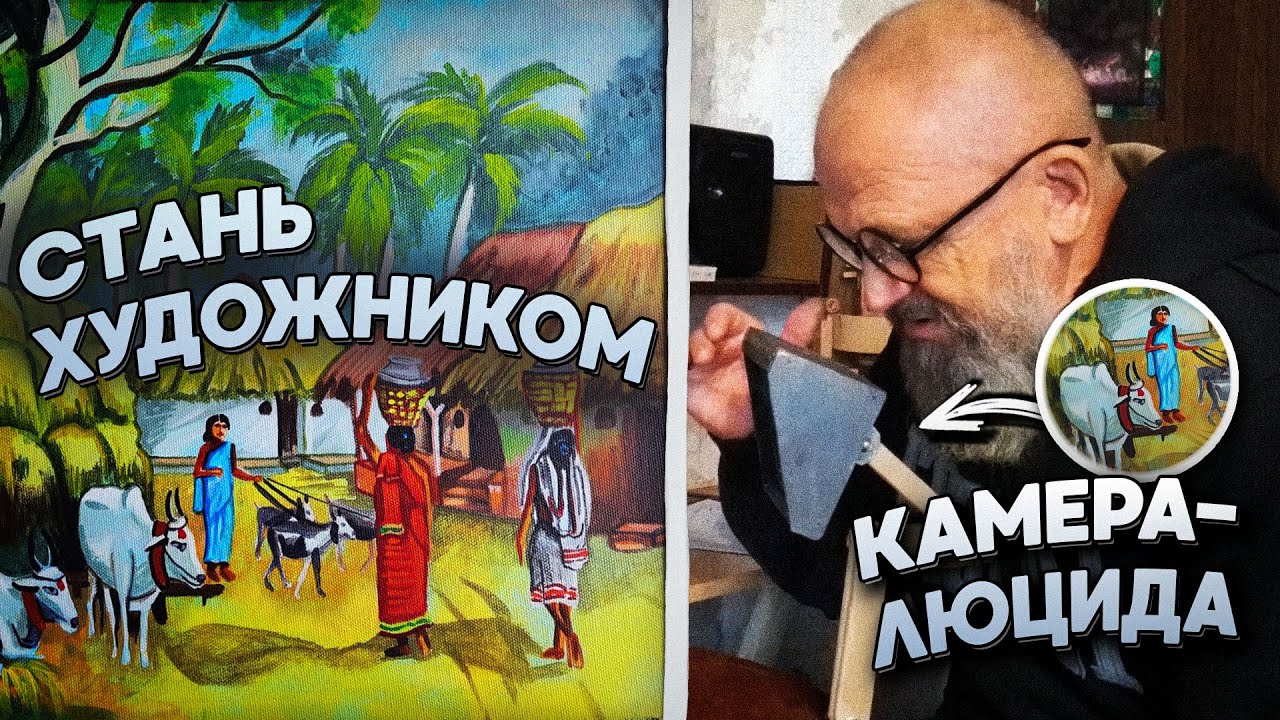
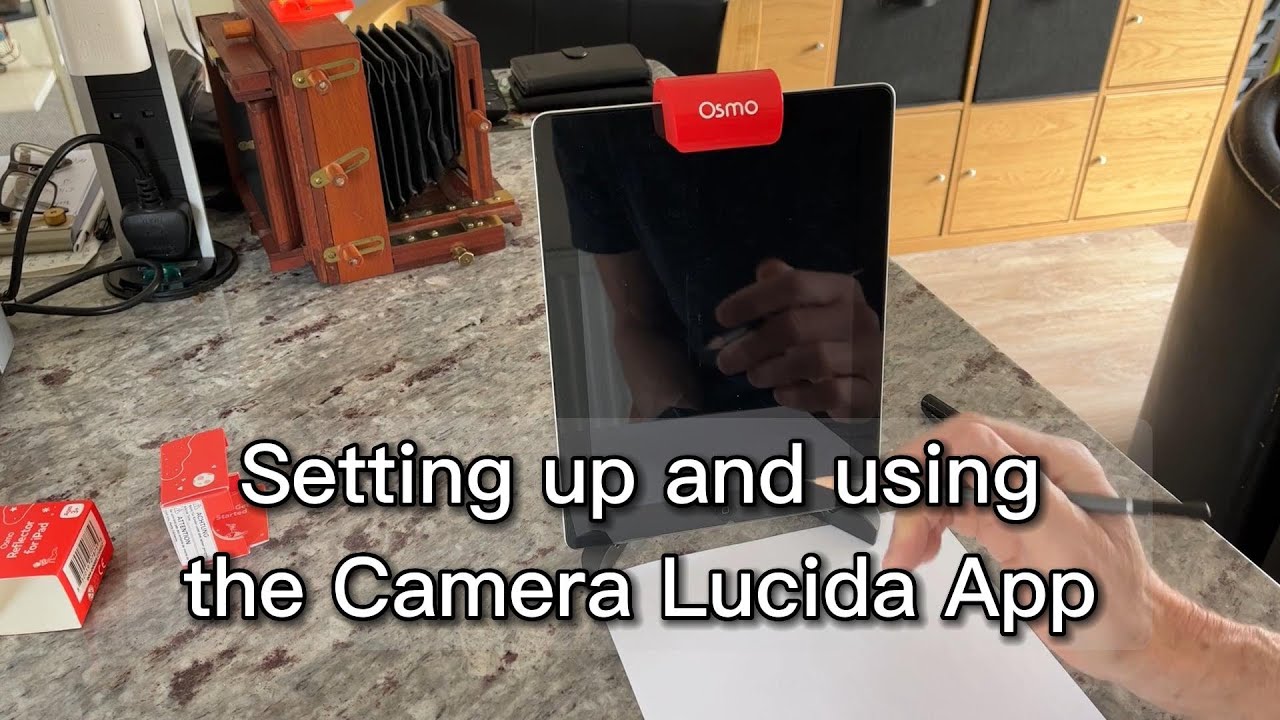
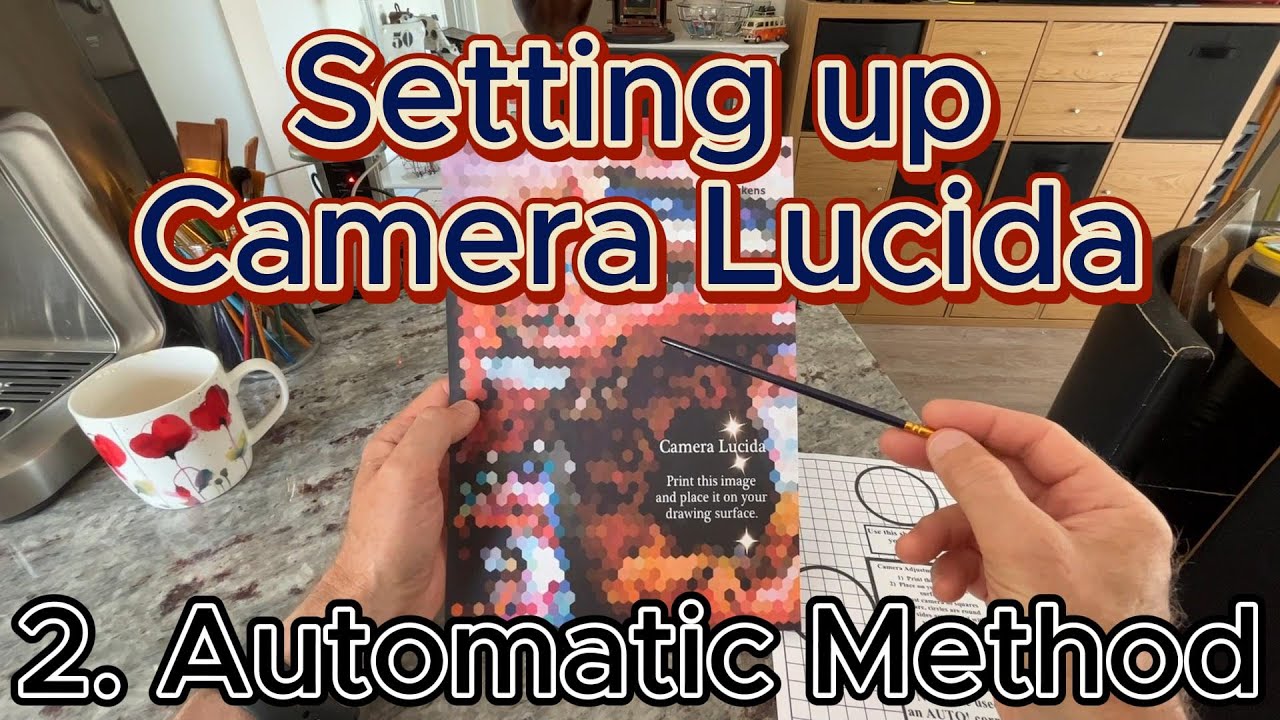
Camera Lucida - How to setup your iPad with the front camera without distortion + the OSMO Mirror.
Автор: Jonathan Camp
Загружено: 2023-06-14
Просмотров: 2573
Описание:
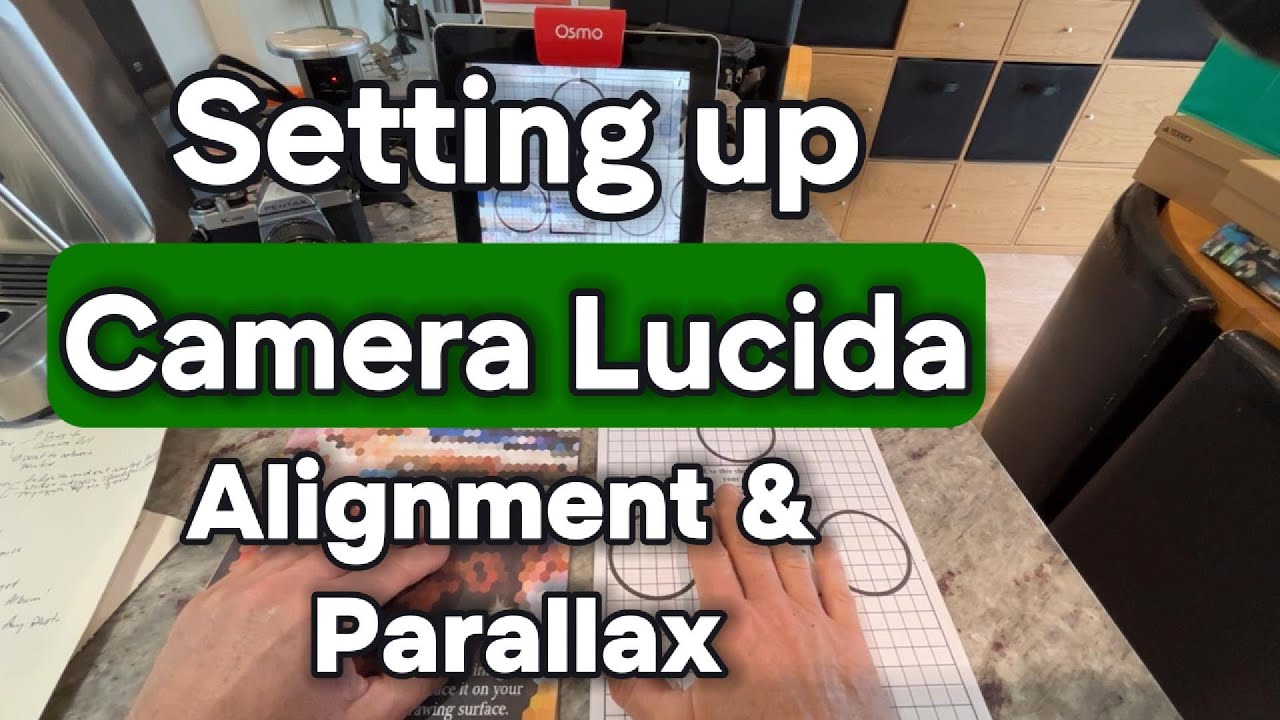
Camera Lucida - How to setup your iPad to use the front camera and correct for distortion and parallax issues
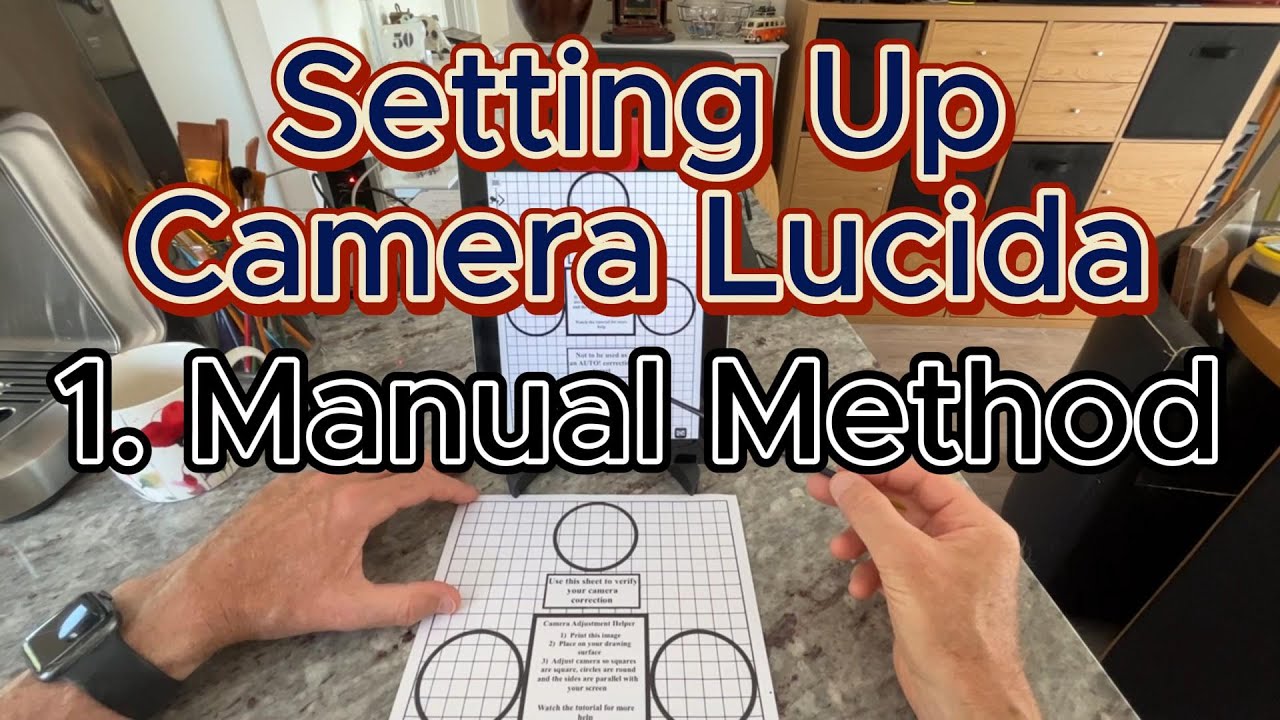
PART 1 - Setting up and correcting for distortion using the MANUAL method.
This is my preferred method and once you get used to it will only take about 20 seconds to setup!
"Unveiling the Magic: How to Use a Camera Lucida for Perfect Sketching"
Are you intrigued by the world of art? Do you find yourself struggling to sketch accurately?
How to setup Camera Lucida for perfect sketching using the front OSMO camera.
This extraordinary tool, which has played a pivotal role in the history of art, will soon become your secret weapon. With a Camera Lucida, your sketches can reach a new level of accuracy and detail.
But what is a Camera Lucida, you might ask? It's a remarkable device that superimposes the subject of your drawing onto the drawing surface itself. This illusion lets you trace your subject with exceptional precision. Whether you're a professional artist or a beginner in the art world, the Camera Lucida can significantly enhance your sketching abilities.
By the end of this video, you'll have a solid understanding of how to setup Camera Lucida with the OSMO and front camera and correct any distortion, and how it can aid you in creating stunning art. You will see how the Camera Lucida can simplify your drawing process, making it easier and more fun!
Remember, it's not just about getting the lines right; it's also about capturing the essence of the subject. That's where the Camera Lucida comes into play.
Don't forget to check out our other videos for more tips, tricks, and insights into the world of Camera Lucida. Whether it's more about the Camera Lucida or other art techniques.
You may want to also watch these videos:
My Videos on Youtube
Setting up and using the Camera Lucida App
• Setting up and using the Camera Lucida App
Setting up and aligning the Camera Lucida App
• Setting up and aligning the Camera Lucida App $0
Camera Lucida - How to AUTOMATICALLY setup your iPad without distortion with the OSMO Mirror
• Camera Lucida - How to AUTOMATICALLY setup...
Camera Lucida - How to setup your iPad with the front camera without distortion with the OSMO Mirror
• Camera Lucida - How to setup your iPad wit...
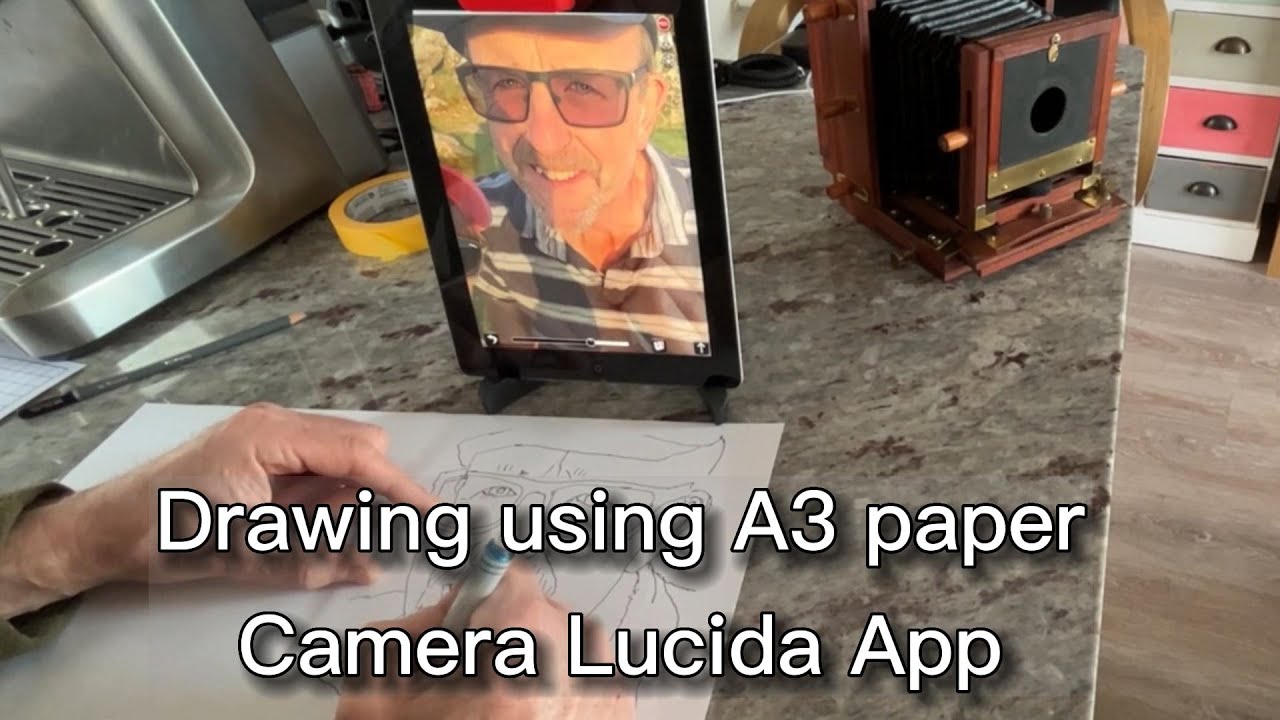
Drawing with Camera Lucida front camera using A3
• Drawing with Camera Lucida front camera us...
Camera Lucida - Which version works on what apple device?
• Camera Lucida - Which version works on wha...
Urban sketching with Camera Lucida
• Urban sketching with Camera Lucida
Use Amazon Cardboard packaging as a Canvas for Painting!
• Use Amazon Cardboard packaging as a Canvas...
Using CAMERA LUCIDA to create an unusual effect with total distortion.
• Using CAMERA LUCIDA to create an unusual e...
Camera Lucida Tutorial - My Complete Process, Start to Finish Painting
• Camera Lucida Tutorial - My Complete Proce...
How to do Urban Sketching using AI MidJourney with Camera Lucida
• How to do Urban Sketching using AI MidJour...
Part #8 of 8 tips and tricks to setup Camera Lucida - the summary
• Part #8 of 8 tips and tricks to setup Came...
Part #7/#8 : How to setup Camera Lucida with front camera (Manual Mode)
• Part #7/#8 : How to setup Camera Lucida wi...
Part #6/#8 - Setting up Camera Lucida to use the "AUTO!" mode!
• Part #6/#8 - Setting up Camera Lucida to u...
Part #5/#8 Camera Lucida - using the front camera with the OSMO device
• Part #5/#8 Camera Lucida - using the front...
Part #4/#8 : The OSMO device for Camera Lucida
• Part #4/#8 : The OSMO device for Camera Lu...
How to use CAMERA LUCIDA FILTERS
• How to use CAMERA LUCIDA FILTERS
Part 3 of 3 - Camera Lucida - using the "Colour Palette" mode
• Part 3 of 3 - Camera Lucida - using the "C...
Camera Lucida "Colour Palette" mode - Part 2 - items needed
• Camera Lucida "Colour Palette" mode - Part...
Camera Lucida - Part 1 - "Save and Restore sessions" plus painting on large paper size
• Camera Lucida - Part 1 - "Save and Restore...
#CameraLucida, #ArtMagic, #SketchingPerfection
Повторяем попытку...
Доступные форматы для скачивания:
Скачать видео
-
Информация по загрузке: