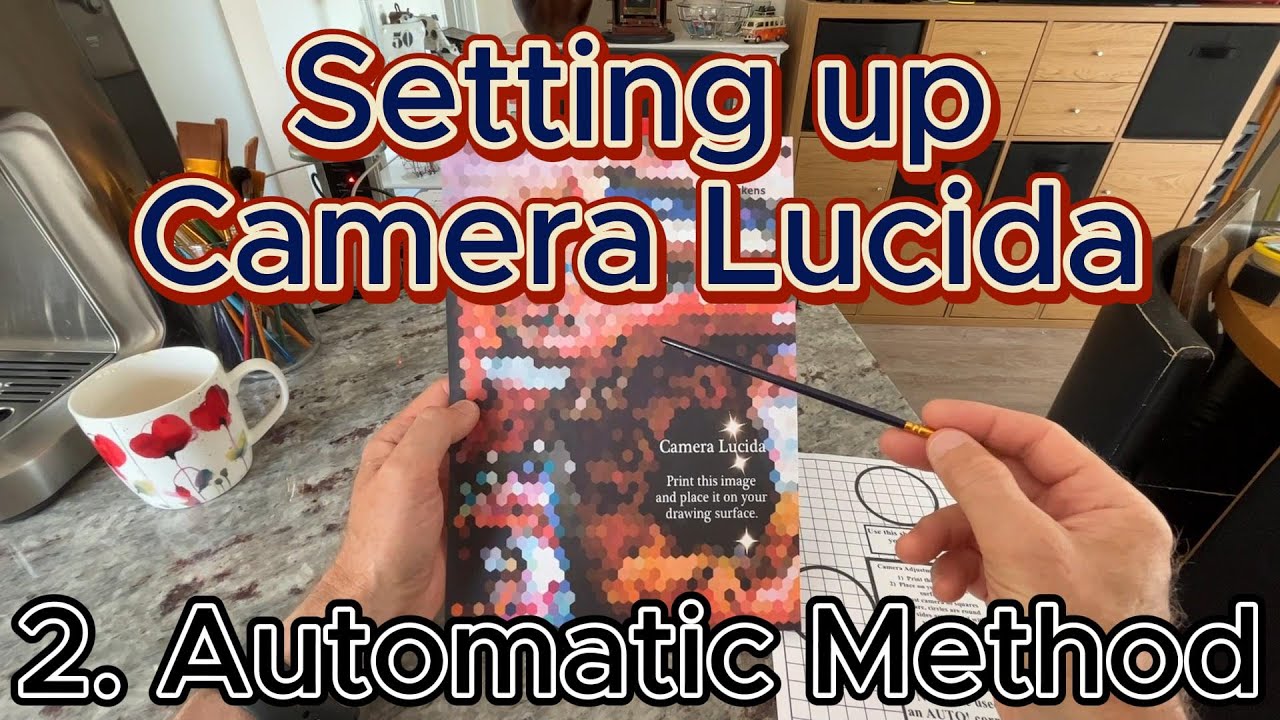
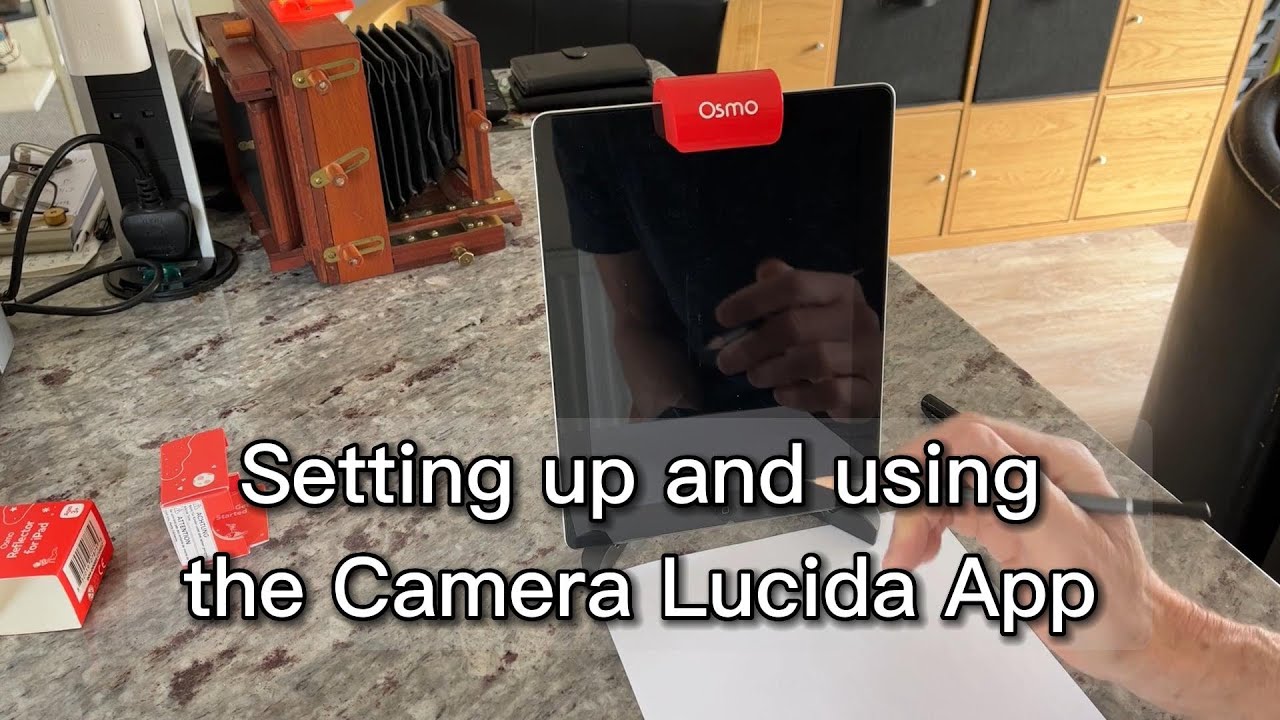
Setting up and aligning the Camera Lucida App
Автор: Jonathan Camp
Загружено: 2024-04-02
Просмотров: 1660
Описание:
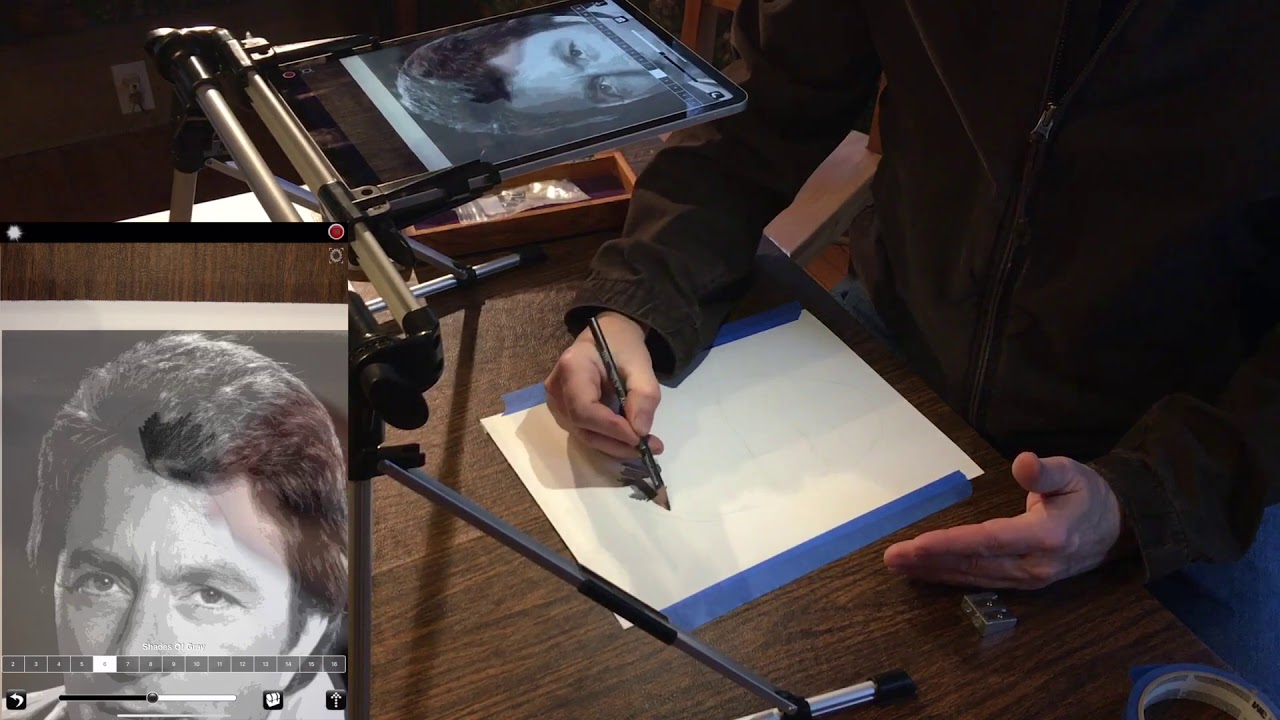
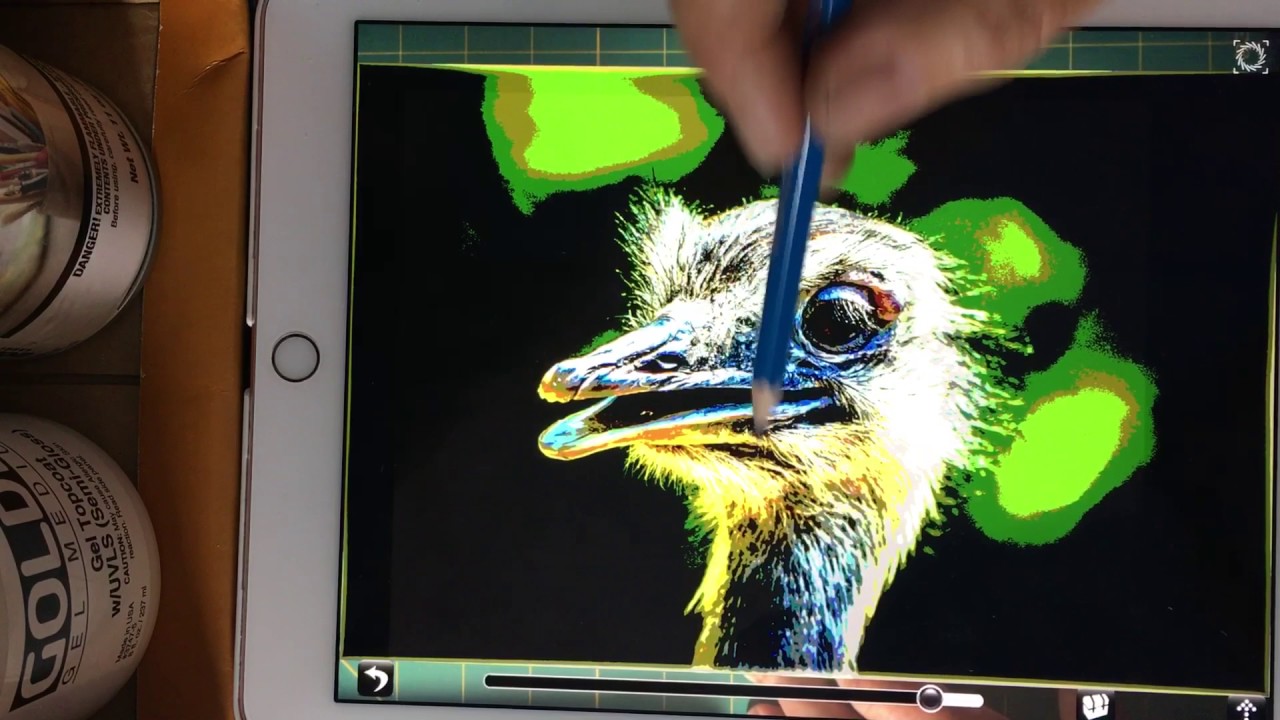
When you use your iPad and Camera Lucida on a stand you will get parallax issues. These are easily sorted by using either the "auto" mode or "manual" setup mode in Camera Lucida. In this video I show you how to setup your Camera Lucida App and your iPad so you do not have any alignment or parallax issues.
If you are interested in The Camera Lucida App, then watch my other tutorial videos on using Camera Lucida and the playlist.
You may want to also watch these videos:
My Videos on Youtube
Setting up and using the Camera Lucida App
• Setting up and using the Camera Lucida App
Setting up and aligning the Camera Lucida App
• Setting up and aligning the Camera Lucida App $0
Camera Lucida - How to AUTOMATICALLY setup your iPad without distortion with the OSMO Mirror
• Camera Lucida - How to AUTOMATICALLY setup...
Camera Lucida - How to setup your iPad with the front camera without distortion with the OSMO Mirror
• Camera Lucida - How to setup your iPad wit...
Drawing with Camera Lucida front camera using A3
• Drawing with Camera Lucida front camera us...
Camera Lucida - Which version works on what apple device?
• Camera Lucida - Which version works on wha...
Urban sketching with Camera Lucida
• Urban sketching with Camera Lucida
Use Amazon Cardboard packaging as a Canvas for Painting!
• Use Amazon Cardboard packaging as a Canvas...
Using CAMERA LUCIDA to create an unusual effect with total distortion.
• Using CAMERA LUCIDA to create an unusual e...
Camera Lucida Tutorial - My Complete Process, Start to Finish Painting
• Camera Lucida Tutorial - My Complete Proce...
How to do Urban Sketching using AI MidJourney with Camera Lucida
• How to do Urban Sketching using AI MidJour...
Part #8 of 8 tips and tricks to setup Camera Lucida - the summary
• Part #8 of 8 tips and tricks to setup Came...
Part #7/#8 : How to setup Camera Lucida with front camera (Manual Mode)
• Part #7/#8 : How to setup Camera Lucida wi...
Part #6/#8 - Setting up Camera Lucida to use the "AUTO!" mode!
• Part #6/#8 - Setting up Camera Lucida to u...
Part #5/#8 Camera Lucida - using the front camera with the OSMO device
• Part #5/#8 Camera Lucida - using the front...
Part #4/#8 : The OSMO device for Camera Lucida
• Part #4/#8 : The OSMO device for Camera Lu...
How to use CAMERA LUCIDA FILTERS
• How to use CAMERA LUCIDA FILTERS
Part 3 of 3 - Camera Lucida - using the "Colour Palette" mode
• Part 3 of 3 - Camera Lucida - using the "C...
Camera Lucida "Colour Palette" mode - Part 2 - items needed
• Camera Lucida "Colour Palette" mode - Part...
Camera Lucida - Part 1 - "Save and Restore sessions" plus painting on large paper size
• Camera Lucida - Part 1 - "Save and Restore...
The Camera Lucida App - What equipment do you need for Camera Lucida? #shorts #short
• The Camera Lucida App - What equipment do ...
Camera Lucida - "finding the setup templates" #shorts #short
• Camera Lucida - "finding the setup templat...
Повторяем попытку...
Доступные форматы для скачивания:
Скачать видео
-
Информация по загрузке: