Remove Duplicate Income in QuickBooks Online
Автор: Worldwide Bookkeeping
Загружено: 2022-07-25
Просмотров: 6109
Описание:
If you believe your Profit & Loss Statement in QuickBooks Online shows incorrectly duplicated income, you likely are invoicing and not matching the payments/deposits to the invoices. This creates income from both the deposit and the invoice, counting the income twice from one transaction.
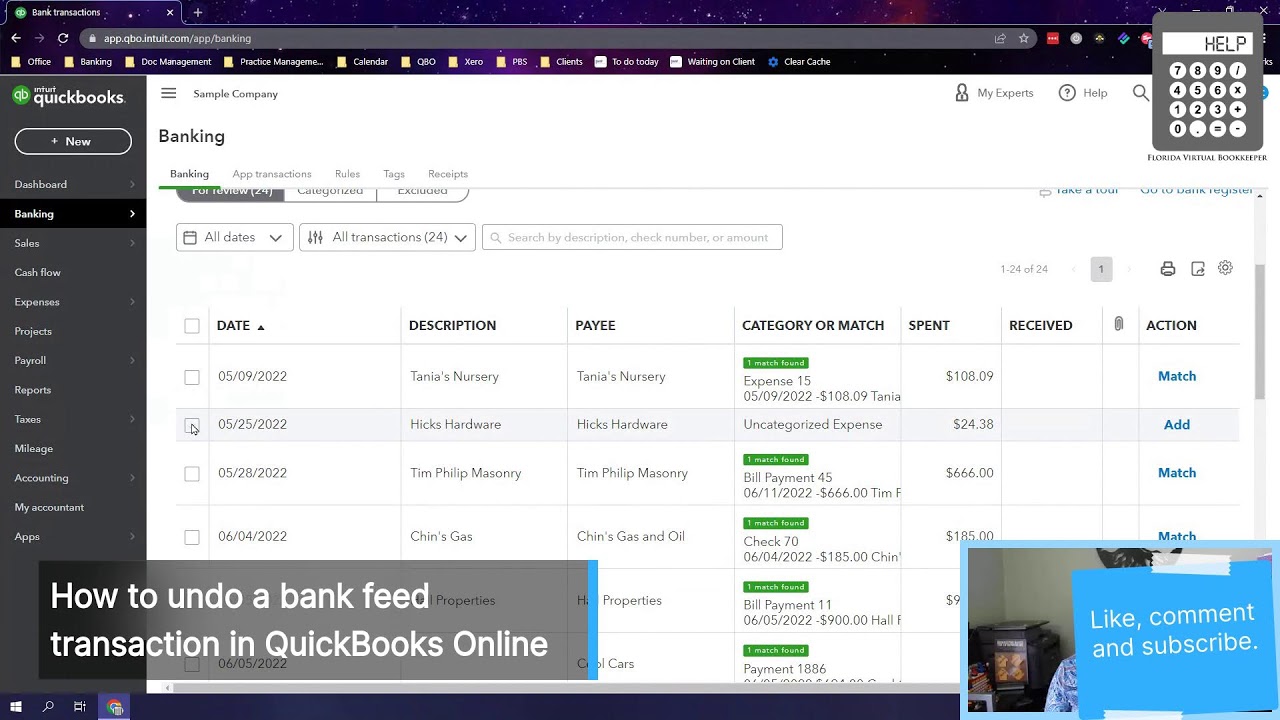
To fix this, you'll need to get those deposits matched to the invoices. Find the transactions that are the duplicate income, which are likely to be the deposits. Click on those transactions, find the online banking match in the top left corner, click it, and unmatch, then delete the deposit.
Now the deposit goes back to the bank feed. Click on that deposit and find a match. Match the deposit to the invoice. Add in any Stripe fees or other payment processing fees if necessary and save the transaction.
Go into the bank register and make sure the deposit and bank fee are reconciled again by clicking on "C" and changing it to "R".
Повторяем попытку...

Доступные форматы для скачивания:
Скачать видео
-
Информация по загрузке: