HP 63 & 63XL Refilled Ink Cartridge Service Tips
Автор: Inkjet411 RIS
Загружено: 2019-04-17
Просмотров: 9903
Описание:
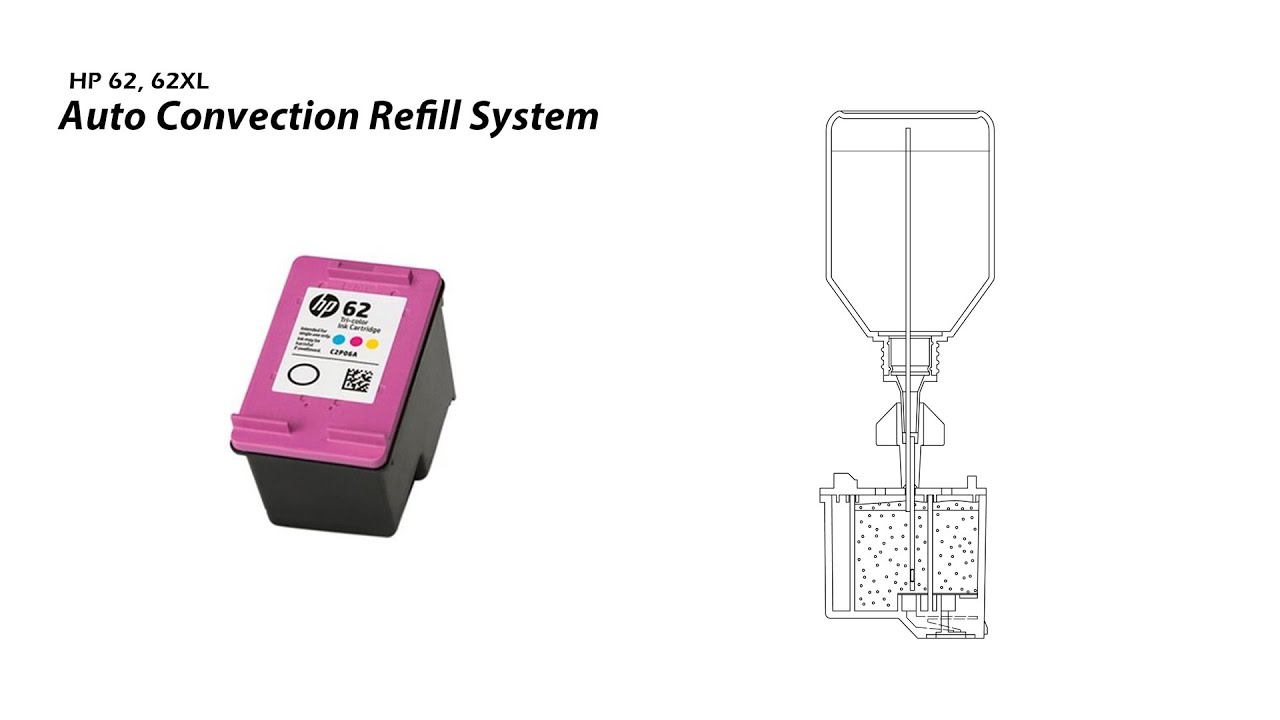
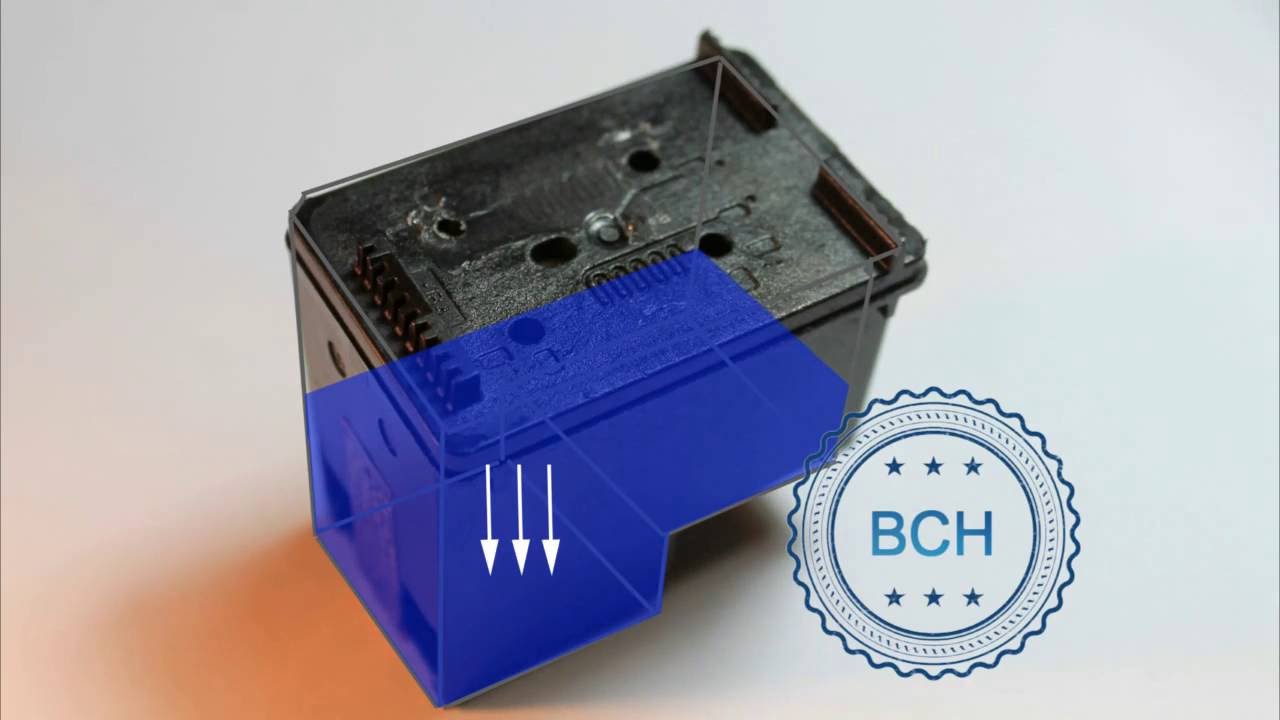
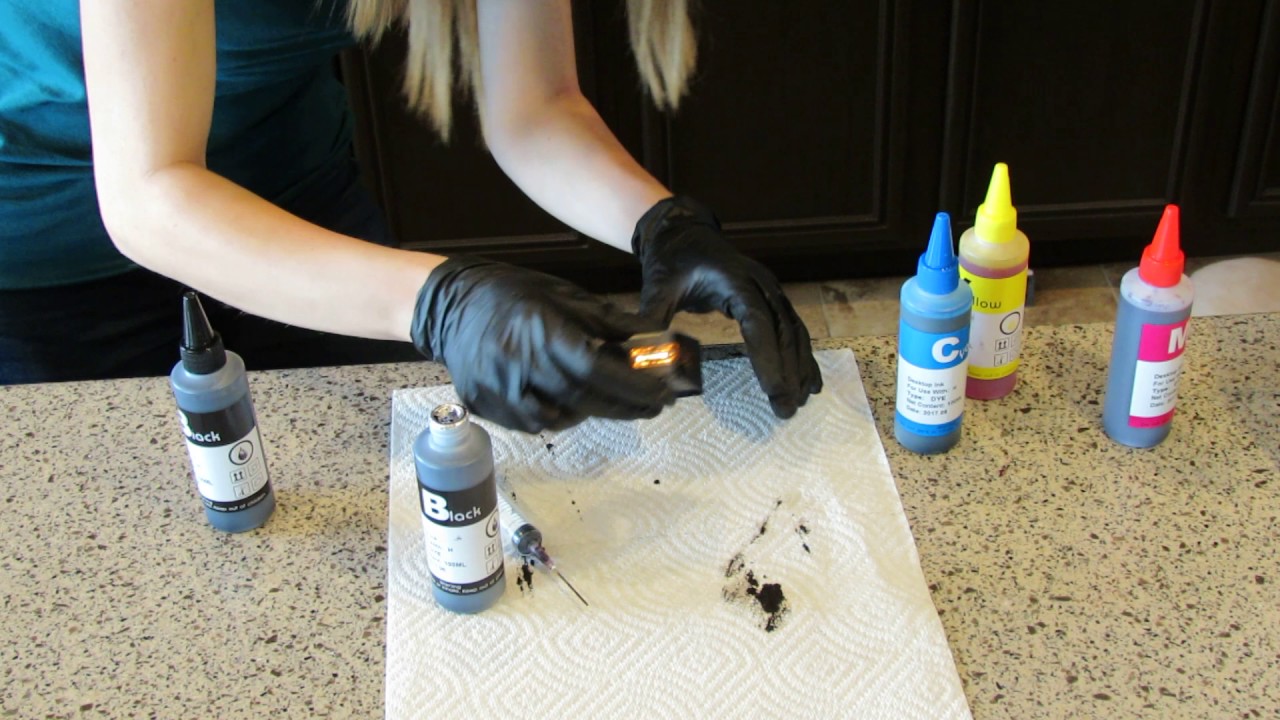
When using #HP 63 or #HP63XL refilled inkjet ink #cartridges with your HP #OfficeJet, #DeskJet or #ENVY #printer, it is suggested to adhere to these general guidelines to help minimize cartridge damage. This includes ink #cartridge transportation to and from a refill location, general cartridges and #printer care, and print #diagnosis and recovery.
NOTE: To purchase remanufactured HP 63 / 63XL cartridges visit #INKPLICITY; enter #coupon #code SAVE15 for an extra 15% off all ink orders.
“#Empty”, “Low Ink”, “#Counterfeit” and “Non-Genuine Cartridge” alerts are COMPLETELY NORMAL for all HP 63 & 63XL integrated ink cartridges which have been refilled! While at first this may be an unusual workflow, it does allow print operations to proceed. The ink level monitoring feature cannot be reset (...HP blows the ink monitoring resistors inside the cartridge the first time it is used - thus it is impossible to reset them).
The "low ink" or "no status" message typically occurs soon after a refill. It is a false signal, because the printer cannot recognize that the cartridge has been refilled. Your cartridge is not low on ink, and nothing is wrong with your refilled cartridge or printer. You may also observe multiple ‘nuisance alert’ messages, these can be bypassed.
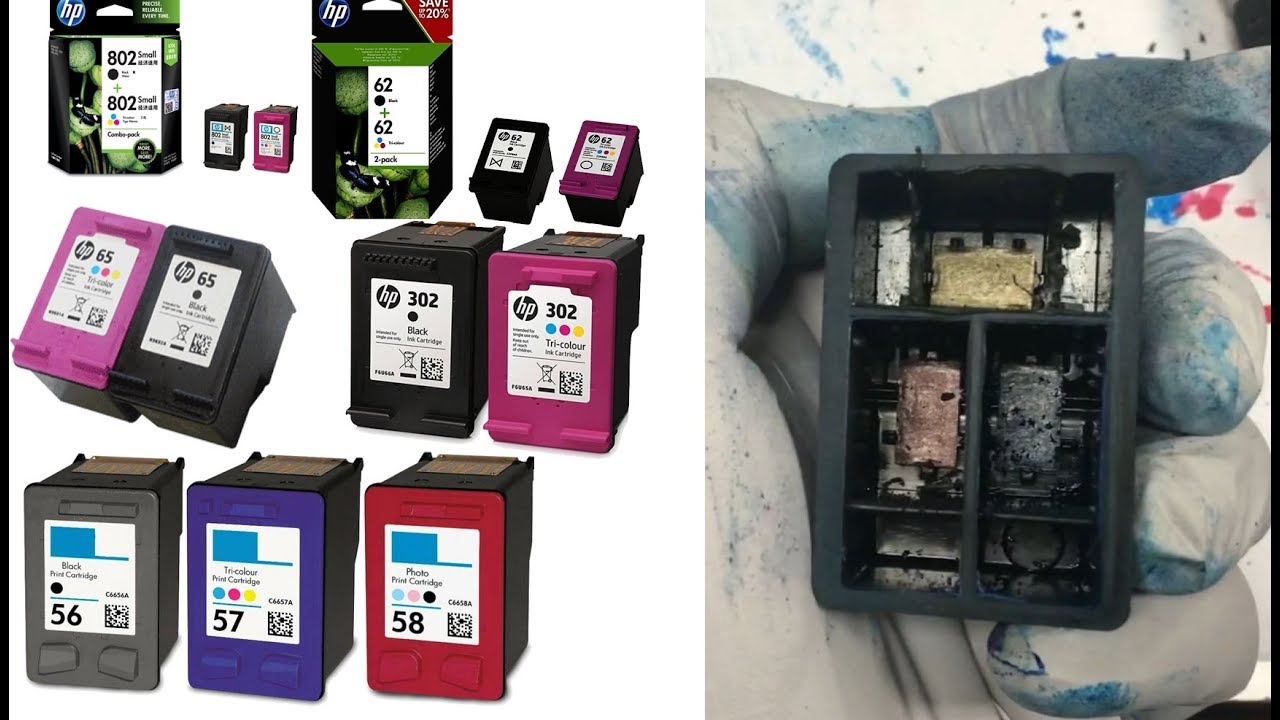
Refilling your HP 63 & HP 63XL black and color ink cartridges (for HP DeskJet, Envy & OfficeJet printers) is easier than ever, just let someone else do the work while you're shopping at your favorite retailer. Supported cartridges include:
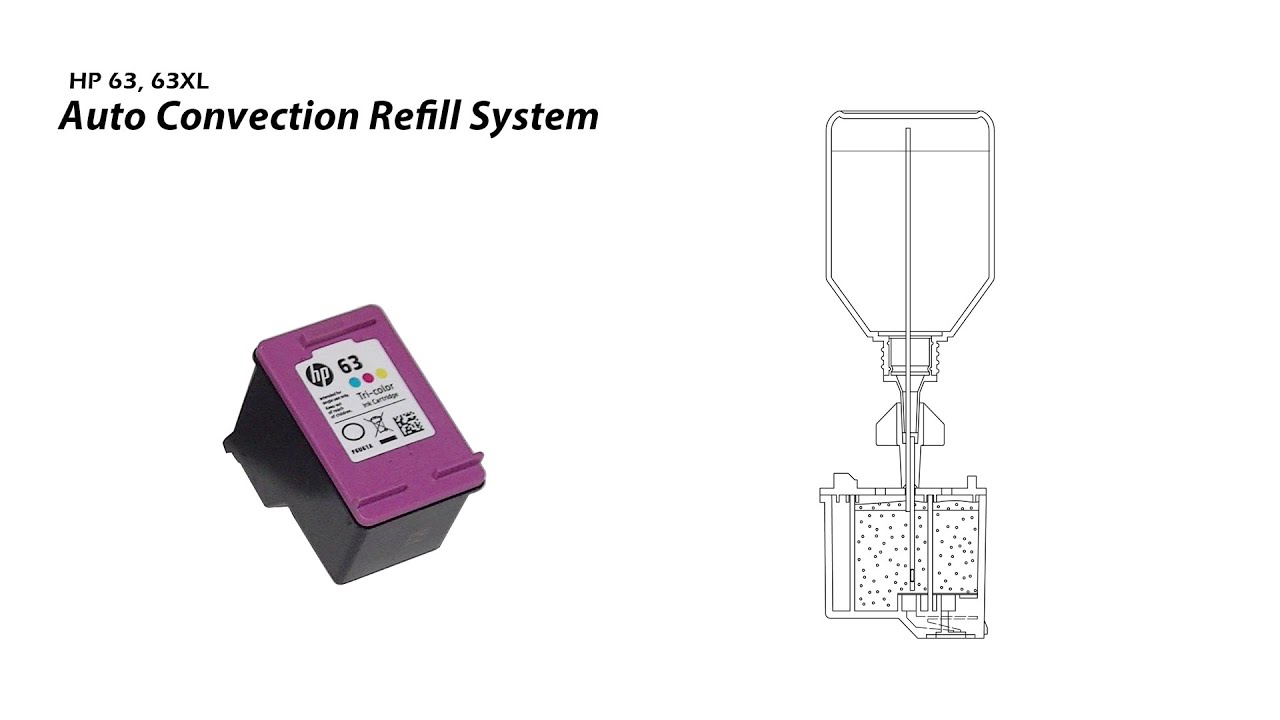
HP 63 Black Ink Cartridge (F6U62AN)
HP 63 Tri-Color Ink Cartridge (F6U61AN)
HP 63XL Black Ink Cartridge (F6U64AN)
HP 63XL Tri-color Ink Cartridge (F6U63AN)
Visit INKJET411 to find your nearest ink cartridge refill center location (i.e. Costco USA/Canada, Frys Electronics, Sam's Club, Auchan/Cora France) and you'll save 50%-70% on ink costs, on average, vs. buying a new ink cartridge.
Supported printer models include:
HP DeskJet 1110 Printer
HP DeskJet 1111 Printer
HP DeskJet 1112 Printer
HP DeskJet 2130 Printer
HP DeskJet 2132 Printer
HP DeskJet 3630 Printer
HP DeskJet 3632 Printer
HP DeskJet 3633 Printer
HP DeskJet 3634 Printer
HP ENVY 4512 Printer
HP ENVY 4520 Printer
HP ENVY 4522 Printer
HP OfficeJet 3830 Printer
HP OfficeJet 3833 Printer
HP OfficeJet 4650 Printer
HP OfficeJet 4652 Printer
HP OfficeJet 4655 Printer
HP OfficeJet 5255 Printer
HP OfficeJet 5258 Printer
If your HP 63, 63XL ink cartridge experiences any of the following error messages please refer to Diagnostic (Tap 41) test procedures on INKJET411 to help resolve. This includes errors such as Incompatible Print Cartridges, Refer to device documentation to troubleshoot, Print Cartridges Error, Print Cartridges Missing or Not Detected or the printer appears to 'freeze', these are considered more severe cartridge errors (i.e. no printing is allowed). Verify the cartridge(s) are thoroughly clean and firmly reseat cartridges before performing any advanced clears or tests. Verify ink cartridge's warranty expiration date (imprinted on front of ink cartridge) before refilling as the cartridge might be at risk for potential failure due to internal electrical damage. Visit INKJET411 for more information.
NOTE: After the HP 63 ink cartridges are refilled a variety of nuisance (annoyance) alert messages may be observed at the printer and/or host computer. The printer will continue to attempt to communicate low ink warning messages during the life of the refilled ink cartridge -- this is normal and nothing to be alarmed over. While the ink level cannot be tracked or reset, the majority, if not all, of these warning messages and/or steady indicator lights, may simply be ignored and the printer should continue to printer normally. Ink level warnings and indicators provide estimates for planning purposes only.
For severe cartridge error messages which prohibit printing it is suggested you run an internal self test print or the cartridge health diagnostic's Tap 41 test print to evaluate whether or not the ink cartridge is electrically damaged (i.e. internal micro-electronics).
For HP printer diagnostic tests on your specific printer model please visit our INKJET411 site.
Повторяем попытку...

Доступные форматы для скачивания:
Скачать видео
-
Информация по загрузке: