HP 952, 952XL Ink Cartridge Swap Procedure – HP OfficeJet Pro Printers
Автор: Inkjet411 RIS
Загружено: 2019-04-22
Просмотров: 14646
Описание:
TECH TIP: How an Inkjet Printhead Works -- 4, 5 & 6 Ink Cartridge Printers: • Видео
TECH TIP 2: Hot Water Printhead Flush - HP Series: • Видео
For #HP952 or HP 952XL ink #cartridge #problem #alerts (i.e. #incompatible cartridge, #remove and #reinstall, etc.) where the cartridge is no longer detected by your HP OfficeJet or OfficeJet Pro printer following the #HP #printer #firmware #update, try our workaround procedure (aka "Leap Frog")….
HP recently executed a printer firmware update in early April 2019 that impacts HP OfficeJet and OfficeJet Pro printer families which utilize HP 952, 952XL and 956XL ink cartridges.
For HP 952, 952XL and 956XL ink series printer models which display printer/cartridge error messages such as “cartridge problem”, “incompatible cartridge”, “remove and re-install cartridges”, “cartridges not installed properly”, then it is possible the new HP printer #firmware has been installed onto your HP printer.
The new HP printer update firmware #version (#1910A) will typically lock-out refilled and #aftermarket cartridges if the following 2 steps are completed:
1. The HP printer firmware update has been installed (i.e. if you clicked ‘Yes’ on the printer’s menu prompt). It is strongly suggested you click ‘No‘ when this message is displayed to avoid refilled or remanufactured ink cartridge lock-out.
--Refer to Inkjet411 to learn how to permanently disable HP Auto Updates on your printer.
2. A refilled or remanufactured ink cartridge is installed after the HP printer firmware update. NOTE: cartridges currently installed in the printer should be unaffected until they are replaced with a new refill or aftermarket cartridge.
Unfortunately, there is no simple process for refilled or remanufactured ink cartridge customers to deactivate once the 1910A printer firmware update is installed. In addition, it is not possible to return the printer to the previous firmware version. If you did perform a PRINTER UPDATE then all of the refilled / aftermarket ink cartridge chips are likely locked due to the new encryption. Refilled and aftermarket ink cartridges may need to be returned and re-chipped to restore full ink cartridge/printer functionality.
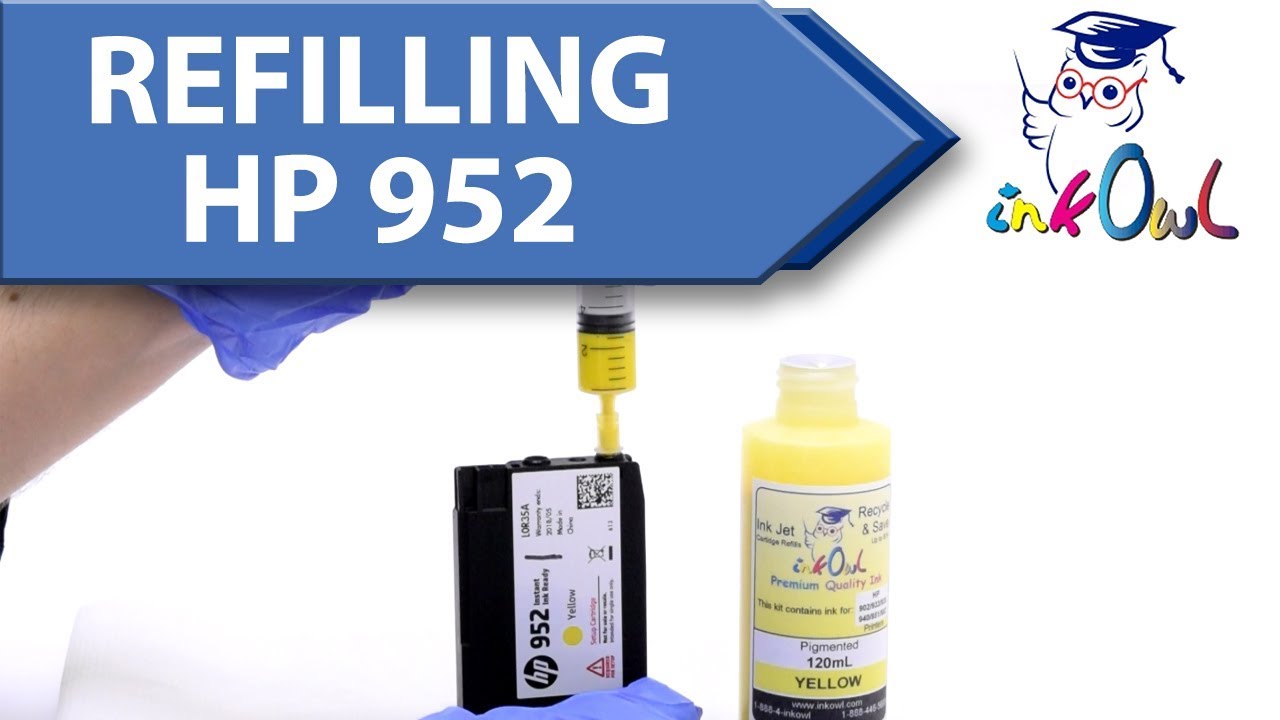
HOWEVER, there is a workaround solution available if you have or obtain an extra or spare set of HP 952 or 952XL OEM ORIGINAL ink cartridges that have not been refilled.
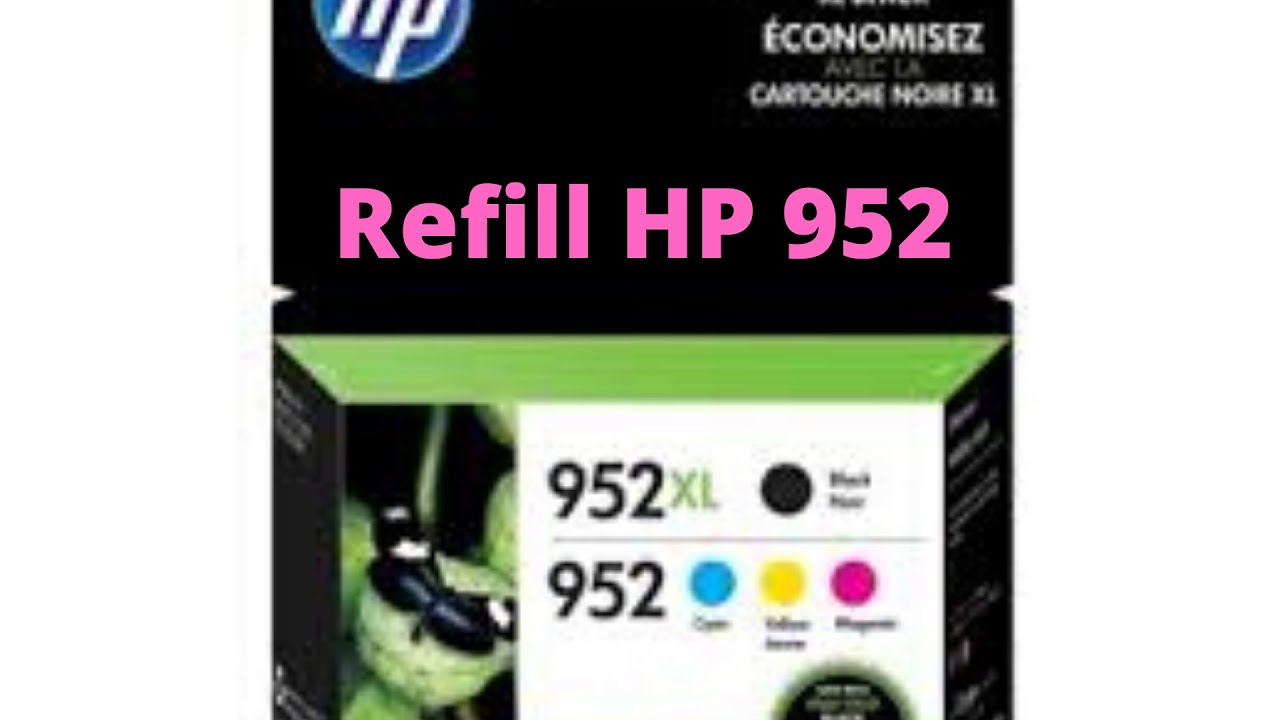
If you have a spare set of HP 952 or 952XL OEM ORIGINAL empty, new or even partially full cartridges on-hand, you can perform the CARTRIDGE SWAP PROCEDURE which will get you up and running again with the refilled cartridges.*
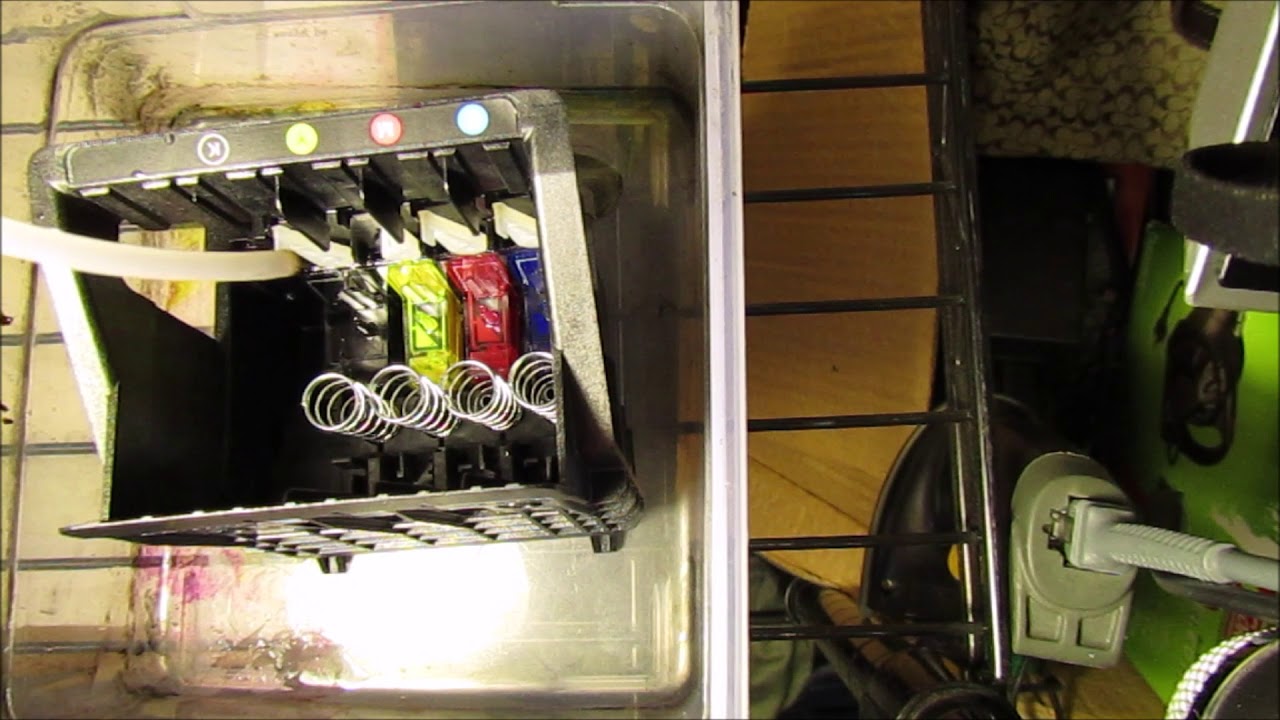
You can activate the newly refilled cartridge by inserting a HP 952 or 952XL ORIGINAL empty or partially full ‘same color spare cartridge’ into the printer for ~25 seconds.* Quickly remove the 952/952XL original cartridge within 30 seconds following insertion into the printer, then you can install the Refilled cartridge(s) and printer operations should be able to resume relatively normally.
NOTE: some nuisance messages will be observed during printing operations, i.e. ‘Non-Genuine Cartridge’, ‘Counterfeit’ alert messages, but these may be ignored/bypassed at the printer.
NOTE: Only HP OEM ORIGINAL ink cartridges (i.e. HP 952 standard or 952 XL new cartridges purchased from HP) can be used to reset the printer each time. Requires a complete set of spare cartridges to activate a full set of refilled ink cartridges. You may NOT use a ‘STARTER/SETUP cartridge’ or an ‘INSTANT INK READY’ cartridge. Nor can you use ‘remanufactured’ or ‘compatible’ cartridges which were purchased off the internet. Each color must be activated by a ‘same color spare cartridge’ HP ORIGINAL OEM ink cartridge.
CAUTION: If installing an ’empty’ HP OEM ORIGINAL cartridge, only allow the empty ink HP cartridge to be installed in the printer for approximately 30 seconds maximum, then immediately remove it. Otherwise, if an empty cartridge is allowed to remain in the printer for more than 1 minute, air could accidentally be ingested into the built-in printhead and may result in a ‘depleted cartridge’ or ‘cartridge failure’ alert message.
NOTE: if this happens just activate 1 or 2 ‘Printhead Cleans’ from the printer’s Tools or Maintenance menu to clear the alert condition.
Supported HP 952/952XL Ink Cartridges
952 Black (F6U15AN#140)
952 Cyan (L0S49AN#140)
952 Magenta (L0S52AN#140)
952 Yellow (L0S55AN#140)
952 XL Black (F6U19AN#140)
952 XL Cyan (L0S61AN#140)
952 XL Magenta (L0S64AN#140)
952 XL Yellow (L0S67AN#140)
956 XL Black (extra high capacity)
Supported Printer Models:
HP OfficeJet Pro 7xxx and 8xxx series
—
For questions regarding ink cartridge refilling, refill store locations or advanced printer problem analysis, please visit the INKJET411 tech support site.
Повторяем попытку...

Доступные форматы для скачивания:
Скачать видео
-
Информация по загрузке: