Change Any Word’s Pronunciation in TalkBack Using Eloquence Text-to-Speech Dictionary 🔥
Автор: Technology blind support
Загружено: 2026-02-08
Просмотров: 182
Описание:
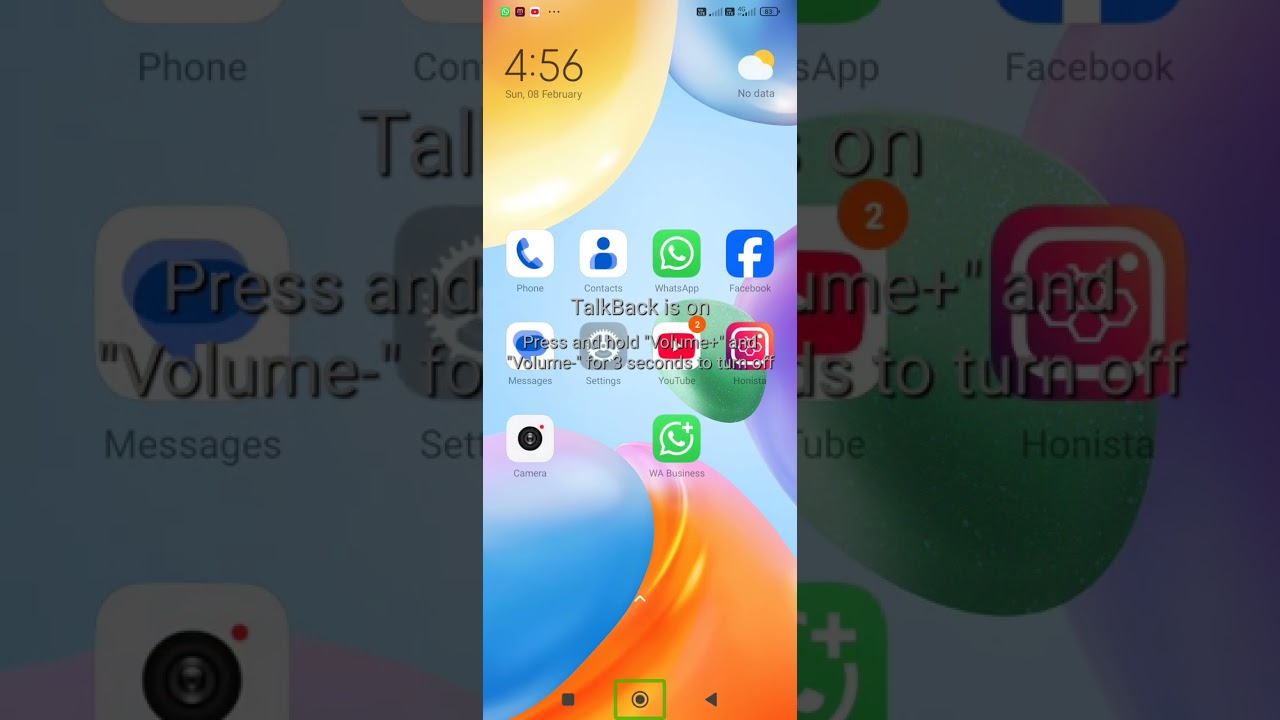
Change Any Word’s Pronunciation in TalkBack Using Eloquence Text-to-Speech Dictionary 🔥In this video, you will learn how to change the pronunciation of any word in TalkBack using **Eloquence Text-to-Speech Dictionary**. Many times, TalkBack pronounces app names, buttons, or words incorrectly, which can be confusing. Using the Eloquence dictionary feature, you can customize how any word is spoken and make TalkBack announce it exactly the way you want.
This tutorial explains step by step how to add, edit, and manage custom words in the Eloquence dictionary so your Android phone speaks clearly and correctly. This trick is very useful for reading app names, settings, contacts, English words, and technical terms with better clarity and comfort.
If you want to make your TalkBack experience more personalized, accurate, and professional, this video is a must-watch.
Watch till the end and don’t forget to like, share, and subscribe for more useful Android accessibility tips.
Eloquence Text to Speech, TalkBack pronunciation change, Eloquence dictionary Android, customize TalkBack voice, change word pronunciation Android, TalkBack tips and tricks, Android accessibility, screen reader Android, TalkBack advanced settings, Eloquence TTS tutorial
#EloquenceTTS #TalkBack #AndroidAccessibility #ScreenReader #EloquenceDictionary #TalkBackTips #AndroidTips #AccessibilityFeatures #BlindTech #TechSupport #technologyblindsupport #accessibility #pramod
Повторяем попытку...
Доступные форматы для скачивания:
Скачать видео
-
Информация по загрузке: