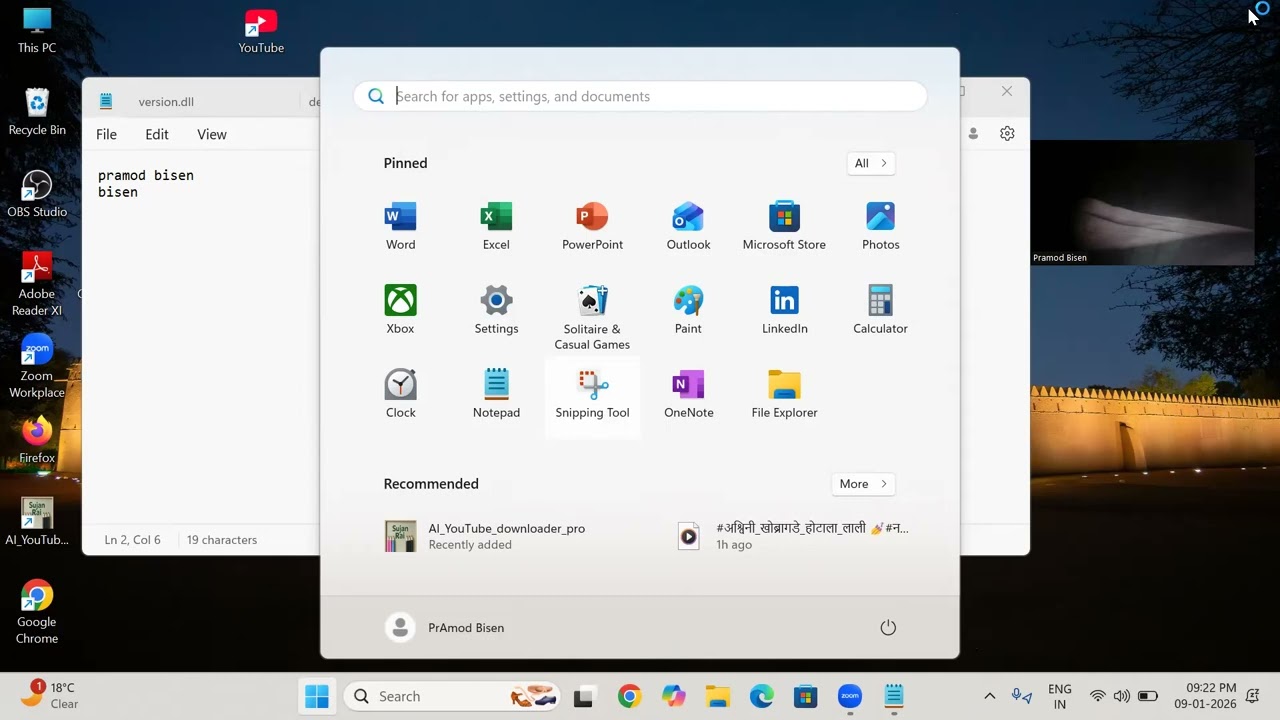
Make NVDA More Interactive! Add Navigation, Typing & Click Sound Effects on Your Laptop Easily 🔊💻
Автор: Technology blind support
Загружено: 2026-02-15
Просмотров: 97
Описание:
In this video, you will learn how to make NVDA more interactive by adding navigation, focus, and action sound feedback on your laptop. Now you can hear different sound effects while moving, selecting, clicking, and using your computer, just like modern screen readers. This method will help you understand where you are on the screen and make your computer use faster, smarter, and more confident. Watch the full video and upgrade your NVDA experience easily with simple steps.
If you want to become expert in using laptop and mobile with screen readers, subscribe to our channel Technology Blind Support.
Thank you for your love and support.
NVDA sound effects, NVDA tips and tricks, NVDA navigation sound, screen reader sound feedback, NVDA accessibility, NVDA tutorial, laptop for blind, computer for blind users, screen reader training, NVDA focus sound, blind technology, assistive technology, NVDA settings, accessibility tools, visually impaired computer skills, Technology Blind Support, Pramod NVDA guide.
#technologyblindsupport #accessibility #pramod #NVDA
#ScreenReader
#Accessibility
#BlindTech
#AssistiveTechnology
#LaptopForBlind
#ComputerSkills
#NVDAIndia
#TechnologyBlindSupport
#Pramod
#DigitalAccessibility
#TechForBlind
#LearnNVDA
#InclusiveTechnology
Повторяем попытку...

Доступные форматы для скачивания:
Скачать видео
-
Информация по загрузке:



![1 A.M Study Session 📚 [lofi hip hop]](https://imager.clipsaver.ru/lTRiuFIWV54/max.jpg)