Ansys Rocky: 2-Way Thermal Coupling with Mechanical
Автор: Ansys How To
Загружено: 2024-03-13
Просмотров: 4249
Описание:
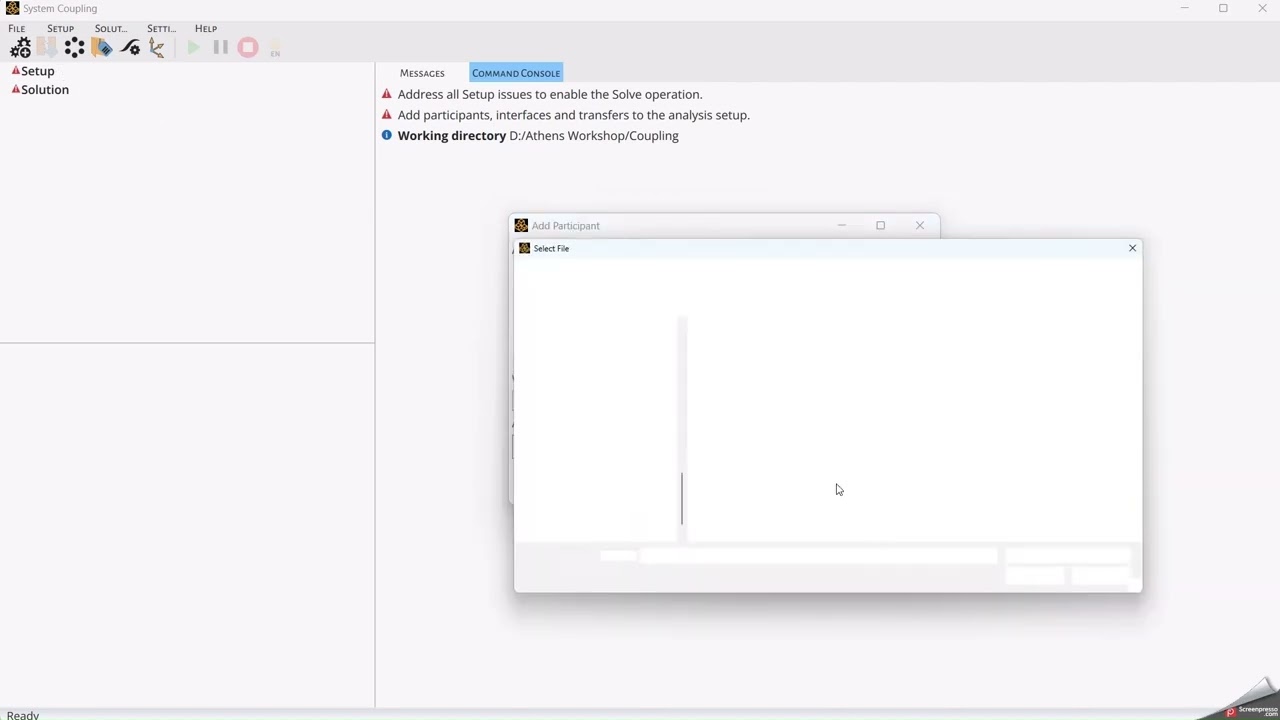
In this video you will learn how to set up a Ansys Rocky 2-Way Coupling with Ansys Mechanical. This coupling brings a significant leap in equipment thermal analysis, users can now run thermal simulations in which particles and equipment affect each other in thermal solutions simultaneously, amplifying insights and boosting the depth of thermal analysis. This feature is very useful for both DEM and SPH simulations.
Learn more about this coupling in the Rocky User Manual: https://ansyshelp.ansys.com/account/s...
Discover more Rocky Content and Free Courses in the Rocky Innovation Space: https://innovationspace.ansys.com/ais...
NOTES:
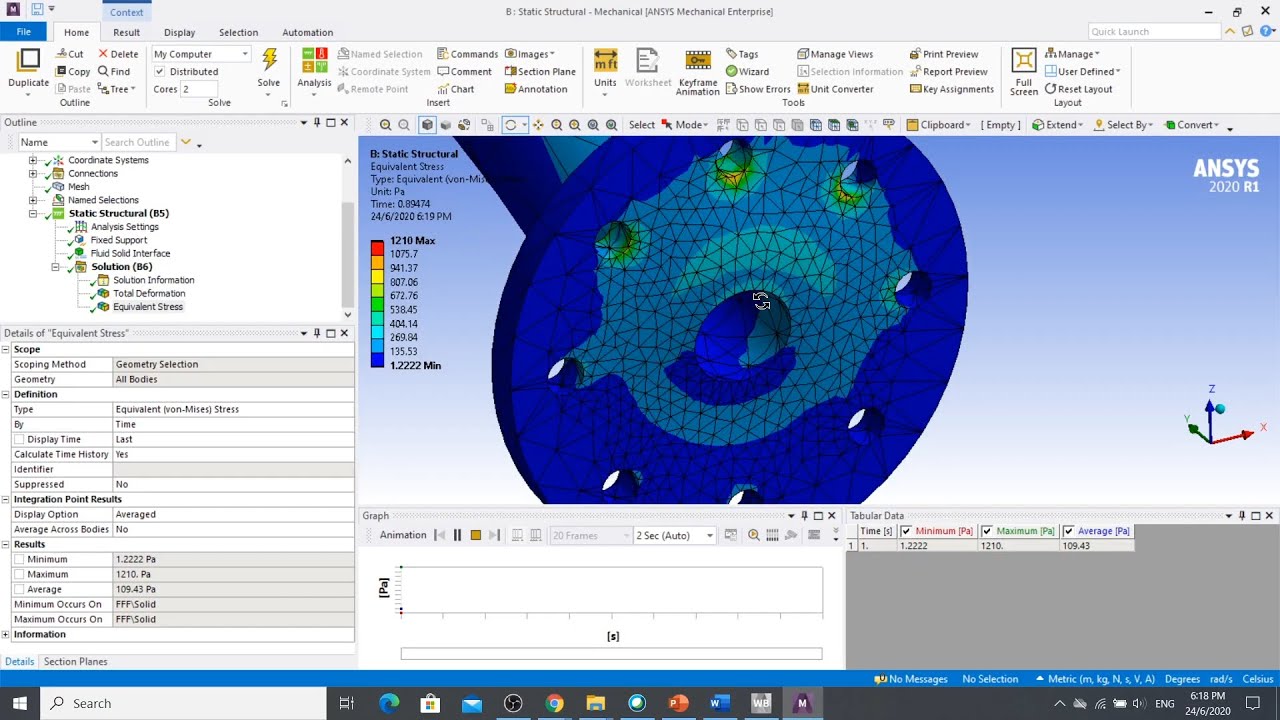
1:12 - Make sure that the Time is equal to the Simulation Duration used in Rocky, and the Time Step could be equal to the Time Interval from Rocky.
2:05 - Set the End Time as the Time used for Mechanical and the Simulation Duration for Rocky, and the Time Step Size could be the same as the Time Step (used in Mechanical) and the Time Interval (used in Rocky).
Повторяем попытку...
Доступные форматы для скачивания:
Скачать видео
-
Информация по загрузке: