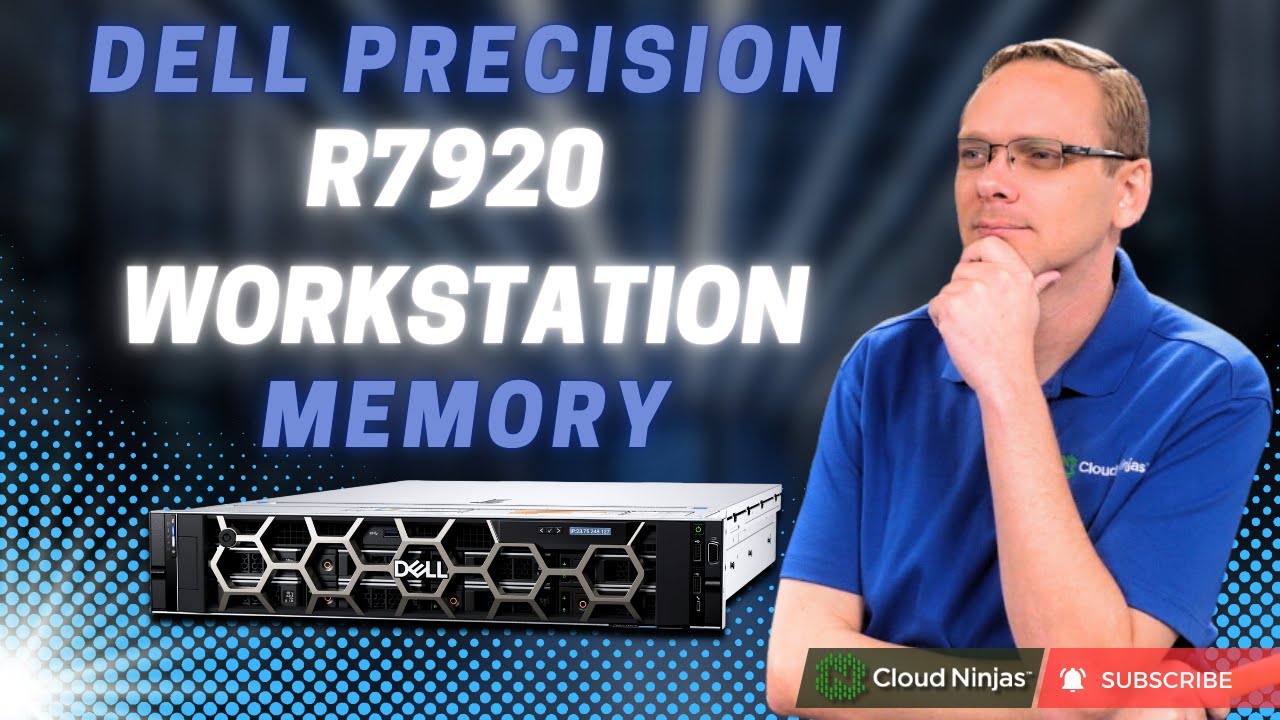
Dell Precision R7920 Workstation Memory Overview & Upgrade | How to Install Memory | Supported DIMMs
Автор: Cloud Ninjas
Загружено: 2024-10-16
Просмотров: 885
Описание:
Dell Precision R7920 Workstation Memory – This will be a continuation of our playlist focused on all aspects of the R7920 server. Let’s explore your R7920 server’s supported memory type, speeds, and capacities. We’ll also guide you through the process of installing the memory. This video series will include:
1. Processors – • Dell Precision R7920 Workstation CPUs | In...
2. Memory – • Dell Precision R7920 Workstation Memory Ov...
3. Drives – • Dell Precision R7920 Workstation |Solid St...
4. BIOS – • Dell Precision R7920 Workstation BIOS Upda...
5. Mass Updates – • Dell Precision R7920 Mass Updates | BIOS, ...
6. iDRAC – • Dell Precision R7920 Server | iDRAC9 Upgra...
7. IP Address – • Dell Precision R7920 Server IP Address Set...
If there is anything else you would like to see, then please drop a comment, and let us know. We want this to be a great tool for the Dell community
Enhance your server operations with the Dell Precision R7920 Workstation featuring DDR4 memory for improved performance. The server had 24 DIMM slots, 12 DIMM slots for each CPU, for capacities of 4GB, 8GB, 16GB, 32GB, 64GB, 128GB, 256GB, and 512GB. Upgrade options include ECC Registered, Load Reduced, and Intel Optane Memory are supported by the R7920. With ECC Registered DIMM (RDIMM) you can max out at 1.5TB using 24 x 64GB RDIMM at 2933MT/s, however this configuration needs 2nd Gen scalable procs and an updated BIOS. With Load Reduced (LRDIMM) modules you can max out at 3TB by installing 24 x 128GB at 2933MT/s, however this configuration needs 2nd Gen scalable procs and an updated BIOS. With Intel Optane memory you can reach a max of 7.5TB by installing 12 x 512GB of Intel Optane memory and 12 x 128GB of LRDIMM (Load Reduced) modules side by side of each other. Cloud Ninjas offers a variety of upgrade packages tailored to any server, allowing you to choose the RAM size that fits your needs.
Custom configure your very own Dell Precision R7920 workstation:
https://cloudninjas.com/products/dell...
Upgrade your Dell Precision R7920 Workstation with compatible processors: https://cloudninjas.com/collections/d...
Upgrade your Dell Precision R7920 Workstation with compatible Solid State Drives: https://cloudninjas.com/collections/p...
Custom configure your very own ASUS RS520A-E12-RS24U 2U 24 Bay SFF server: https://cloudninjas.com/products/asus...
Custom configure your very own ASUS RS500A-E12-RS12U 12 Bay SFF server: https://cloudninjas.com/products/asus...
Custom configure your very own ASUS RS500A-E12-RS4U 4 Bay LFF server: https://cloudninjas.com/products/asus...
Custom configure your very own ASRock 1U4L4E-GENOA/2T 4-Bay SFF NVMe + 4-Bay LFF server: https://cloudninjas.com/products/asro...
Custom configure your own ASRock 1U8S4E-GENOA/2T 8-Bay SFF SATA + 4-Bay SFF NVMe server: https://cloudninjas.com/products/asro...
Custom configure your very own ASRock 1U12E-GENOA/2L2T 12-Bay SFF NVMe 1U server: https://cloudninjas.com/products/asro...
Don’t miss our “Deals Of The Week” for a chance to purchase a server at a competitive price: https://cloudninjas.com/collections/c...
Follow us on:
/ realcloudninjas
/ realcloudninjas
/ cloudninjas
/ cloudninjas
/ cloudninjasllc
Повторяем попытку...
Доступные форматы для скачивания:
Скачать видео
-
Информация по загрузке:





![A SERIOUS Home Server That's Affordable [Lenovo P520]](https://image.4k-video.ru/id-video/mVtIOtU5eHI)