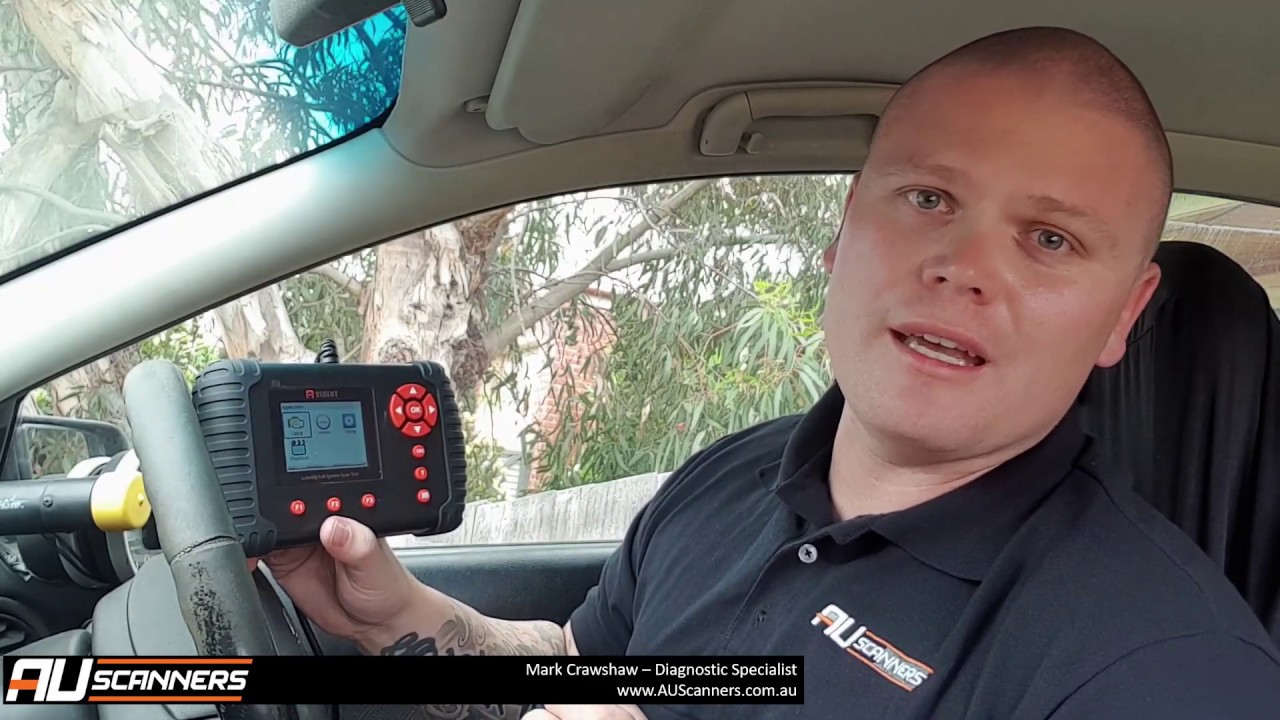
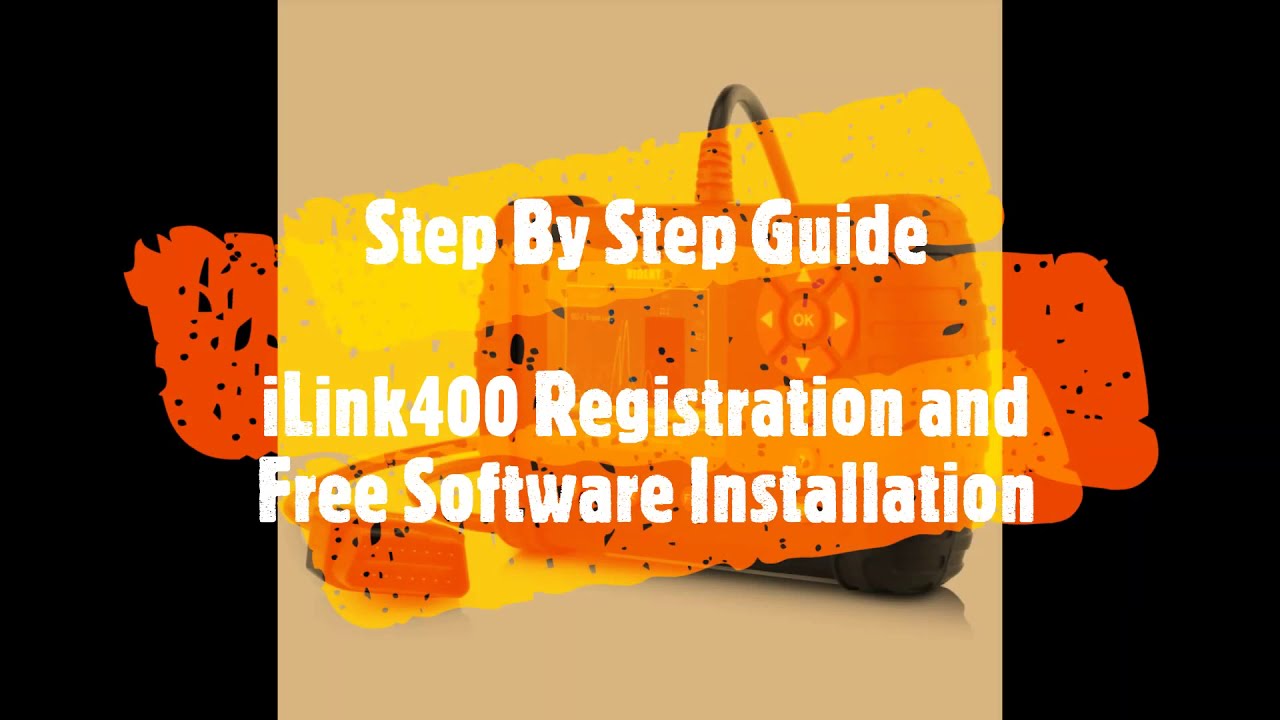
Step by Step Guide Vident i400AU iLink400 Registration and Free Software Installation
Автор: AZscanners
Загружено: 2019-11-14
Просмотров: 7153
Описание:
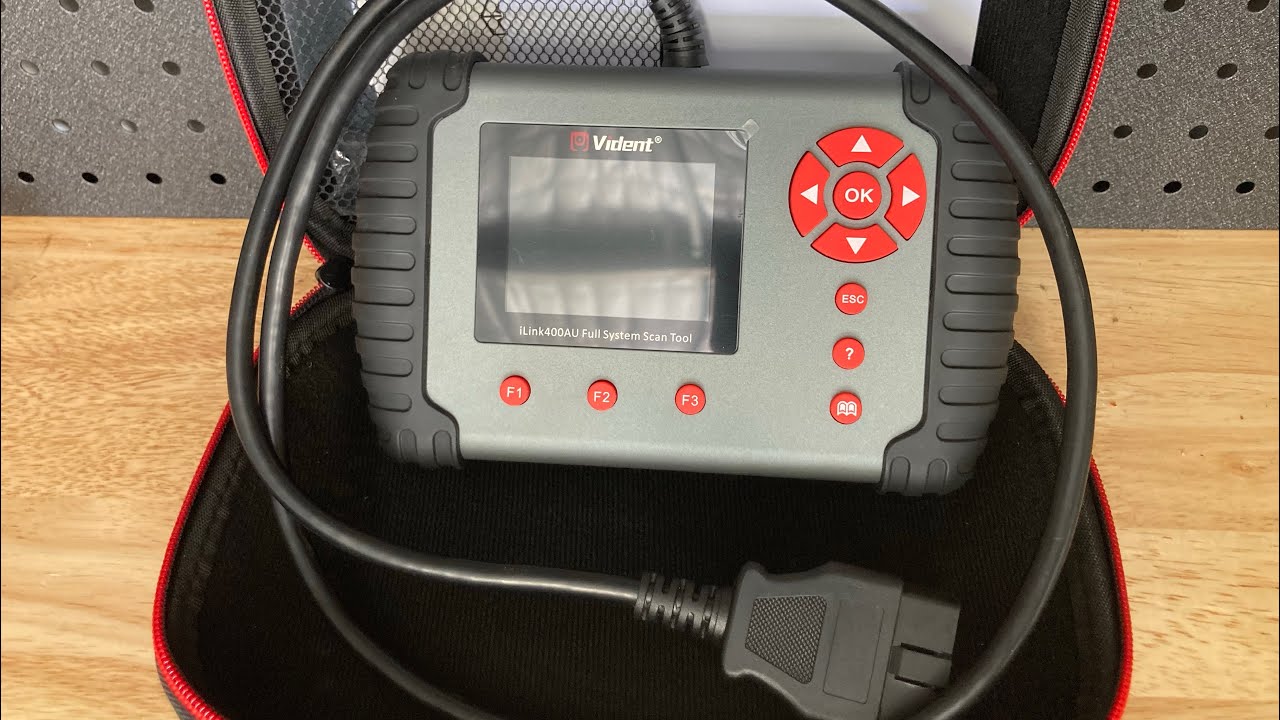
Prerequisites: Vident i400AU Kit, Windows PC (Vista, 7,8,10) & internet connection
See the steps below:
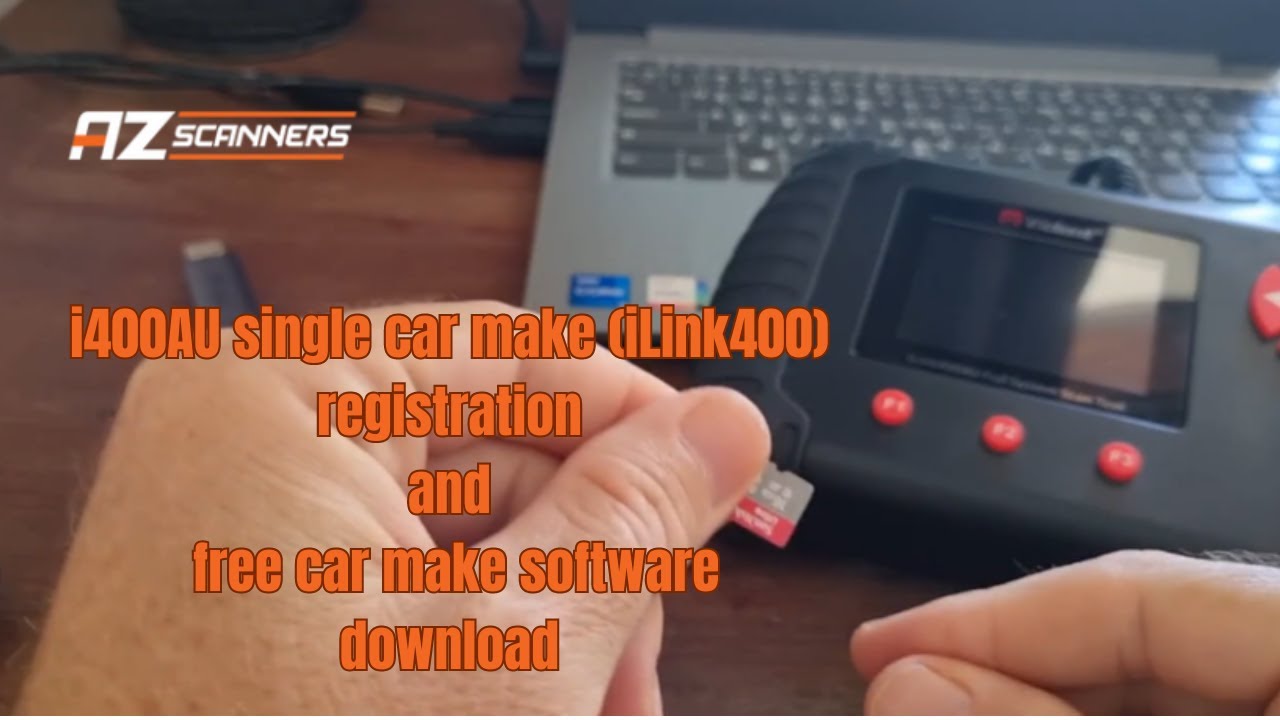
1. Remove SD card from your i400AU and insert into PC using the SD card reader
2. Create you Vident account on http://www.videnttech.com and validate the account in your email
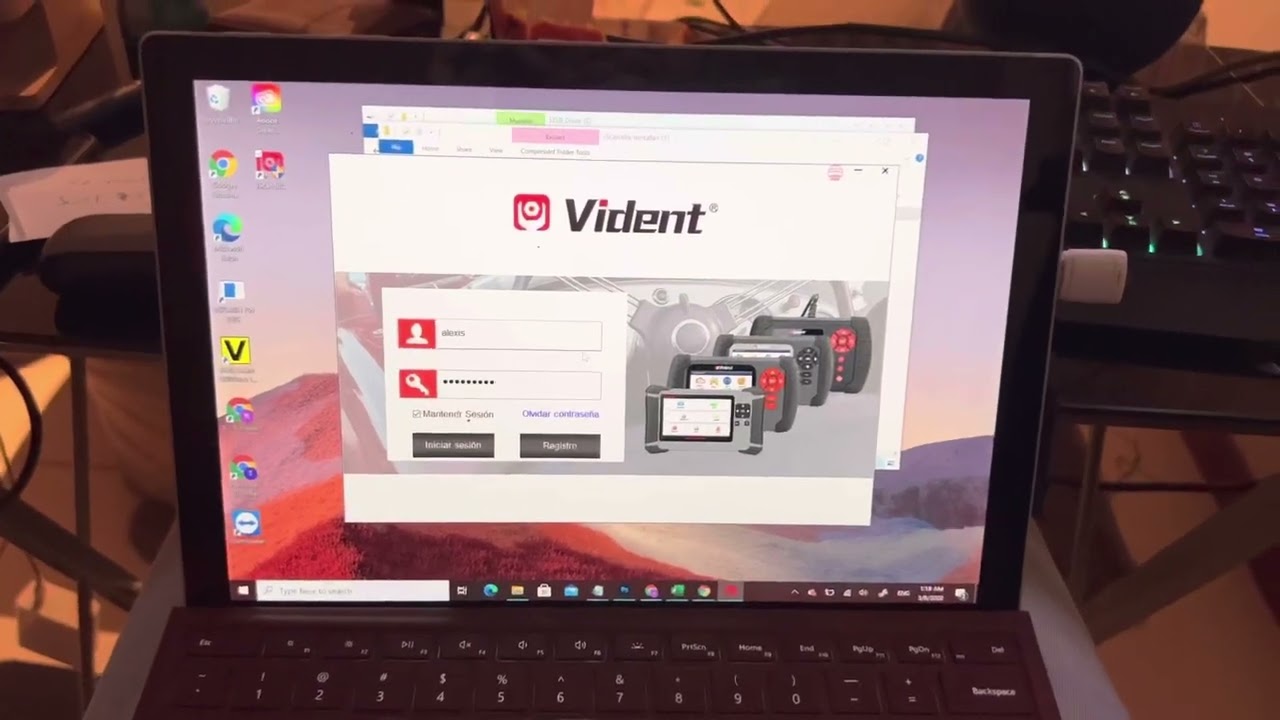
3. Download, extract & install iScanZilla software to manage your i400AU from
http://www.videnttech.com/product/ite....
4. Run iScanZilla software and log in with your Vident account details to register and download your preferred free car make software
*login to iScanZilla using your Vident account user name & password
*your i400AU's Serial Number & Password (register password) can be found on the note within your kit
5. Insert SD card back into your i400AU
6. Plug your i400AU to vehicle's OBD port to operate it
If you successfully downloaded your preferred free car make software (eg Toyota that we used as example in this video) you should be able to see its logo on the homescreen.
Повторяем попытку...
Доступные форматы для скачивания:
Скачать видео
-
Информация по загрузке: