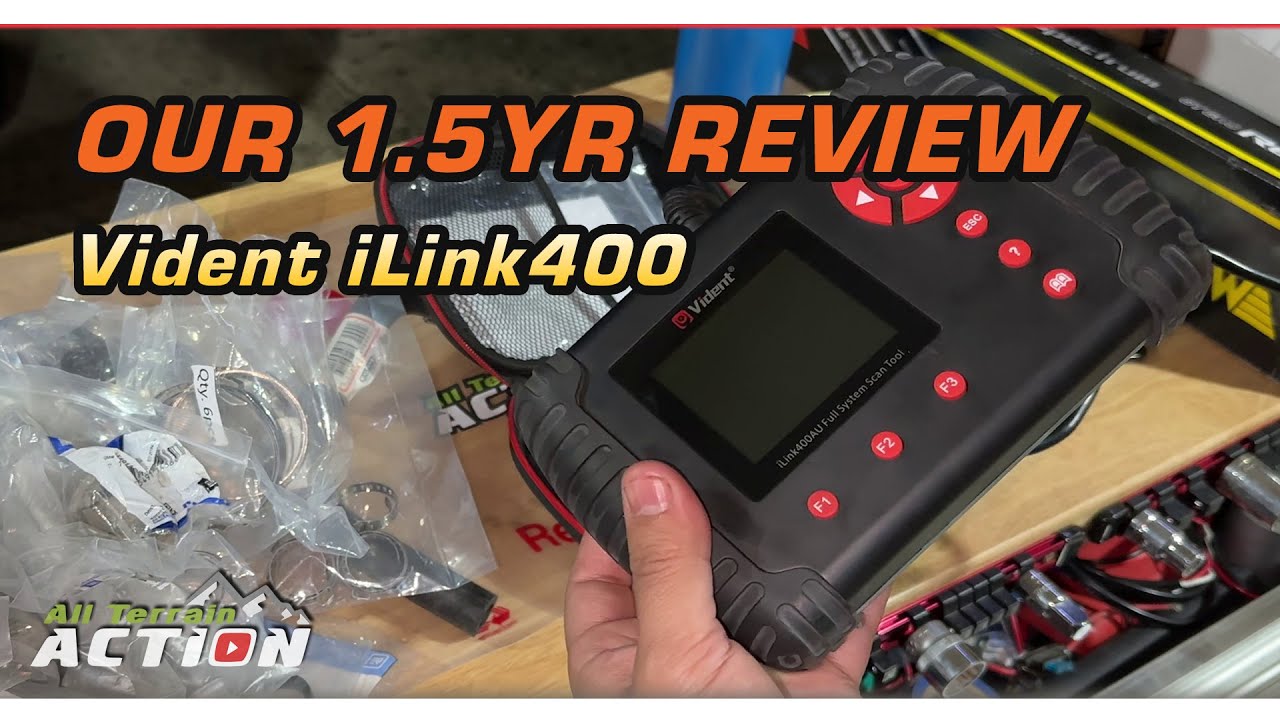
Vident iLink400 (i400AU) registration and 1st free car make software download- Step by Step Guide
Автор: AZscanners
Загружено: 2024-05-21
Просмотров: 3157
Описание:
Prerequisites:
Vident i400AU Kit
Windows PC (Vista, 7,8,10 or 11) with internet connection
*Note - iScanZilla does not work with Mac
and can be run on WINDOWS COMPUTERS ONLY*
i400AU kit includes:
Vident i400AU scan tool with DLC cable (16 pins)
SD card reader
Serial number and password note
User’s guide
REMINDER
If you have purchased i400AU for Holden (iLink400HLDN), i400AU for Toyota (iLink400TOYOTA) or i400AU for AU Ford (iLink400AUFORD)
Your scan tool is pre-loaded with the 1st free software and is ready to be used as received.
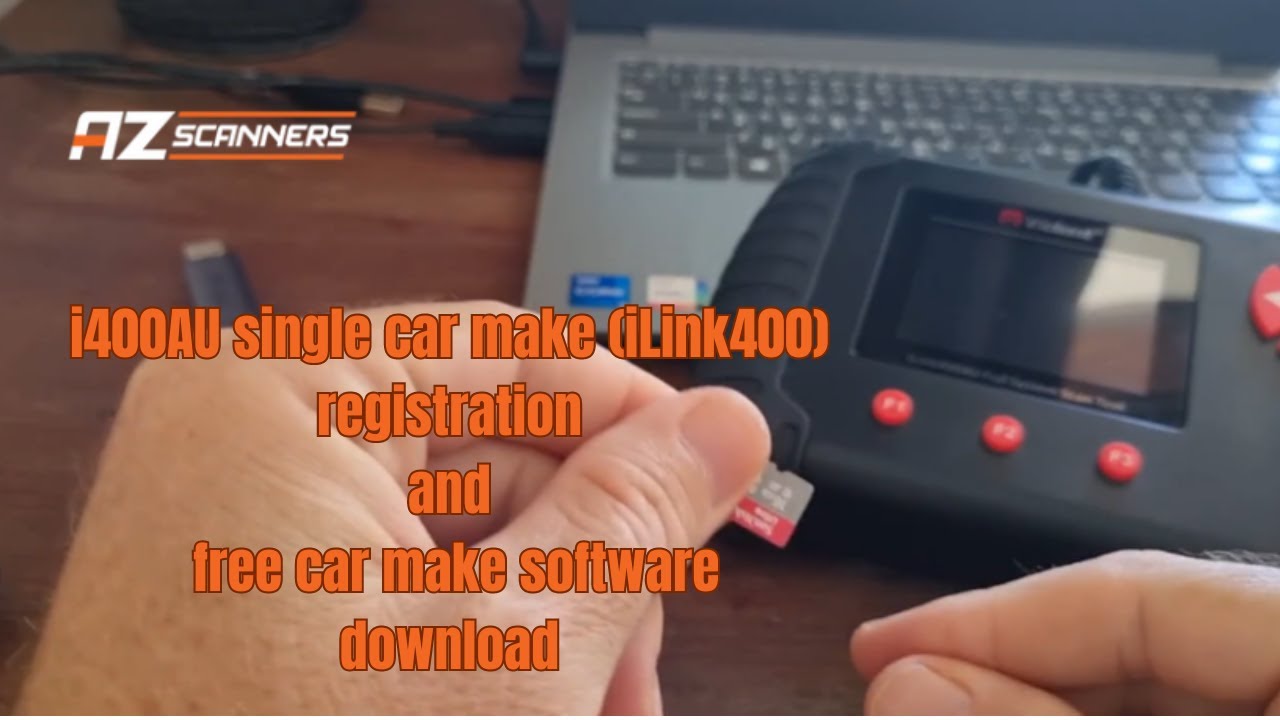
0:28 Step 1. Remove SD card from your i400AU and insert into PC using the SD card reader
0:48 Step 2. Create your Vident account on http://www.videnttech.com/register/st... and validate the account in your email
1:52 Step 3. Download, extract & install iScanZilla software to manage your i400AU
*the iScanZilla installer is on the SD card that came with the unit atlernatively it can be downloaded here http://www.videnttech.com/product/ite...
3:23 Step 4. Run iScanZilla software and log in
4:14 Step 5. Register your i400AU and download your 1st free car make software
6:18 Step 6. Insert SD card back into your i400AU
6:33 Step 7. Plug your i400AU to vehicle's OBD port to operate it
If you successfully downloaded your preferred free car make software
(eg Toyota that we used as example in this video) you should be able to see its logo on the homescreen.
If you would prefer a written step by step guide, check our blog post here: https://www.azscanners.com.au/blog/ob...
Music credits: The Doors
Повторяем попытку...
Доступные форматы для скачивания:
Скачать видео
-
Информация по загрузке: