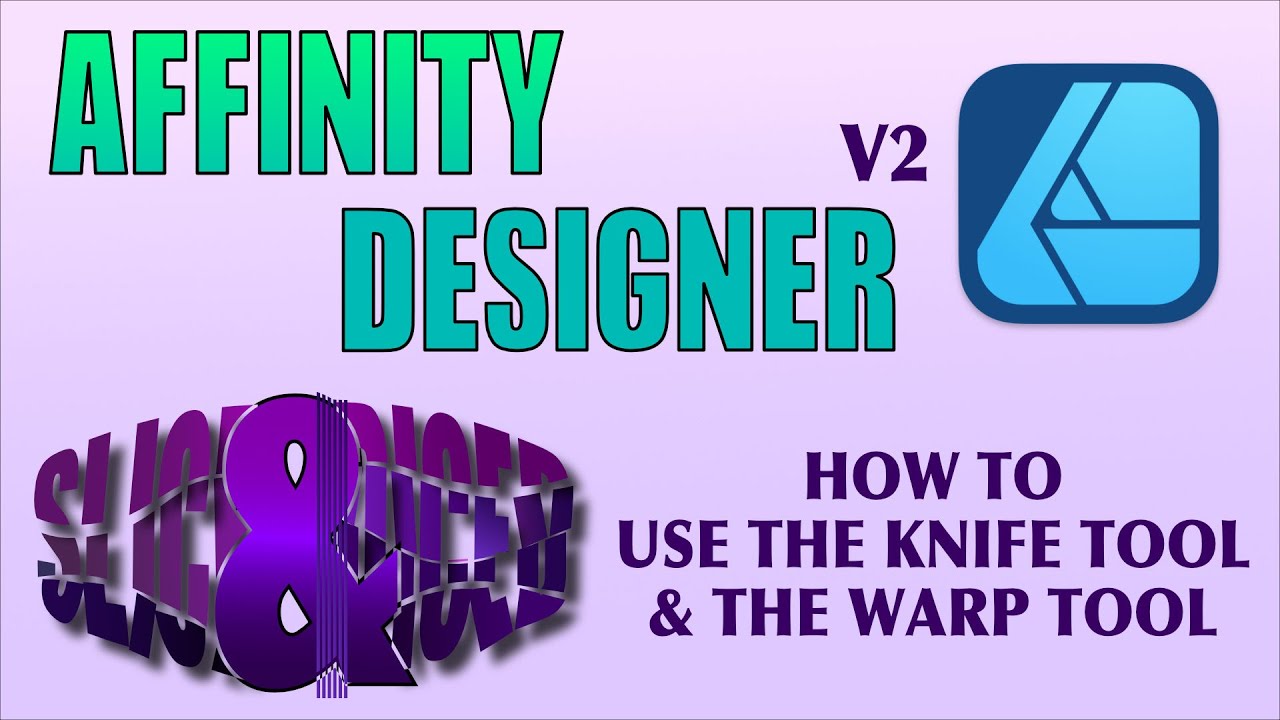
Affinity Designer 2 - How Use the Knife Tool and Warp Your Design
Автор: Good and Geeky
Загружено: 2022-11-21
Просмотров: 346
Описание:
Chapters:
00:00 - Intro
00:18 - The End Result
00:28 - Let's get started
00:46 - Warp text or Curves?
01:12 - How it gets messed up
01:42 - Applying a Warp to Curves
01:56 - Convert the Warped Curves
02:10 - Knife Tool Options
02:28 - Stabilised Knife Tool or Not?
02:46 - Rope Mode
03:09 - I don't want it to Autoclose
03:36 - Wireframe mode to make the cuts
03:57 - Making the cuts with the knife
04:24 - Splitting the shapes apart
04:39 - Selecting the wire frame of the objects
05:31 - Dicing and slicing
05:58 - Track pad woes
06:24 - Changing the design
07:03 - Turn off the snapping
07:32 - Stretching the design shape
08:14 - Put some colour in there
08:30 - Gradient colour tool
09:21 - Changing the colours as required
09:48 - Adding a Shadow effect
10:02 - Copy and paste effects
10:38 - Working on the centre of the design
11:05 - Add an outline
11:38 - Concert to curves and expand the stoke
12:06 - Lock and make invisible
12:26 - Get ready for the Shape Builder tool
12:43 - Shape Builder time...
13:01 - Subtracting shapes
13:38 - Unlock and Display the shape
13:50 - Use the arrange tool to move to the back
14:08 - More Twiddling and fiddling with the design
14:24 - Command J ato duplicate objects
14:45 - Cutting shapes away
15:22 - Shape builder tool again
15:35 - Add a background
15:51 - Finish off the design with a purple background
16:03 - Outro
How to make a design with Affinity Designer version 2 tools . Tips and tricks to get the most from Affinity Designer version 2.
I used the Warp Tool, the Knife Tool and Shape Builder to work on this purple design. Having fun with Affinity Designer.
Please subscribe to make sure you hear about all the Good and Geeky / Wizardgold videos. I love my technology - Nissan Leaf 2018 electric car. Using my Apple Mac computer and of course doing amazing stuff with my iPad.
Be sure to subscribe and leave a random comment so we can mess with the Youtube algorithm
You can subscribe here
Good and Geeky Channel - https://goodandgeeky.com/Youtube
On the Good and Geeky Channel, you'll also find playlists so that you can see all the videos for specific areas of interest.
Popular playlists such as Good and Geeky, EV20Q, Mac20Q, and NoStylus.
Let's get Social
Twitter - / wizardgold
Twitter - / a20q
FaceBook - http://goo.gl/mz4Gd
~-~~-~~~-~~-~
Please watch: "Compound Shape Tool, Knife Tool or Shape Builder Tool - Which is Best Tool in Affinity Designer"
• Compound Shape Tool, Knife Tool or Shape B...
~-~~-~~~-~~-~
Повторяем попытку...
Доступные форматы для скачивания:
Скачать видео
-
Информация по загрузке:












![Введение в интерфейс Adobe After Effects. Эпизод 2/48 [Adobe After Effects для начинающих]](https://imager.clipsaver.ru/O6KRRQm6meY/max.jpg)