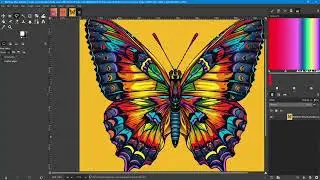
Using Images as Text Headlines in Your Designs
Автор: Way Out Works
Загружено: 2026-01-09
Просмотров: 14
Описание:
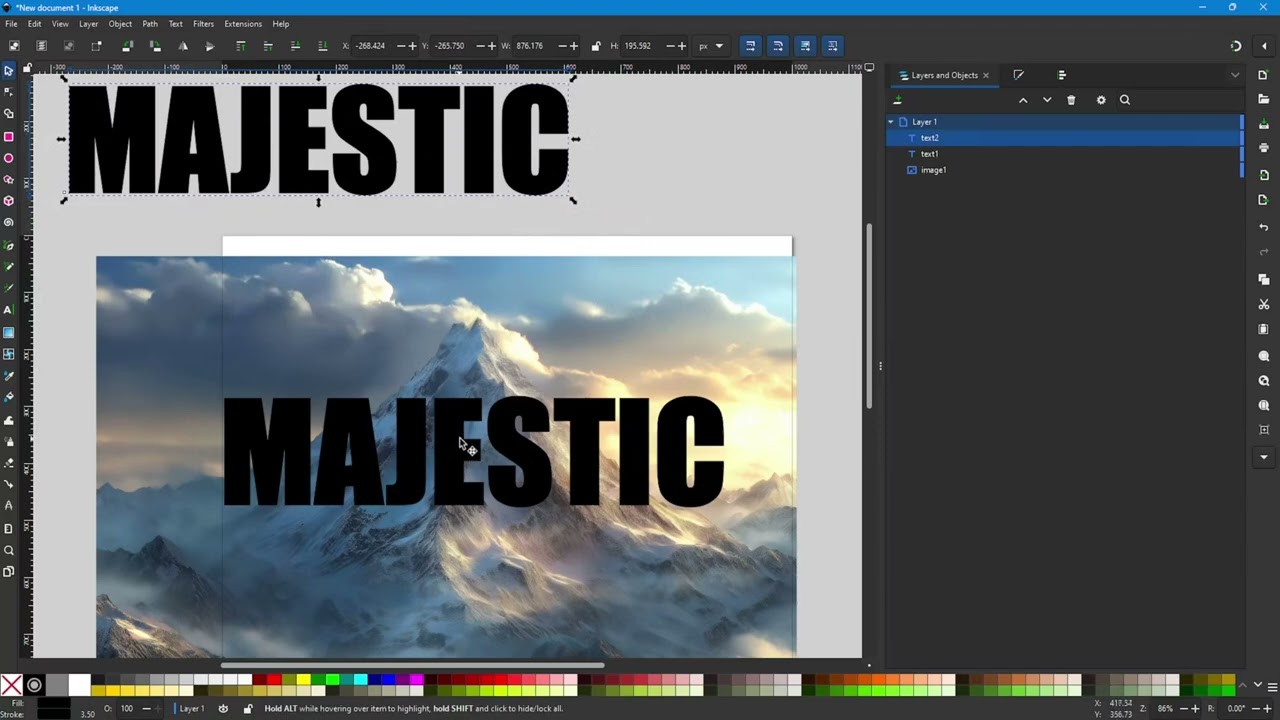
In this video I demonstrate how to fill text with an image in Inkscape. In the video I either show or mention in passing the following concepts:
1. Importing a raster image into Inkscape.
2. The difference between embedding an imported image and linking an image.
3. Creating text using the Text Tool.
4. Using the settings bar for the Text Tool.
5. Sizing and scaling objects using the Selector Tool and the Crtl-Shift keys.
6. Clipping an image using a text object.
7. How to duplicate an object using Ctrl-D
8. Aligning objects using the Align Panel.
9. Opening the Alignment Panel when it is not already visible.
10. How to align objects relative to the Page.
11. Aligning objects relative to the first selected.
12. Aligning objects relative to the last selected.
13. Using a second copy of text to create a border effect on a clipped image using the stroke style.
14. Exporting a vector as a PNG file.
15. Opening the Export panel when it is not visible.
16. Exporting images at 300 DPI.
Website and Blog: https://wowdezign.com
Where to find my designs:
RedBubble: https://wayoutworks.redbubble.com
TeePublic: https://teepublic.com/user/wayoutworks
Printify: https://wayoutworks.printify.me
Phone Cases:
Printify: https://wayouttech.printify.me
Повторяем попытку...
Доступные форматы для скачивания:
Скачать видео
-
Информация по загрузке:






![InkScape — Учебное пособие для начинающих за 13 МИНУТ! [ПОЛНОЕ РУКОВОДСТВО]](https://image.4k-video.ru/id-video/rFYQW2DCM2I)