ycliper

Популярное

Музыка Кино и Анимация Автомобили Животные Спорт Путешествия Игры Юмор

Интересные видео

2025 Сериалы Трейлеры Новости Как сделать Видеоуроки Diy своими руками

Топ запросов

смотреть а4 schoolboy runaway турецкий сериал смотреть мультфильмы эдисон
Скачать

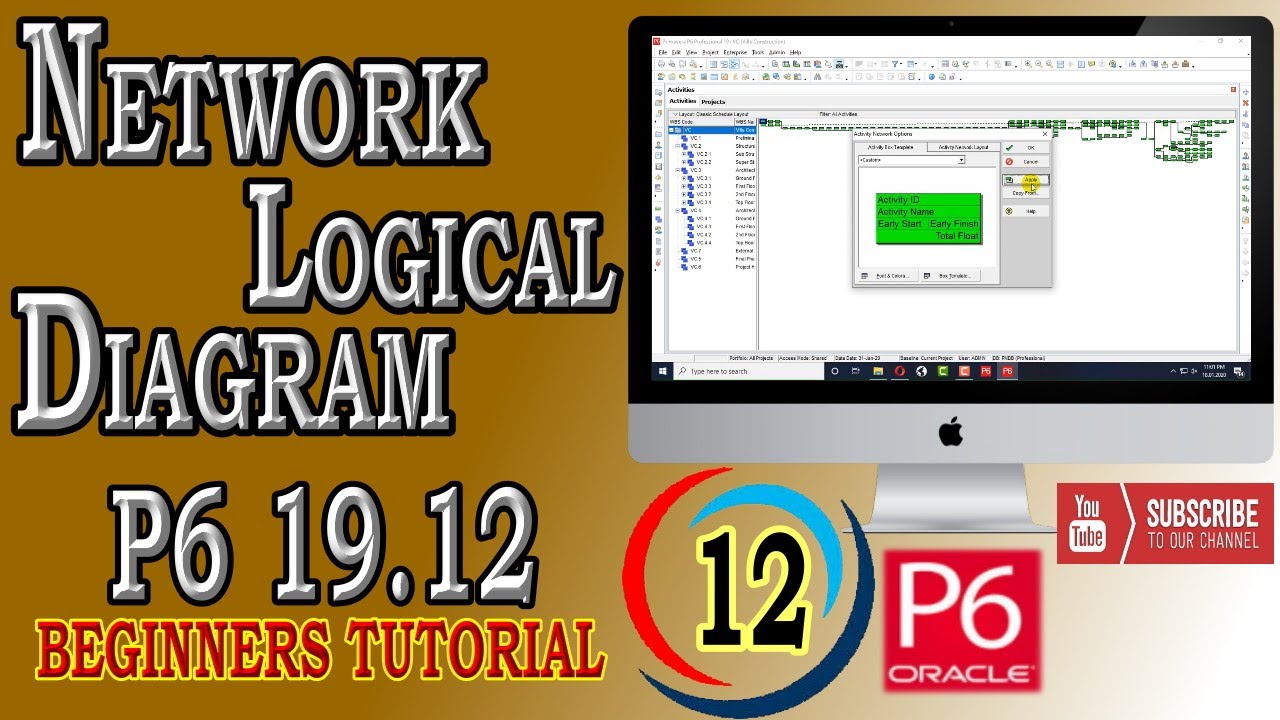
How to Trace Logic Through Activity Network PERT | Primavera P6 | 19.12 | Beginners Tutorial

Автор: SoftEdemy

Загружено: 2020-01-22

Просмотров: 7621

Описание: SoftEdemy is latest academy for learning all software’s up to professional level
#PrimaveraP6, #TraceLogic, #ActivityNetwork
In this video we have discussed about

activity network (activity graph) A graphical method for showing dependencies between tasks (activities) in a project. The network consists of nodes connected by arcs. Nodes denote events and represent the culmination of one or more activities. Arcs represent activities and are labeled with the name of the activity and have an estimated time to complete the activity. Dummy unlabeled arcs with zero completion time are used to fan out from one event to other dependent events. Before progress can be made from one event to another, all activities leading to that event must have been completed. The longest path through the activity network gives the completion time for the project represented by the network. See also critical path method, PERT chart.

Previous Videos

How to Download and Install Primavera P6 |19.12 | 18.8 | Latest Version| Oracle | Free Download
   • Видео  

Introduction of Interface | Primavera P6 | 19.12 | 18.8 | Latest 2020
   • Introduction of Interface | Primavera P6 |...  

How to Create Organizational Breakdown Structure | Primavera P6 |19.12 | 18.8 | Latest Version 2020
   • How to Create Organizational Breakdown Str...  

How to Create Enterprise Project Structure | Primavera P6 |19.12 | 18.8 | Latest Version 2020
   • How to Create Enterprise Project Structure...  

Create a Project | Primavera P6 |19.12 | 18.8 | Latest Version 2020
   • How to Create a Project | Primavera P6 |19...  

How to Create and Assign Project Codes| Primavera P6 |19.12 | 18.8 | Latest Version 2020
   • How to Create and Assign Project Codes| Pr...  

How to Create Work Breakdown Structure | Primavera P6 | 19.12 | 18.8 | Latest 2020
   • How to Create Work Breakdown Structure | P...  

How to Create Calendar | Primavera P6 | 19.12 | 18.8 | Latest 2020
   • How to Create Calendar | Primavera P6 | 19...  

How to Create Activity | Primavera P6 | 19.12 | 18.8 | Latest 2020
   • How to Create Activity | Primavera P6 | 19...  
How to Create and Assign Activity Codes to Activities | Primavera P6 | 19.12 | 18.8 | Latest 2020
   • How to Create and Assign Activity Codes to...  
How to Assign Relationships to Activities | Primavera P6 | 19.12 | 18.8 | Latest 2020
   • How to Assign Relationships to Activities ...  

Не удается загрузить Youtube-плеер. Проверьте блокировку Youtube в вашей сети.
Повторяем попытку...
How to Trace Logic Through Activity Network PERT | Primavera P6 | 19.12 | Beginners Tutorial

Поделиться в:

Доступные форматы для скачивания:

Скачать видео

  • Информация по загрузке:

Скачать аудио

Похожие видео

How to Assign Constraint to Activities  | Primavera P6 | Beginners Tutorial

How to Assign Constraint to Activities | Primavera P6 | Beginners Tutorial

Создание фрагмента с задержкой

Создание фрагмента с задержкой

Обновлять графики P6 стало проще с помощью Excel [Как сделать]

Обновлять графики P6 стало проще с помощью Excel [Как сделать]

Convert WBS to Activity Code without SDK

Convert WBS to Activity Code without SDK

How to Use Trace Logic in Primavera P6 | Save Layout and Print Trace Logic | #PlanningP6 | Projects

How to Use Trace Logic in Primavera P6 | Save Layout and Print Trace Logic | #PlanningP6 | Projects

How To Use Visualizer PrimaveraP6 for Schedule Comparison | Create Gantt Charts with Visualizer P6

How To Use Visualizer PrimaveraP6 for Schedule Comparison | Create Gantt Charts with Visualizer P6

Управление базовыми показателями в Primavera P6

Управление базовыми показателями в Primavera P6

Как выполнить анализ критического пути в Primavera P6

Как выполнить анализ критического пути в Primavera P6

How to Update Progress  | Primavera P6 | 19.12 |  Beginners Tutorial

How to Update Progress | Primavera P6 | 19.12 | Beginners Tutorial

Primavera P6: Reporting and Preparing KPI Charts

Primavera P6: Reporting and Preparing KPI Charts

Use forward and backward pass to determine project duration and critical path

Use forward and backward pass to determine project duration and critical path

How to Use Group and Sort By Activities| Primavera P6 | 19.12 | Beginners Tutorial

How to Use Group and Sort By Activities| Primavera P6 | 19.12 | Beginners Tutorial

Как построить S-образную кривую или рассчитать денежный поток в Excel, используя данные Primavera...

Как построить S-образную кривую или рассчитать денежный поток в Excel, используя данные Primavera...

How to Format Bar Chart Option | Primavera P6 | 19.12 |  Beginners Tutorial

How to Format Bar Chart Option | Primavera P6 | 19.12 | Beginners Tutorial

Управление проектами, сетевая диаграмма, прямой и обратный проход. #инженермальчик

Управление проектами, сетевая диаграмма, прямой и обратный проход. #инженермальчик

How to Create Activity | Primavera P6 | 19.12 | Beginners Tutorial

How to Create Activity | Primavera P6 | 19.12 | Beginners Tutorial

Oracle Primavera P6 Visualizer

Oracle Primavera P6 Visualizer

How to Create and Assign Activity Codes to Activities  | Primavera P6 | 19.12 |  Beginners Tutorial

How to Create and Assign Activity Codes to Activities | Primavera P6 | 19.12 | Beginners Tutorial

How to Perform Resource Leveling to activities | Primavera P6 | 19.12 | Advanced Tutorial

How to Perform Resource Leveling to activities | Primavera P6 | 19.12 | Advanced Tutorial

How to fix out of sequence activities in P6 is finally revealed using an excel filter

How to fix out of sequence activities in P6 is finally revealed using an excel filter

© 2025 ycliper. Все права защищены.


  • Контакты
  • О нас
  • Политика конфиденциальности


Контакты для правообладателей: [email protected]