Setting Up Dual Screen Games on the Steam Deck (2022)
Автор: GameXData
Загружено: 2022-09-03
Просмотров: 42393
Описание:
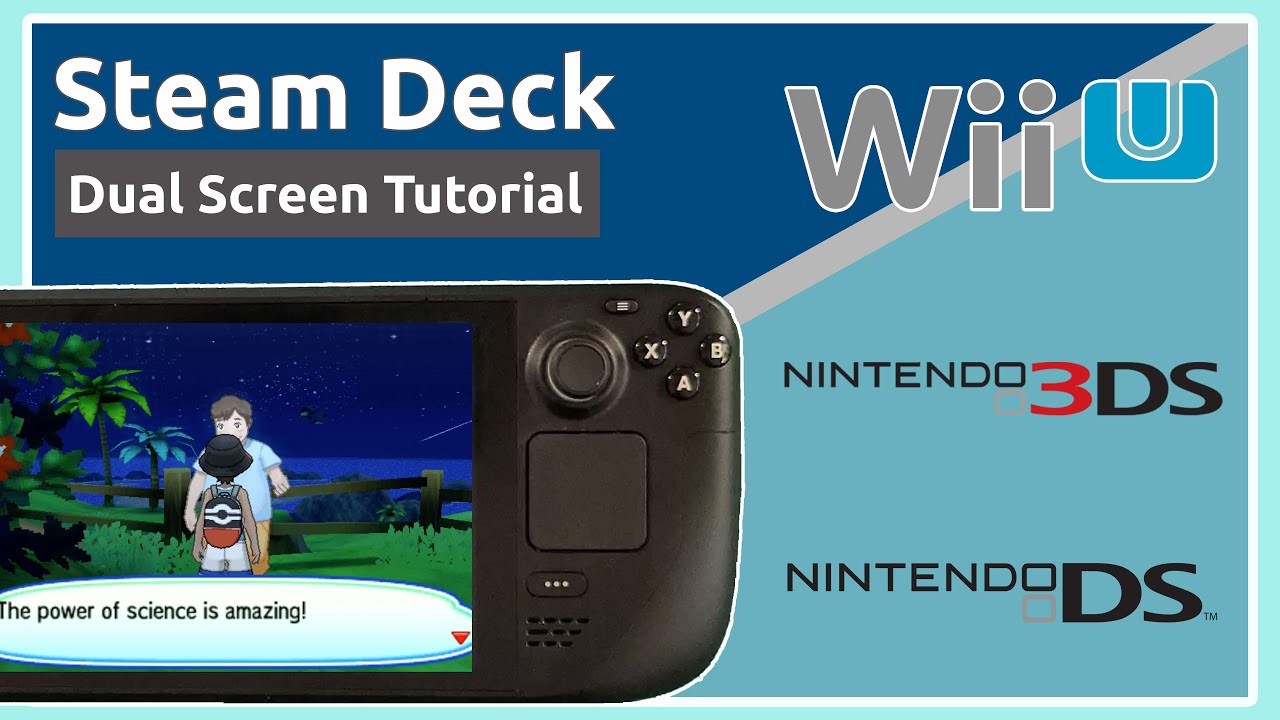
Various dual screen consoles have released over the years, providing players fresh ways to think about gameplay and game design. Unfortunately, emulating games from those consoles has typically required either sacrificing comfort or one of the screens.
Luckily, handheld PCs like the #SteamDeck can be used to eliminate those sacrifices and have more fun playing. In this video, we share one available #emulation method for the three largest dual screen consoles (Wii U, DS, and 3DS) to get the gameplay looking great on the Steam Deck.
Emulation notes:
Top screen gameplay capture was completed using a Genki Shadowcast. Bottom screen gameplay was captured on a Steam Deck using OBS.
In general, we'd recommend connecting the Steam Deck to a USB-C monitor to play for long sessions. For very quick gameplay capture, both top and bottom screens can be captured on the Steam Deck with minimal performance drops. Alternately, USB-C hubs + capture cards work best for capturing footage.
Links:
Citra config files: https://ko-fi.com/s/39f23efc97
(Note: We replaced the Google Drive link with a Ko-Fi link for easy of access. It's all still completely free to download.)
EmuDeck: https://www.emudeck.com/
Wii U ROM Dumping: https://cemu.cfw.guide/dumping-games....
DS and 3DS ROM Dumping: https://citra-emu.org/wiki/dumping-ga...
Chapters:
00:00 Intro
00:55 Background
01:45 Wii U
03:39 DS
05:51 3DS
12:17 Outro
Повторяем попытку...
Доступные форматы для скачивания:
Скачать видео
-
Информация по загрузке:


