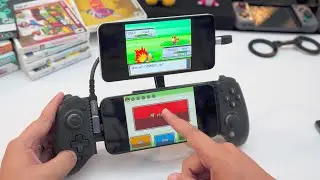
How to Turn Most Devices into Wireless Dual Screen Emulators
Автор: GameXData
Загружено: 2023-09-24
Просмотров: 24824
Описание:
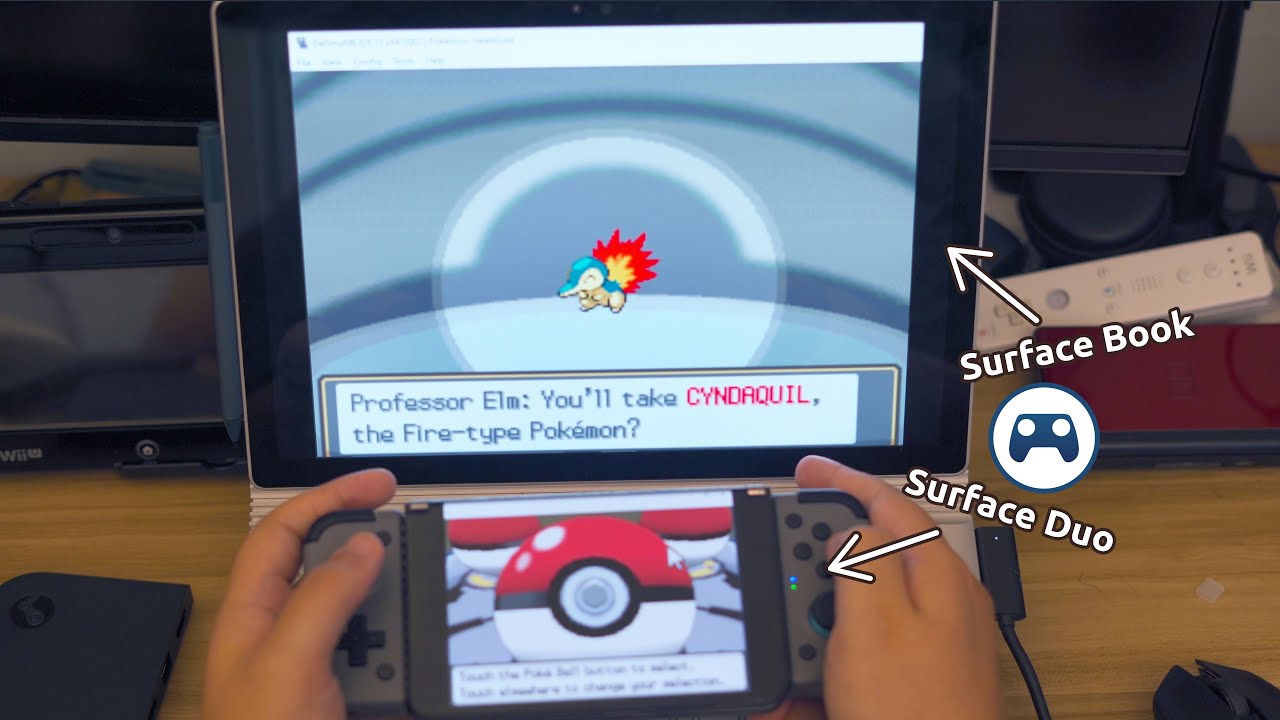
Been dying to play DS, 3DS, or Wii U games on a bit screen but don't have a console to make it happen? You're in luck! By using a simple trick of Steam Link, you can now easily turn most modern devices into dual screen emulators. Quite literally, if you have a computer powerful enough to emulate dual screen systems and a smartphone, it takes only minutes to merge the two into something that feels much better than cramming a touchscreen in the corner of a display.
Written Guide (Patreon): / how-to-turn-most-89736857
Steam Deck Guide: • Adding a Wireless Second Screen to a Steam...
X: / _gamexdata
BlueSky: https://bsky.app/profile/gamexdata.bs...
Threads: https://www.threads.net/@gamexdata
Ko-Fi: https://ko-fi.com/gamexdata
Recommended Controllers:
GameSir x2: https://amzn.to/3Ntqnfo
Razer Kishi: https://amzn.to/44kPIiq
Backbone: https://amzn.to/3CLEms3
Controller phone clip: https://amzn.to/44xytul
8BitDo SN30 pro clip-on controller: https://amzn.to/3XFqBF0
Other product links:
HDMI Dummy Plug (1080P): https://amzn.to/3P0u0dv
HDMI Dummy Plug (4K): https://amzn.to/45yalZJ
Steam Link: https://store.steampowered.com/remote...
Retroid Pocket 3+: https://www.goretroid.com/collections...
Retroid Pocket Flip: https://www.goretroid.com/collections...
Ayn Loki Zero: https://www.ayntec.com/products/loki-...
Disclaimer:
Buying anything using the Amazon affiliate links above may earn this channel a small commission.
Chapters:
00:00 Intro
01:05 Setup Method
02:56 Steam Link Display Focus
04:21 Display Settings - Getting Started
05:59 Display Settings - Fine Tuning
07:16 Controller Setup - Getting Started
08:35 Controller Setup - Using Integrated Controllers
10:07 Device Recommendations - Primary Devices
11:53 Device Recommendations - Secondary Devices
13:21 Final Thoughts
Повторяем попытку...
Доступные форматы для скачивания:
Скачать видео
-
Информация по загрузке: