This is the enviolo AUTOMATiQ app
Автор: Enviolo
Загружено: 2022-11-21
Просмотров: 6870
Описание:
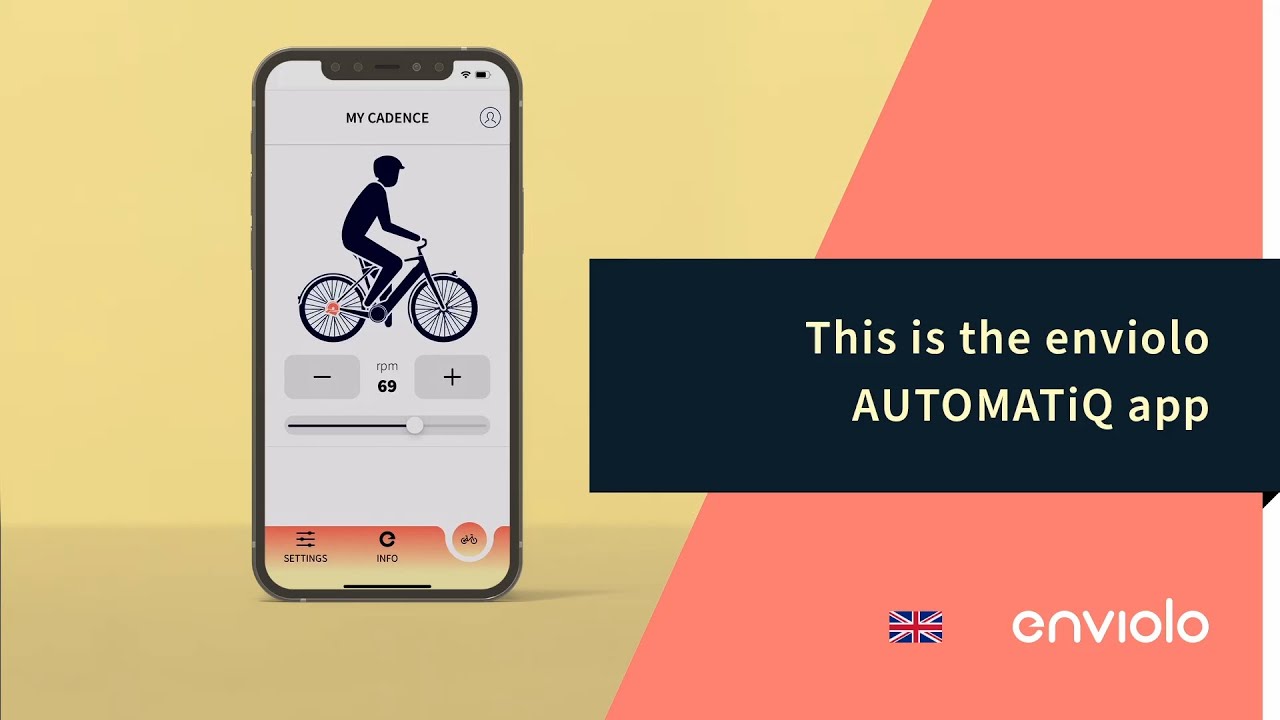
This is the enviolo AUTOMATiQ app.
00:04 - Open the enviolo app on your phone and turn on Bluetooth.
00:10 - Turn on the e-Bike system.
Activate the pairing mode by pushing and holding the white button on the hub interface until it starts blinking blue.
00:21 - The serial number, also shown on the bottom of the hub interface housing, will appear on the screen. Select the correct interface by clicking on it and confirm the pairing request.
00:34 - The navigation bar is shown at the bottom of the screen.
00:38 - The pedal pace can be adjusted under "Preferences".
This can be done by clicking on the plus and minus buttons or by using the slider.
Info will provide all necessary interface information, such as serial number, Odometer and bike model.
00:56 - When going to "Settings", a few options are provided. "Operation mode" allows you to switch from auto to manual and vice versa.
"Start after stop" can be adjusted with one swipe of the finger, providing the possibility to personalize the ratio when taking off from a standstill position.
When there is a Firmware update available, you will be able to get the update via the "Firmware" button.
All other settings can be adjusted by clicking on "Scan QR".
01:24 - Calibrate provides the option to calibrate the AUTOMATiQ hub interface.
01:30 - The login button can be found in the top right corner.
This function is only to be used by manufacturers during the production process.
There is no login required in order to work with the interface.
01:43 - Learn more about the enviolo app at https://support.enviolo.com
AUTOMATiQ, cycling, ebike, enviolo, gear shifting, stepless shifting,
Повторяем попытку...
Доступные форматы для скачивания:
Скачать видео
-
Информация по загрузке:


