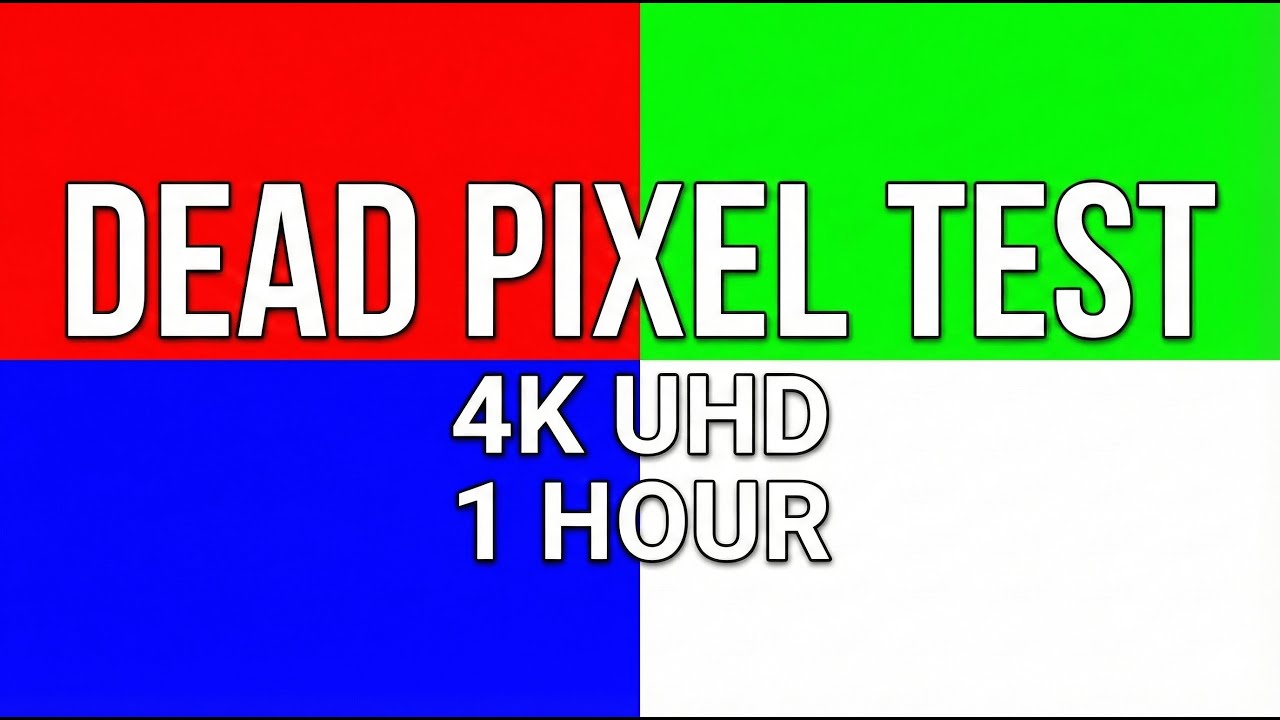
Dead Pixel Test & Screen Problem Check (1 Hour) | Laptop, OLED & Monitor Diagnostic
Автор: ScreenFix Lab
Загружено: 2026-01-08
Просмотров: 2060
Описание:
This is a 1-hour dead pixel test and stuck pixel checking video designed for monitors, TVs, smartphones, tablets, and other displays. For best results, watch in 4K and full screen mode.
This video displays 12 pure solid colors, each shown for 5 minutes, with no sound or visual effects.
🔴 WHAT IS THIS VIDEO FOR?
• Dead pixel detection
• Stuck pixel checking
• Screen uniformity testing
• Color and display inspection
• Monitor, TV, OLED & LCD screen testing
This video does NOT guarantee repair of dead pixels. It is a visual diagnostic tool.
✅ HOW TO USE:
1. Clean your screen carefully.
2. Set video quality manually to 4K (2160p).
3. Enable full screen mode.
4. Observe the screen closely for dots that do not change color.
⏱️ COLOR TIMESTAMPS:
00:00 Red
05:00 Green
10:00 Blue
15:00 White
20:00 Black
25:00 Yellow
30:00 Cyan
35:00 Magenta
40:00 Gray 50%
45:00 Gray 25%
50:00 Gray 75%
55:00 Final Color Cycle
⚙️ TECHNICAL DETAILS:
• Resolution: 3840 × 2160 (UHD 4K)
• Frame Rate: 60 FPS
• Colors: Solid RGB & Grayscale
• Audio: No sound
• Effects: None
🔎 Advanced Display Diagnostics: Use this video to troubleshoot common computer led display problems and identify monitor blurry display issues. Before searching how to fix dead pixels on laptop screen, run this full cycle to locate the exact defect. Perfect for checking LG OLED TV screen problems, spotting OLED display disadvantages (like burn-in), and evaluating your screen's brightness and contrast calibration.
⚠️ DISCLAIMER:
This video is intended for screen testing purposes only. While color cycling may help identify stuck pixels, it cannot fix physically damaged or dead pixels.
#ScreenFixLab #DeadPixelTest #StuckPixelFix #ScreenTest #4K #MonitorTest
Повторяем попытку...
Доступные форматы для скачивания:
Скачать видео
-
Информация по загрузке:



![Best of Deep House [2026] | Melodic House & Progressive Flow](https://imager.clipsaver.ru/Il-ZpBuC8tA/max.jpg)






![Pantalla Blanca [super brillante] 2 horas #ledlights #colors #mood #white #nosound #chromakey #led](https://imager.clipsaver.ru/gX368MdTuOw/max.jpg)