Nuke Tutorial For Beginner : Introduction
Автор: cg artist all rounder
Загружено: 2026-01-02
Просмотров: 39
Описание:
Learn Foundry Nuke fast! This playlist is your step-by-step guide to becoming a Compositor. We break down complex concepts into simple, easy-to-follow videos in Hindi and English.
What's inside:
Intro to Nodes vs. Layers
Essential Merge & Color Nodes
Professional Roto & Paint
3D Tracking & Matchmoving
Nuke सीखें अपनी भाषा में! Perfect for students and freelancers. Don't forget to hit the Bell Icon to stay updated!
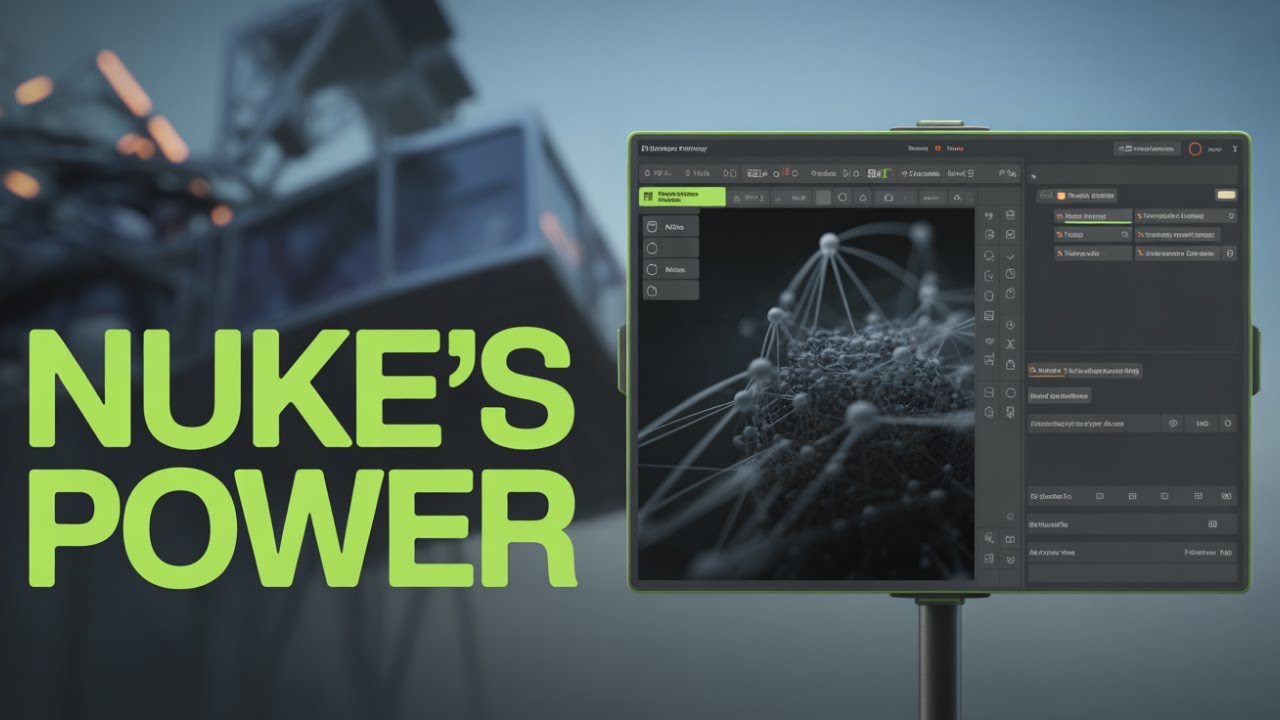
Nuke is the industry-standard node-based digital compositing software developed by Foundry. While many people think of "Photoshop for video," Nuke is more like a visual programming environment where you manipulate pixels using mathematical algorithms to create seamless visual effects (VFX).Originally developed by Digital Domain for in-house use on films like Titanic and Apollo 13, it is now the primary tool used by major studios like ILM, Weta Digital, and Framestore for Hollywood blockbusters and high-end episodic TV.Core Concept: Nodes vs. LayersUnlike Adobe After Effects, which uses a vertical "stack" of layers (similar to a timeline or Photoshop), Nuke uses a Node Graph.Nodes: Each node represents a specific operation (e.g., a ColorCorrect node, a Blur node, or a Transform node).The Flow: You connect these nodes with "pipes." This creates a visual map of the entire composite, allowing you to see exactly how an image is being processed from start to finish.The Benefit: It is non-destructive and highly organized for complex shots. You can easily branch one image into multiple effects and see the results instantly without "pre-composing" or digging through nested layers.Key Features & ToolsNuke is designed to handle high-resolution footage (4K and beyond) with absolute precision.FeatureDescriptionDeep CompositingAllows you to work with "deep data" (pixels containing multiple depth samples), meaning you can combine CG elements without needing to re-render everything when something changes.3D WorkspaceIncludes an integrated 3D environment for camera tracking, 3D projections, and placing 2D elements into 3D space.Machine LearningFeatures like CopyCat allow artists to train their own neural networks to automate repetitive tasks like rotoscoping or de-blurring.Python APINuke is highly customizable. Most studios build their entire pipeline around Nuke using Python scripts to automate complex workflows.The Nuke FamilyFoundry offers different versions based on the scale of your project:Nuke: The core node-based toolset.NukeX: Adds advanced tools like a 3D camera tracker, particle system, and machine learning toolsets.Nuke Studio: Combines the power of NukeX with a multi-shot editorial timeline for managing entire sequences.Nuke Indie: A more affordable version for solo artists and freelancers.Why Use Nuke?While software like After Effects is excellent for motion graphics, Nuke excels in photo-realism. It is built for "invisible" VFX—making a CGI dragon look like it’s actually standing in a real forest by perfectly matching lighting, grain, lens distortion, and color science.Would you like me to walk you through a basic "Merge" operation in Nuke to show you how the node connections actually work?
nuke tutorial for beginners, nuke tutorials for beginners, nuke beginner tutorial, beginner vfx tutorial compositing in nuke, nuke for beginners, nuke begginer tutorial, compositing in nuke for beginners, introduction to nuke, nuke introduction, #introduction to nuke, beginner compositing tutorial, nuke tracker tutorial, hair roto nuke tutorial, nuke tracking tutorial, nuke tutorial tracking, nuke tutorial, nuke rotoscope tutorial, nuke tutorial compositing, nuke rotoscoping tutorial, nuke tutorial vfx
Повторяем попытку...
Доступные форматы для скачивания:
Скачать видео
-
Информация по загрузке: