Building a model of Mount St Helens PART 2: Creating an Octane texture for our TerraformFX model
Автор: Almost Daily Render
Загружено: 2021-09-30
Просмотров: 1159
Описание:
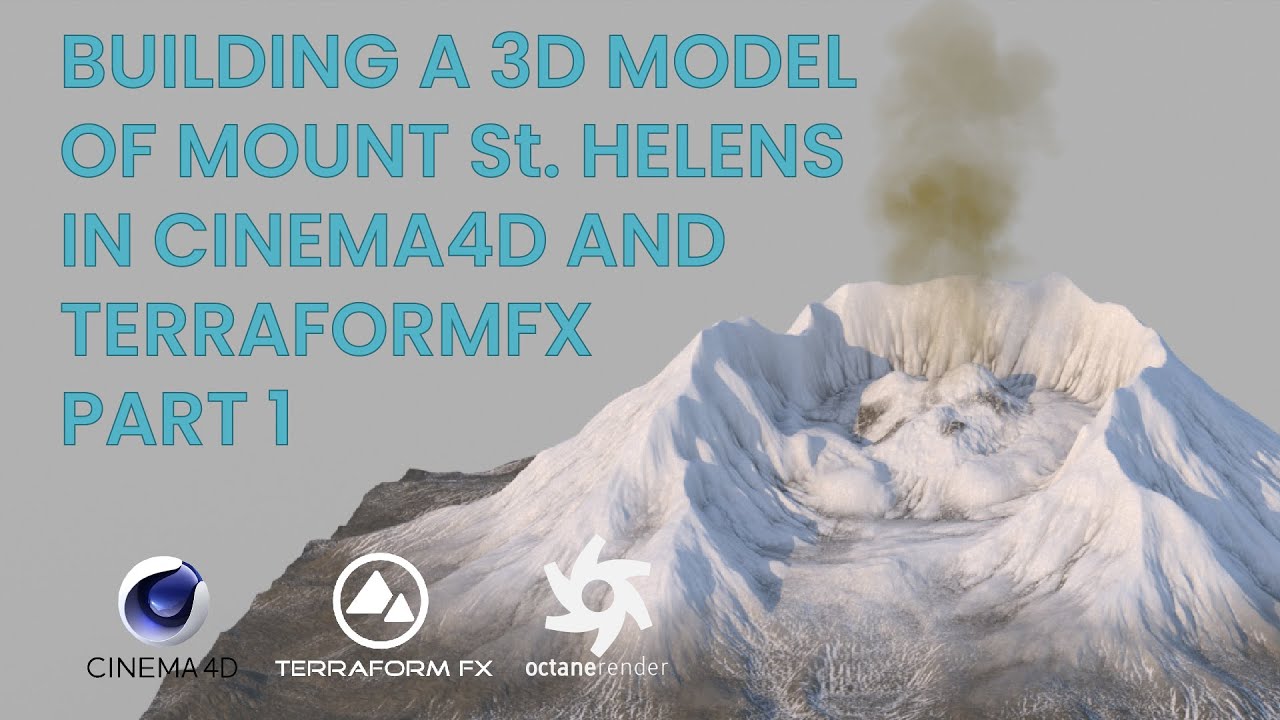
This is the second part of Creating a Model of Mount St. Helens. If you haven't watch part 1 yet, then I suggest you watch that if you like to follow along. In part 1 we created a model of Mount St. Helens using DEMs in TerraformFX and Cinema 4d. You can see the first part here: • Building a model of Mount St Helens using ...
To follow along with this tutorial, you need to have access to Cinema 4D, Insydium Fused (X-Particles, TerraformFX) and Octane.
In part two we will be creating elements for our infographic of Mount St. Helens, such as contour lines and a smoke plume. We will also be creating a simple material in Octane to texture our volcano. I will be taking a different approach to my original model, where I didn't really use reference photos and was more artistic. This time we will be making our model look more realistic. But it's up to you how you want to texture your model. Be creative!
This is a fairly long video, it took a lot of editing to get this to the time it is, hopefully I haven't cut out anything important. If there is anything you don't quite get or you need a better explanation of, then contact me and I will do my best to help. I've added chapters so you can follow along at your own pace.
As well in this video I will be using nulls and external compositing tags to bring information into After Effects. Watch this video, there's information you need if you haven't used the C4DImporter Plugin in! External Compositing: • External Compositing from Cinema 4D to AE....
IMPORTANT! I forgot to give you some information, this is important, but not the end of the world. In the last part I explain that I only need to render out frames 0-359 so that I can create a seamless loop. I forgot to mention that, even though you do need to change the render range in the output tab in the render settings, you also need to change the project settings to 359 frames. If you don't do that, then the AEC file will record that there are 361 instead of 360 frames. So, when you bring the AEC file into After Effects there will be a blank frame in the composition. Basically the AEC file will create a composition that is 361 frames long. I will cover this in depth in the third video. Sorry for any confusion.
This project is in 3 parts, this is part 2:
Part 1: I will cover where you can find your DEMs and how you can bring them into TerraformFX to get a base model for sculpting. My DEM is of a low resolution, so I will break down the process of what operators I used and how I used these to get a relatively detailed model. It's a not an exact replica, but you can get a good representation of your subject for a presentation.
Part 2: I will show you how I textured the original model and the process of creating a new Octane material for our new model. We're going to create some elements for our presentation, like a smoke plume and contour lines. I'm going to cover the use of external compositing for our call outs. If you haven't watched it already, I cover external composting in this video • External Compositing from Cinema 4D to AE....
Part 3: Once we've rendered our animation, we're going to assemble everything in After Effects. I will show you my workflow using Crypto Passes.
Chapters:
00:00 Intro
01:55 A quick walk through of my project settings
06:16 Creating the contour lines
19:07 Building a volcanic smoke plume with X-Particles
26:47 Creating an Octane material for our volcano
57:49 A quick rundown of our sediment material for our base
59:32 Adding the volcanic smoke plume to our scene with a VDB Volume
1:06:57 Adding the contour lines to our scene with an Octane object tag
1:09:49 Octane render settings, Crypto Passes and External Compositing
1:16:26 Happy Rendering
Sources:
https://earthexplorer.usgs.gov/
Subscribe: / usgs
If you are into 3D, Cinema 4D, X-particles, After Effects and the like. Then like, subscribe and tinkle the notification bell, so you don't miss a thing. I'll be uploading projects and Tutorials regularly.
System Specs:
CPU: AMD Ryzen 9 3950X
GPU: NVIDIA GeForce RTX 2080 Super
Motherboard: MEG X570 UNIFY
RAM: Corsair CMK32GX4M2B3200 16 DDR4 x4 64GB
Tools I use: Cinema 4D, Octane, Redshift, X-Particles, After Effects, Illustrator, Photoshop, Character Animator
www.stephencourtney.ca
/ almost_daily_render
#Cinema4D #Xparticles #Octane
Повторяем попытку...

Доступные форматы для скачивания:
Скачать видео
-
Информация по загрузке: