StroboPLUS HDC Metronome Video Instructional Manual - 4 Beats per Measure
Автор: PetersonTuners
Загружено: 2022-05-06
Просмотров: 602
Описание:
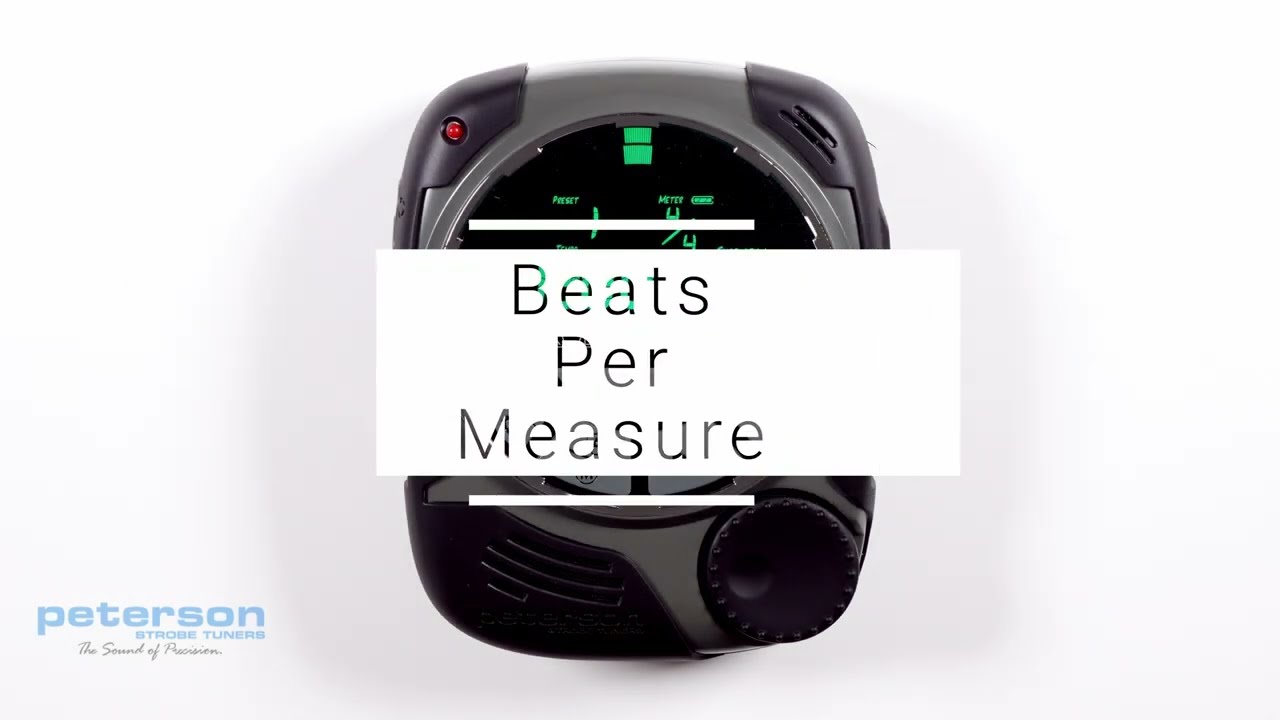
Beats per Measure:
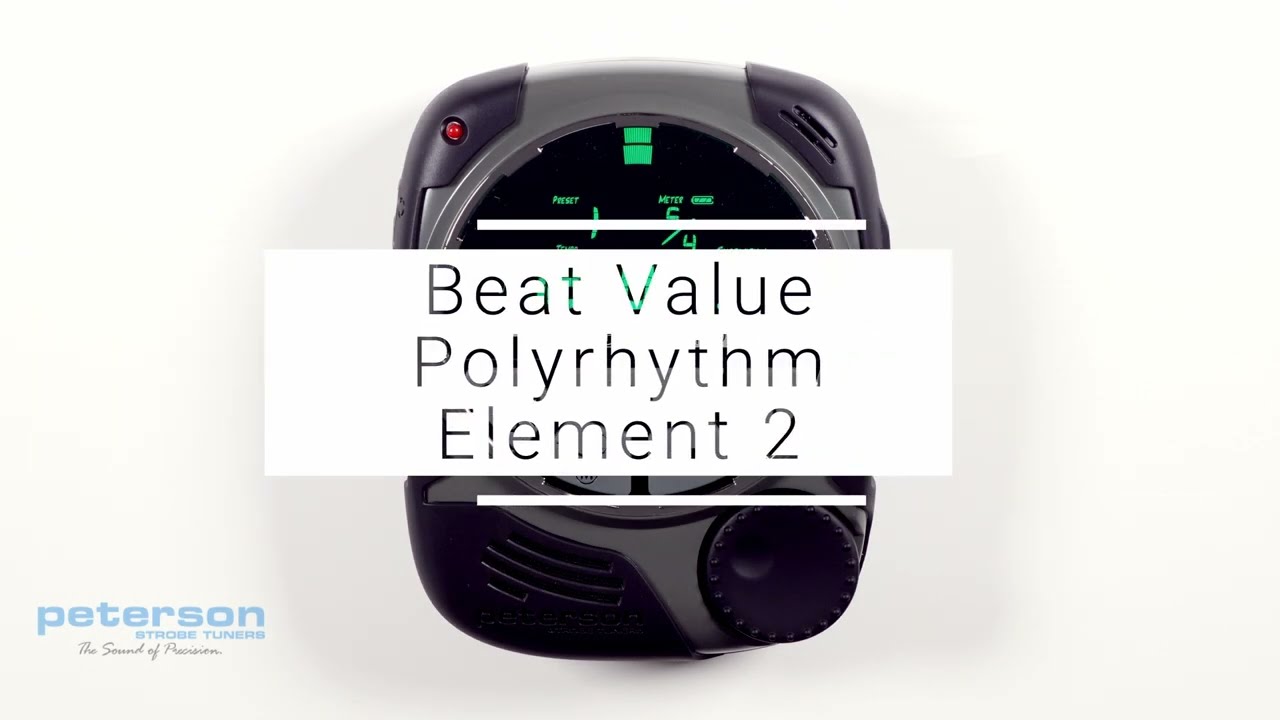
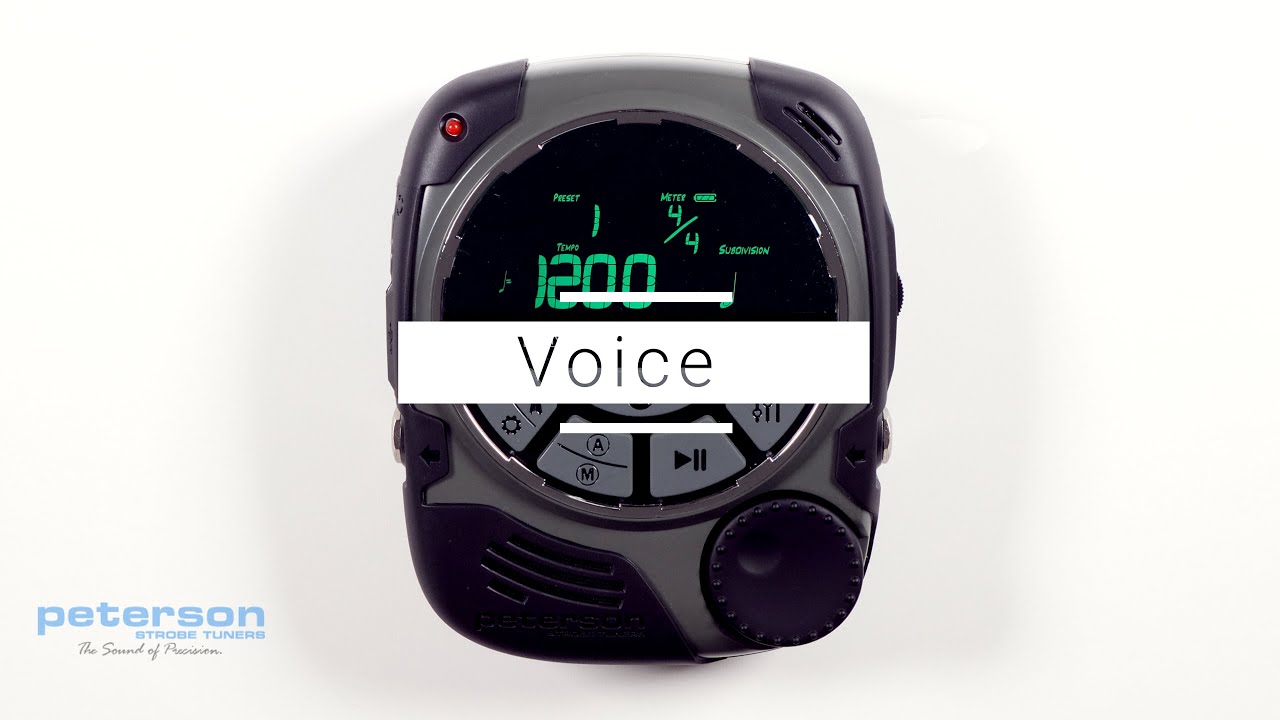
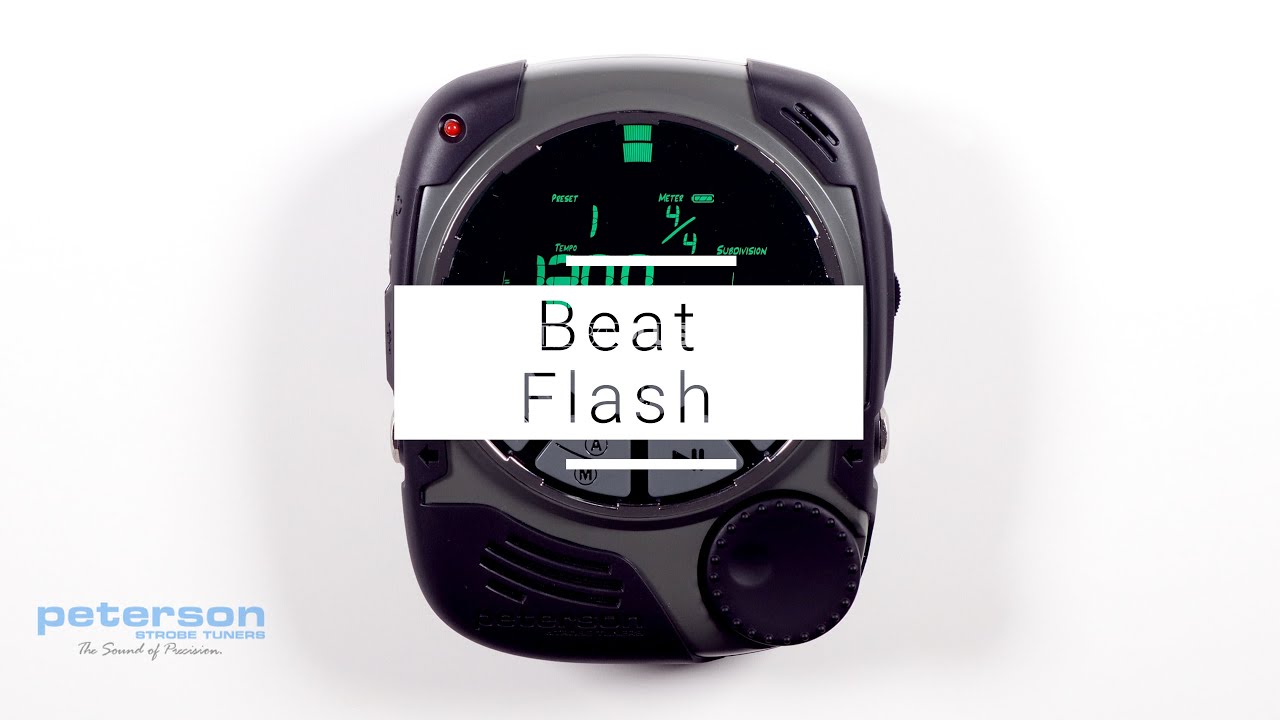
The Meter, or Time Signature, is displayed at the upper right of the metronome screen and is written like a fraction. Beats Per Measure is the numerator (top number) of this fraction and specifies the number of beats contained in 1 bar. Press the Parameter Button until the numerator of the Time Signature flashes and use the Value Wheel to adjust from 1 - 19 Beats Per Measure. Changing Beats Per Measure will clear any set Accent Pattern, as available Accent Patterns depend upon Beats Per Measure.
https://www.petersontuners.com/produc...
00:00 | Beats per Measure
00:10 | Time Signature Display
00:30 | Adjusting Beats per Measure
Повторяем попытку...
Доступные форматы для скачивания:
Скачать видео
-
Информация по загрузке: