Build "Invisible" Excel Tables: {Comma vs Semicolon} I Lokesh
Автор: Lokesh
Загружено: 2026-02-22
Просмотров: 3
Описание:
#ExcelTips #ExcelTricks #SpreadsheetHacks #LearnExcel #Excel2025
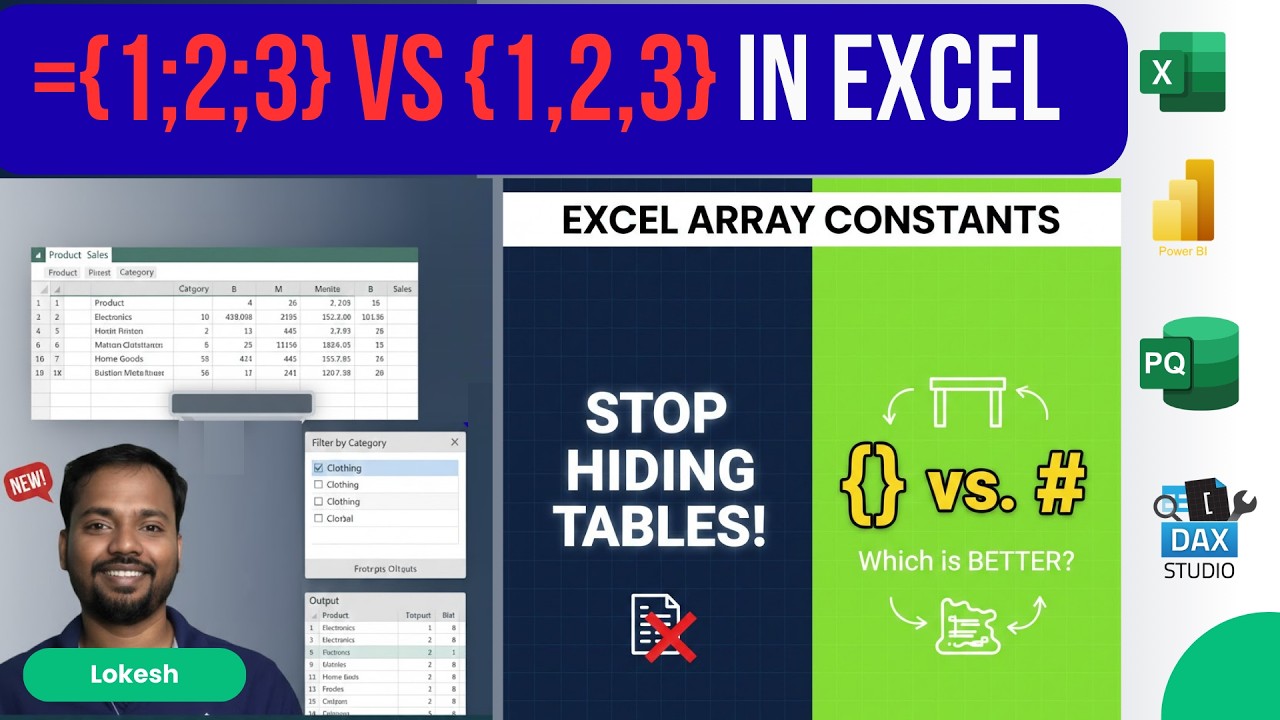
Stop cluttering your Excel workbooks with small, hidden lookup tables! In this tutorial, we dive deep into Excel Array Constants—the "invisible" way to build and shape data directly inside your formulas using curly brackets {}.
You will learn the fundamental difference between using a comma (,) for columns and a semicolon (;) for rows. Mastering these delimiters allows you to create virtual tables on the fly, making your spreadsheets cleaner, faster, and more professional.
Why use this method?
While the spilled range operator (#) is great for large datasets, array constants are the ultimate choice for small, static data like tax rates, categories, or month names. They protect your logic from being accidentally deleted and keep your grid clean.
What you’ll learn:
✅ How to use Curly Brackets {} to define data.
✅ The "Comma vs Semicolon" rule for shaping arrays.
✅ When to choose Array Constants over Cell References.
✅ Pro-tips for "VLOOKUP to the left" using virtual arrays.
0:00 The Secret to Cleaner Excel Spreadsheets
0:45 What are Array Constants? {Curly Brackets}
1:30 Commas vs. Semicolons: Shaping Your Data
2:15 Building a 2x2 Virtual Table in One Cell
3:10 Strategy: When to use {} vs. the # Reference
4:45 Pro Hack: VLOOKUP to the Left with Arrays
5:30 Final Checklist for Formula Protection
#ExcelTips #ExcelTricks #SpreadsheetHacks #LearnExcel #Excel2025
Повторяем попытку...
Доступные форматы для скачивания:
Скачать видео
-
Информация по загрузке: