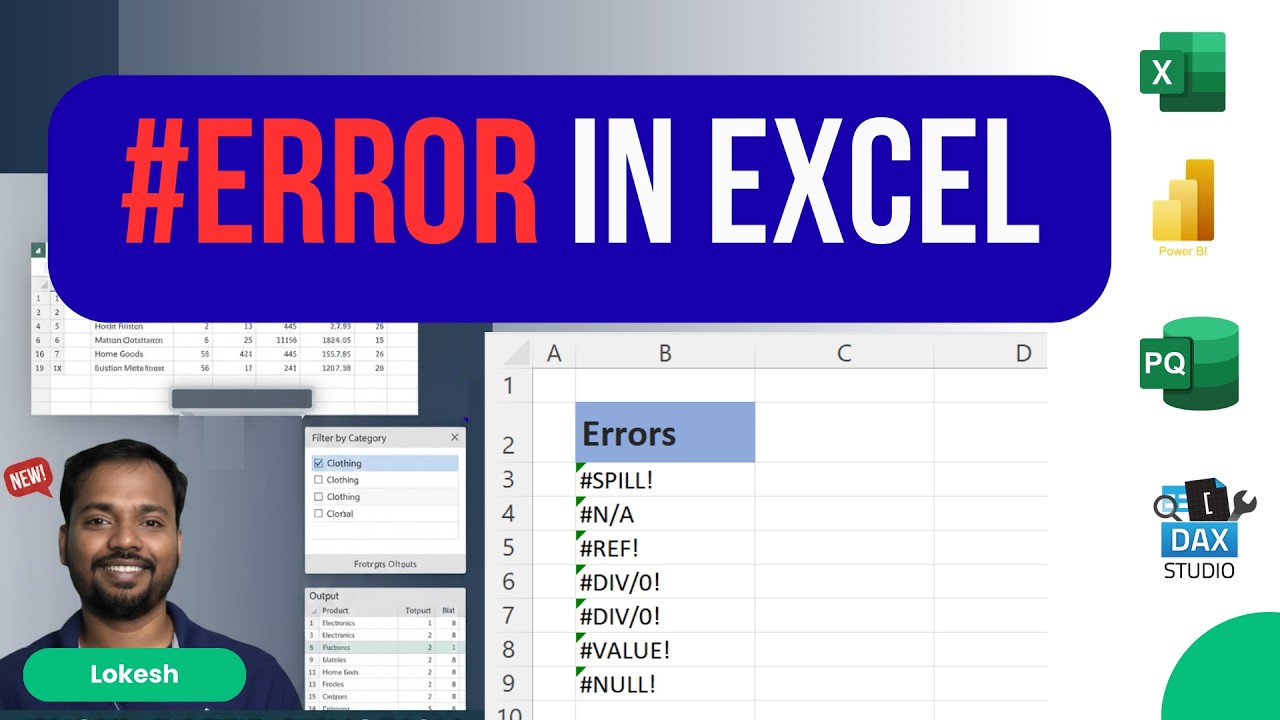
Master Excel: Fix Formulas & Data Errors Like a Pro! I
Автор: Lokesh
Загружено: 2026-02-20
Просмотров: 11
Описание:
#error #microsoftexcel #exceltips #excelformulaerrorstamil
Stop letting #VALUE!, #REF!, and #N/A ruin your productivity. In this video, lets breaks down the most common Excel errors and provides step-by-step solutions to fix them instantly. Whether you’re a student or a working professional, mastering these fixes will save you hours of frustration!
🔍 What You’ll Learn:
In this tutorial, we dive deep into the "Big 7" Excel errors:
#NULL! – Fixing incorrect range separators.
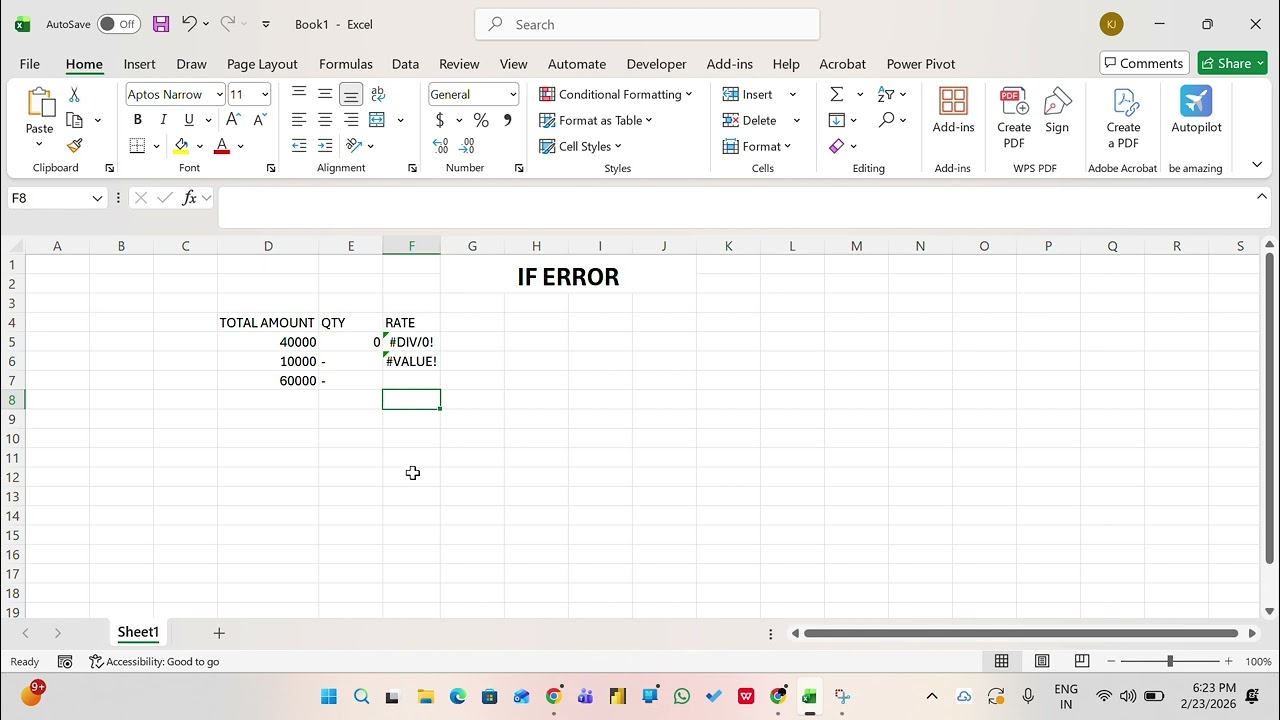
#DIV/0! – Handling division by zero using IFERROR.
#VALUE! – Dealing with data type mismatches (text vs. numbers).
#REF! – Recovering from deleted cells or broken links.
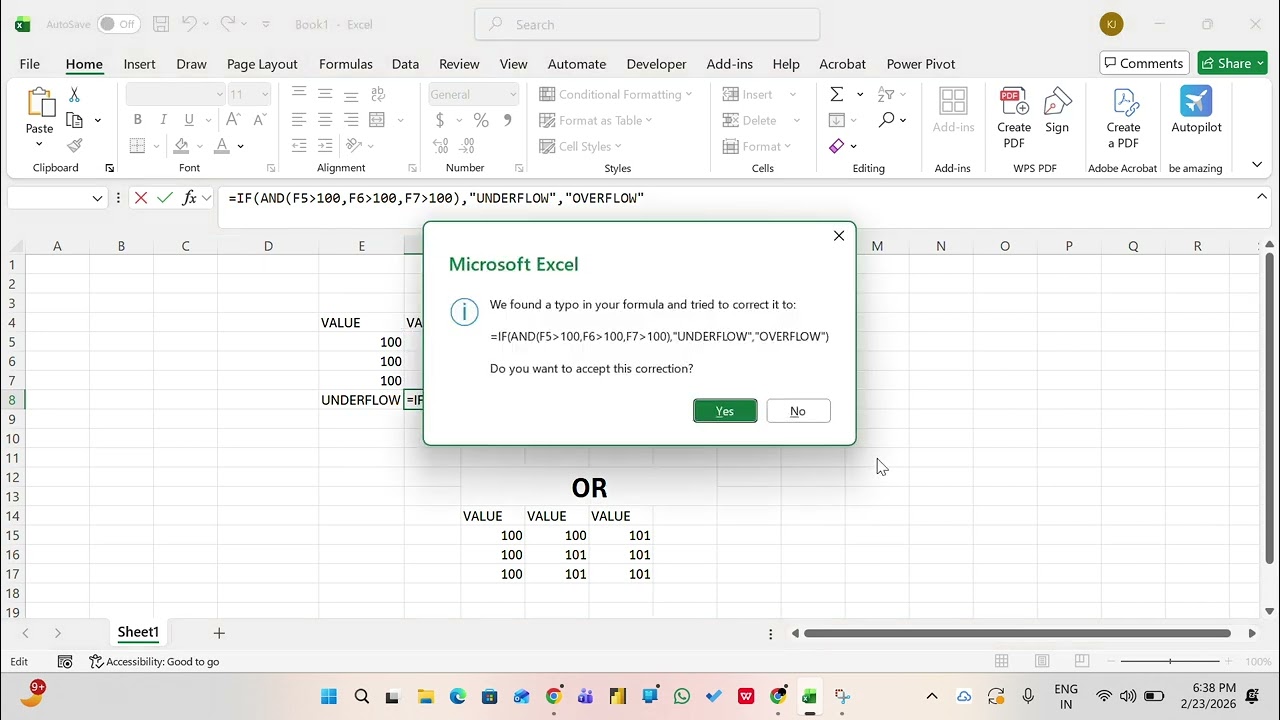
#NAME? – Identifying typos in formulas.
#N/A – Mastering lookup errors in VLOOKUP and XLOOKUP.
#NUM! – Solving invalid numeric calculations.
If you found this helpful, don’t forget to Like, Share, and Subscribe! It helps the channel grow and lets me create more free content for you. 📈
🕘 Timestamps:
[00:00] – Introduction: The importance of handling Excel errors effectively.
[00:22] – #SPILL! Error: Understanding why it occurs (blocked ranges) and how to clear it.
[01:13] – #REF! (Hash Reference): How the # symbol works with dynamic arrays and range outputs.
[01:54] – #N/A (Not Available): Why this happens in VLOOKUP and why it's sometimes not a "true" error.
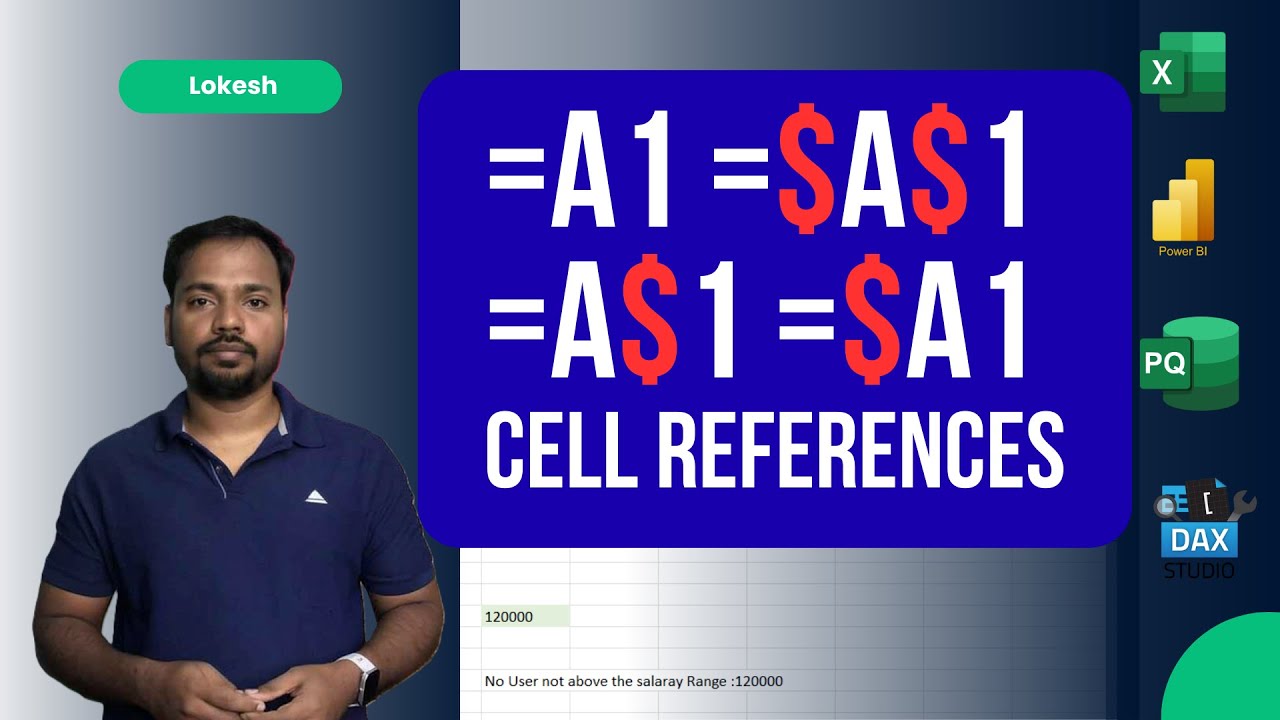
[02:44] – Reference Errors & Cell Anchoring: Deep dive into Absolute (F4) vs. Relative references and how they cause errors when moving formulas.
[04:57] – #DIV/0! Error: Fixing division by zero issues in metrics and production reports.
[05:33] – #NAME? Error: Understanding Name Managers, custom functions (LAMBDA), and syntax mistakes.
[07:21] – #VALUE! Error: Dealing with data type mismatches (adding text to numbers) and the "Double Quote" trick.
[08:04] – #VALUE! vs #NAME?: A quick test to see if you can spot the difference based on string formatting.
[09:05] – #NULL! Error: Fixing common formatting errors like missing colons or incorrect spaces in ranges.
[09:32] – Conclusion: Final tips for effective troubleshooting.
💡 Key Takeaways:
Relative vs. Absolute: Learn how moving a formula can break your data if you don't use the dollar sign ($) correctly. [02:52]
The SPILL effect: See how one word in a cell can break an entire filter formula. [01:05]
Strings vs. Names: Learn why "Hello" (with quotes) gives a different error than Hello (without quotes). [08:12]
If you found this video helpful, please Like, Share, and Subscribe for more Excel mastery tips!
#ExcelTips #LokeshExcel #ExcelErrors #VLOOKUP #DataCleaning #MicrosoftExcel #TamilExcelTutorials
#ExcelTips #DataAnalysis #ExcelTraces #LokeshExcel #MicrosoftExcel #DataScience #ExcelHacks #OfficeProductivity
Повторяем попытку...
Доступные форматы для скачивания:
Скачать видео
-
Информация по загрузке: