Desk Panel DPG1M - How to use memory and automatic drive
Автор: LINAK
Загружено: 2018-12-03
Просмотров: 9338
Описание:
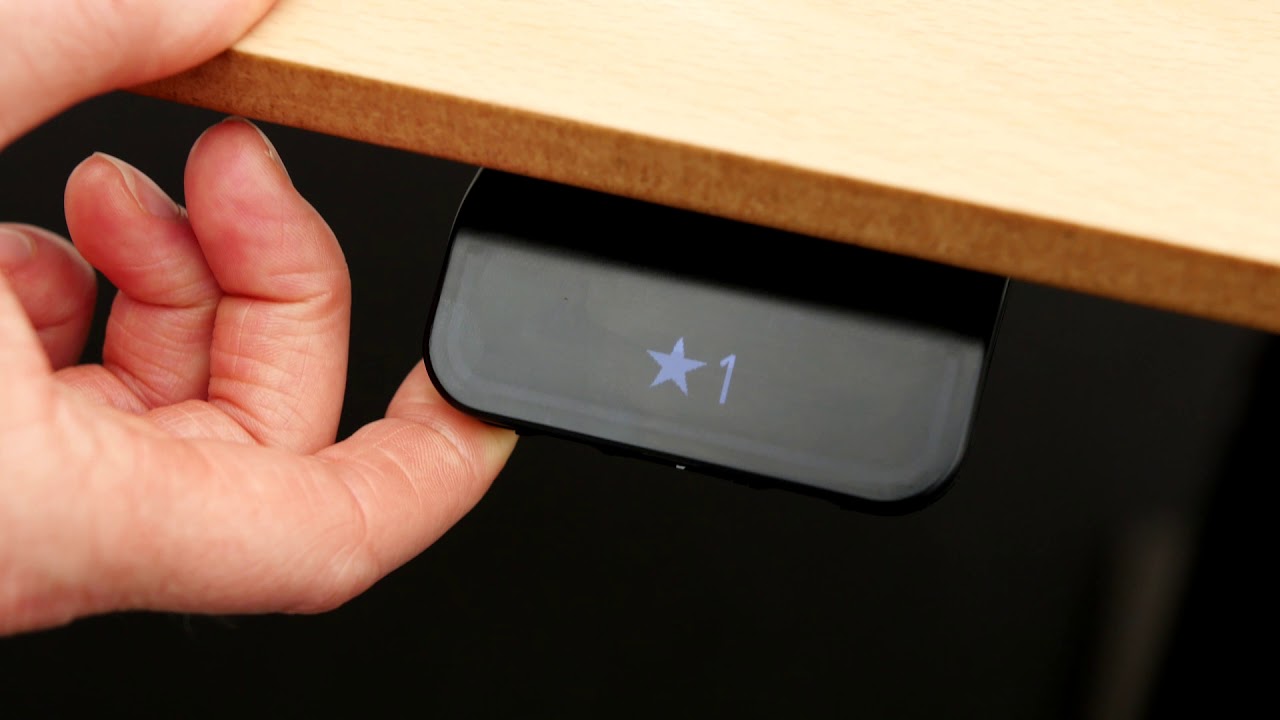
To store a memory position drive to the required position.
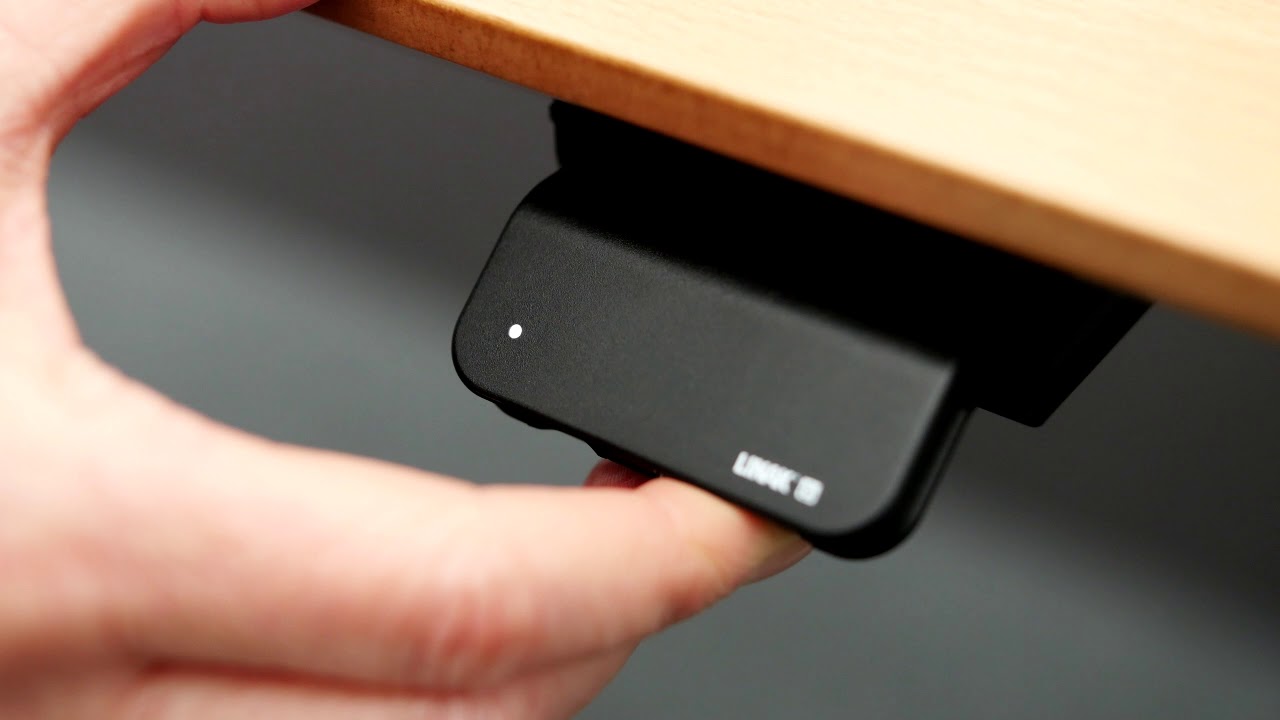
Press the “star” button for 2 seconds.
White light flashes and becomes static when the position is saved.
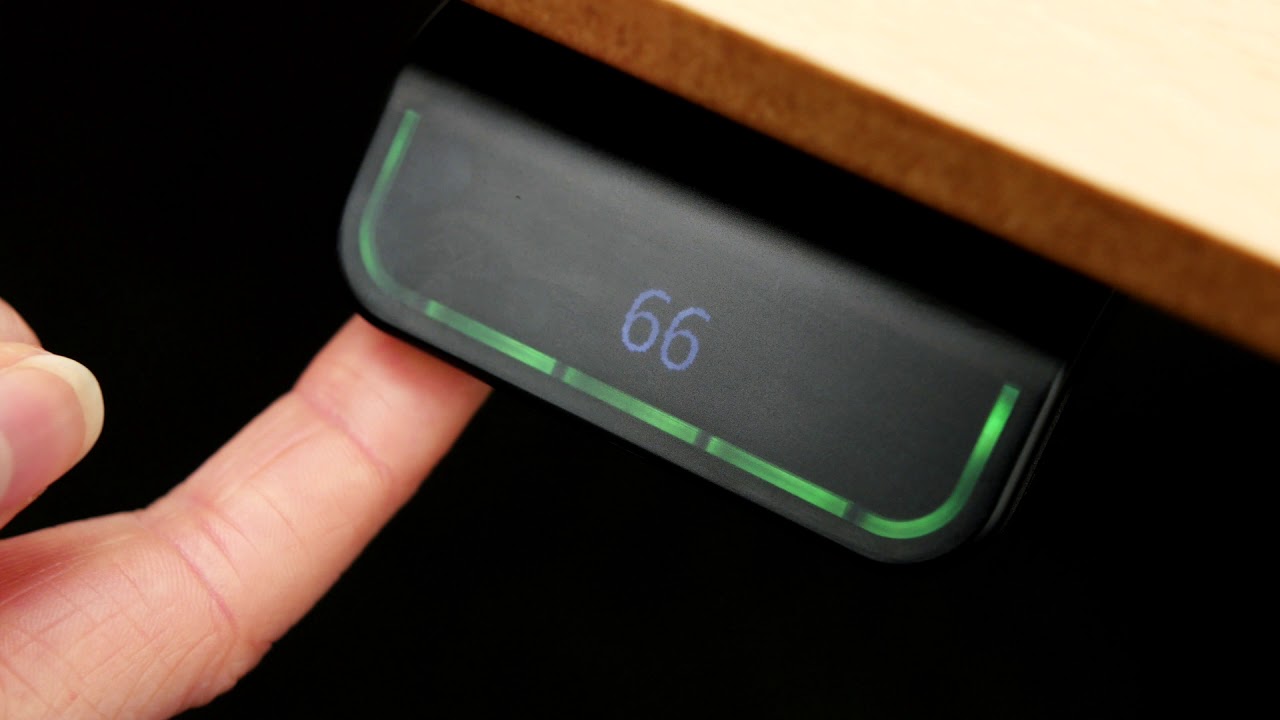
Tilt and hold to drive to a memory position
Automatic drive between two memory positions
(If your desk panel features automatic drive)
Enable automatic drive in the Desk Control™ App.
Tap the desk panel twice in the direction you want to drive.
The desk drives automatically to your stored position.
To reset all memory positions, press and hold the “star” button for 8 seconds until the light flashes red.
Повторяем попытку...

Доступные форматы для скачивания:
Скачать видео
-
Информация по загрузке: