Скачать
Desk Panel DPG1C – How to use memory
Автор: LINAK
Загружено: 2017-12-05
Просмотров: 5327
Описание:
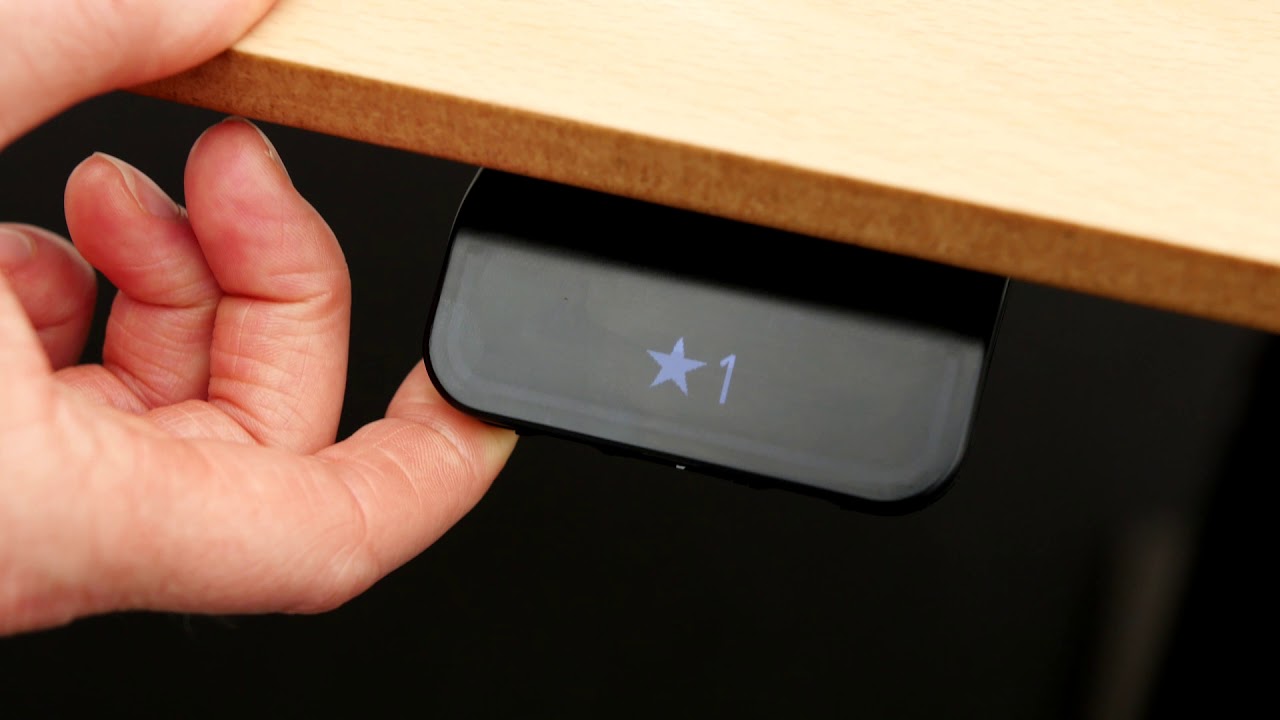
To store a memory position drive to the required position.
Press the “Star” button for 2 seconds.
White light flashes and becomes static when position is saved.
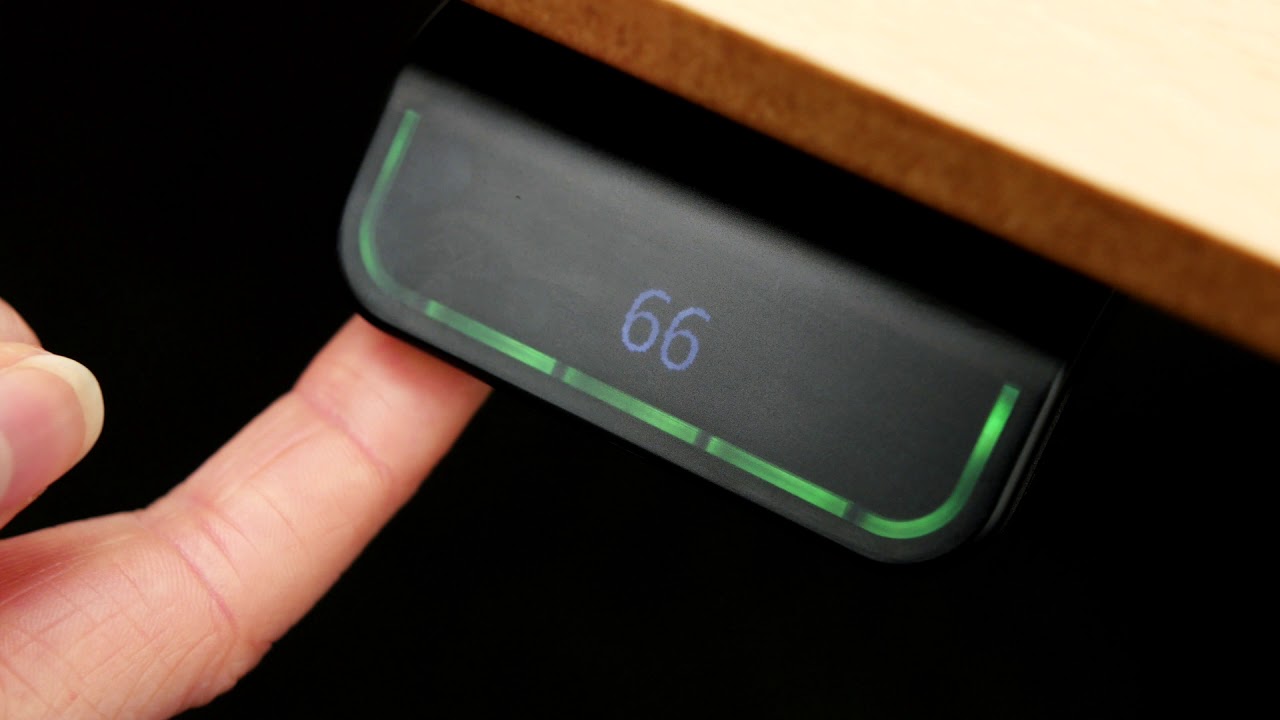
Tilt and hold, to drive to a memory position.
If the DPG features automatic drive, tap twice on the DPG in the direction you want to drive. The DPG stops at the first stored position in the chosen direction.
Не удается загрузить Youtube-плеер. Проверьте блокировку Youtube в вашей сети.
Повторяем попытку...
Повторяем попытку...
Доступные форматы для скачивания:
Скачать видео
-
Информация по загрузке:




![Как сжимаются изображения? [46 МБ ↘↘ 4,07 МБ] JPEG в деталях](https://imager.clipsaver.ru/Kv1Hiv3ox8I/max.jpg)





![🔴 EXPRESS BIEDRZYCKIEJ | KRZYSZTOF ŚMISZEK, PROF. RAFAŁ CHWEDORUK [NA ŻYWO]](https://imager.clipsaver.ru/BpP348DOxlg/max.jpg)



![Looking for the Best SMART Electric Desk? Check Uberdesk Pro [REVIEW]](https://imager.clipsaver.ru/FFfL9p1IC4Y/max.jpg)


