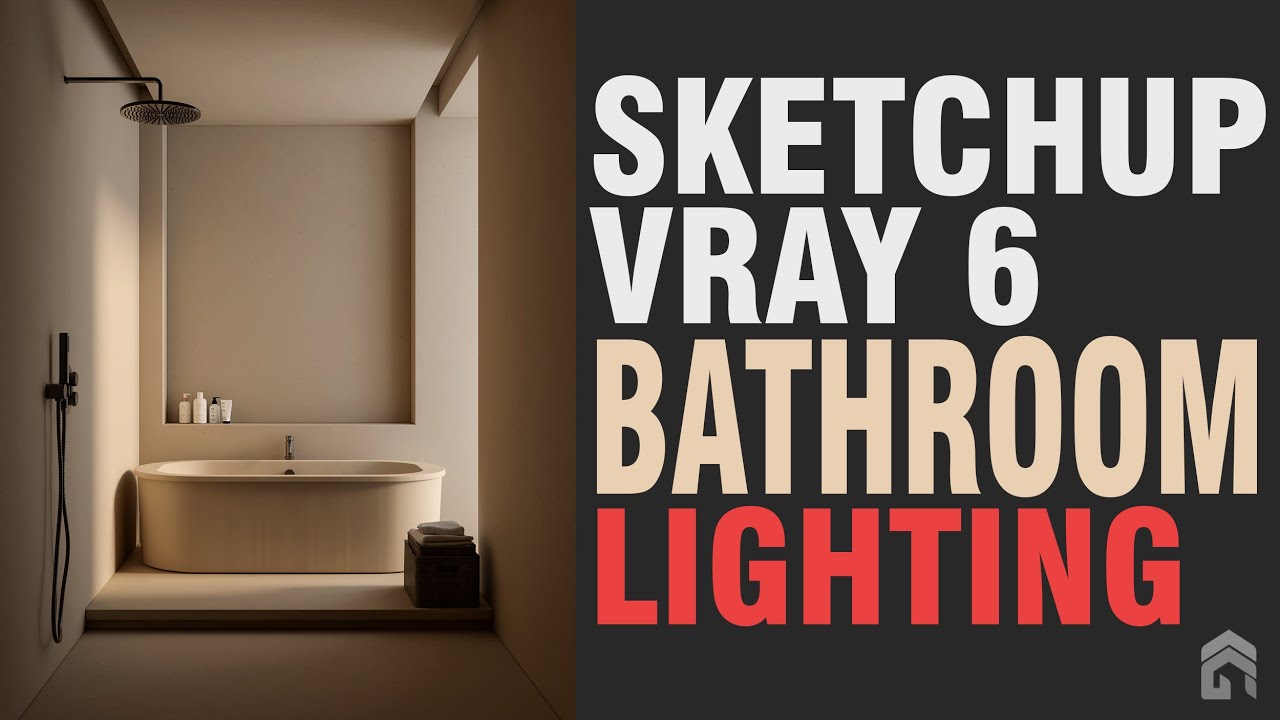
Sketchup Vray 6 Bathroom Lighting Tutorial
Автор: KG Studio
Загружено: 2024-03-10
Просмотров: 2885
Описание:
In this tutorial, I will show you how to create a photorealistic bathroom interior using SketchUp and V-Ray.
We will cover the following topics:
Modeling the office interior
Setting up the lighting
Adding decorations
Adding materials and textures
Rendering the image
By the end of this tutorial, you will be able to create your own photorealistic living rooms using SketchUp and V-Ray.
Software Required:
SketchUp Pro
V-Ray Next for SketchUp
Step 1: Modeling the Living Room
The first step is to create a model of the living room. We will start by creating the basic shapes of the room, such as the walls, floor, and furniture.
To create the walls:
Use the Rectangle tool to create a rectangle for the front wall.
Use the Push/Pull tool to extrude the rectangle to the desired height.
Repeat steps 1 and 2 to create the side and back walls.
To create the floor:
Use the Rectangle tool to create a rectangle for the floor.
Use the Push/Pull tool to extrude the rectangle to the desired thickness.
To create the ceiling:
Use the Rectangle tool to create a rectangle for the ceiling.
Use the Push/Pull tool to extrude the rectangle to the desired height.
To add windows and doors:
Use the Line tool to create the outlines of the windows and doors.
Use the Push/Pull tool to extrude the outlines to the desired depth.
To add furniture:
Use the 3D Warehouse to find and download furniture models.
Import the furniture models into SketchUp.
Position the furniture models in the living room.
Step 2: Setting Up the Lighting
The lighting is very important for creating a photorealistic image. We need to set up the lighting so that it looks natural and realistic.
To set up the lighting:
Click on the Lights tab.
Select the Sun light.
Adjust the position and intensity of the sun light.
Add additional lights, such as area lights or spot lights, if needed.
Step 3: Adding decorations
try looking for a 3D model from the internet in SketchUp or 3DS Max format. If the file is 3DS Max, you can convert it to VRMESH format and import it into Sketchup.
Step 4: Adding Materials and Textures
Once we have the basic model of the living room, we can start adding materials and textures. This will help to make the living room look more realistic.
To add materials:
Select the object that you want to apply a material to.
Click on the Materials tab.
Select a material from the library.
Click on the Apply button.
To add textures:
Select the object that you want to apply a texture to.
Click on the Textures tab.
Select a texture from the library.
Click on the Apply button.
Step 5: Rendering the Image
Once we have the model, materials, and lighting set up, we can render the image.
To render the image:
Click on the Render tab.
Click on the Render button.
The image will be rendered and saved to the desired location.
Conclusion
In this tutorial, we have shown you how to create a photorealistic living room using SketchUp and V-Ray. We have covered the following topics:
Modeling the living room
Adding decorations
Adding materials and textures
Setting up the lighting
Rendering the image
By following this tutorial, you will be able to create your own photorealistic living rooms using SketchUp and V-Ray.
Here are some additional tips for creating photorealistic living rooms:
Use high-quality models and textures.
Use realistic lighting.
Pay attention to the details.
Take your time and don't rush.
With a little practice, you will be able to create photorealistic living rooms that look like they were taken from a magazine.
Повторяем попытку...
Доступные форматы для скачивания:
Скачать видео
-
Информация по загрузке:


![[2026] Feeling Good Mix - English Deep House, Vocal House, Nu Disco | Emotional / Intimate Mood](https://image.4k-video.ru/id-video/cxLdtvzf2sI)