CONE6211 Ass01
Автор: Subendran Naidu
Загружено: 2025-02-28
Просмотров: 634
Описание:
00:45
A Vis diagram was created based on the case study to represent the network infrastructure.
01:49
The assignment requires creating two virtual machines: a server with Windows Server 2022 and a client with Windows 11.
02:42
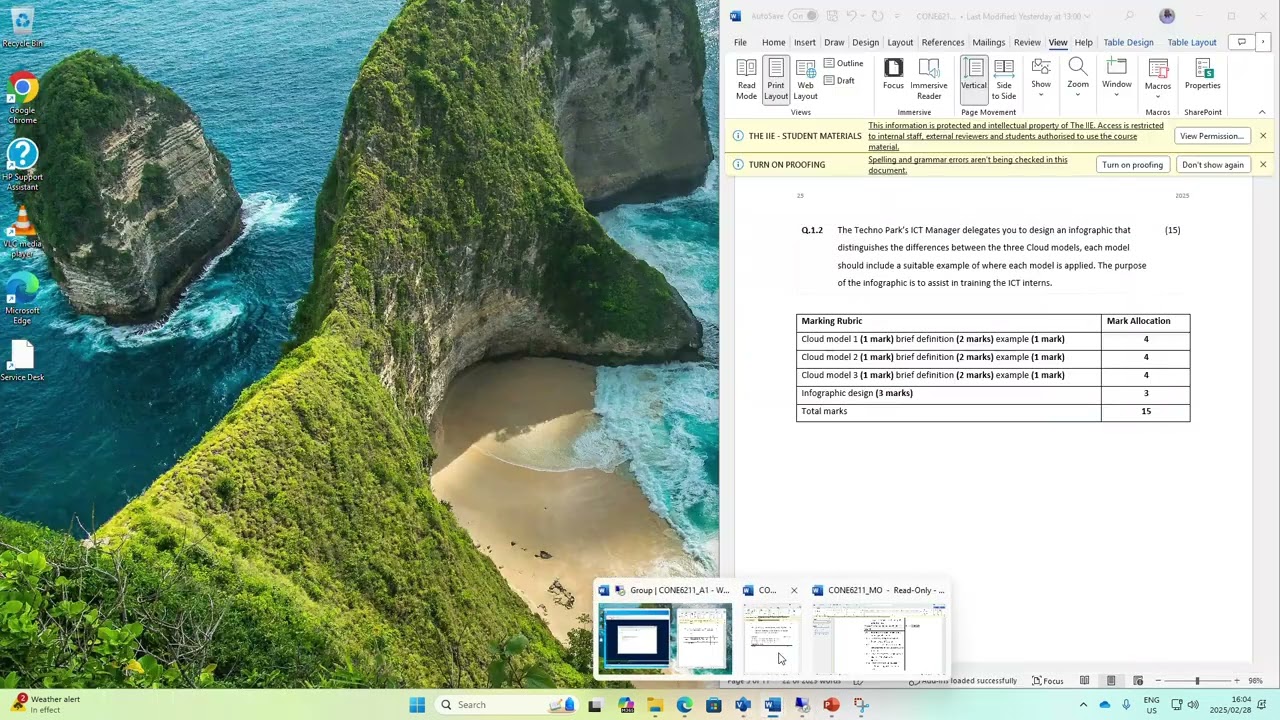
A task involves designing an infographic to differentiate between three Cloud models.
03:19
The installation process for the server and client virtual machines is initiated.
07:08
Configuration settings for the virtual machines, including modifying RAM, are discussed.
07:44
The installation process for the virtual computers is completed.
08:45
The installation of the operating system for the virtual machines is in progress.
08:51
An infographic detailing Cloud models is to be created.
10:47
The document mentions cloud computing and PowerShell in the context of server operations.
11:32
Differentiating between public and private cloud services, public cloud is provided by third parties like Dropbox, OneDrive, and Google, while private cloud is offered by internal IT departments.
12:21
The transcript discusses cloud models, including software as a service, platform as a service, and infrastructure as a service.
21:43
The task involves creating an infographic detailing the name, description, and example of each cloud model.
24:38
The installation process for virtual machines is demonstrated, including naming conventions, memory allocation, and operating system installation.
27:55
The individual works on creating an infographic about cloud computing services, focusing on cloud models like software as a service, platform as a service, and infrastructure as a service.
30:56
Installing and configuring networking for virtual switch and VM settings.
31:24
Creating a Word document for assignment submission.
34:42
Preparing screenshots to demonstrate virtual machine setup.
37:54
Completing question 1.2 with an infographic.
38:01
Exploring question 2 tasks involving server setup and domain configuration.
39:11
Upcoming task on working with hybrid environments.
40:09
Preparing to upload demo to YouTube channel.
42:21
Choosing to join a domain instead of signing in with a Microsoft account.
44:03
Accepting default settings for the current configuration.
46:50
Exploring the hybrid environment in module six.
47:33
Logging into the client system.
48:01
Installing and configuring the client in Hyper-V Manager.
48:12
Enabling and configuring checkpoints for the client.
48:29
Taking screenshots for demonstration purposes.
49:09
Concluding the demo with the final client screenshot.
Повторяем попытку...
Доступные форматы для скачивания:
Скачать видео
-
Информация по загрузке: