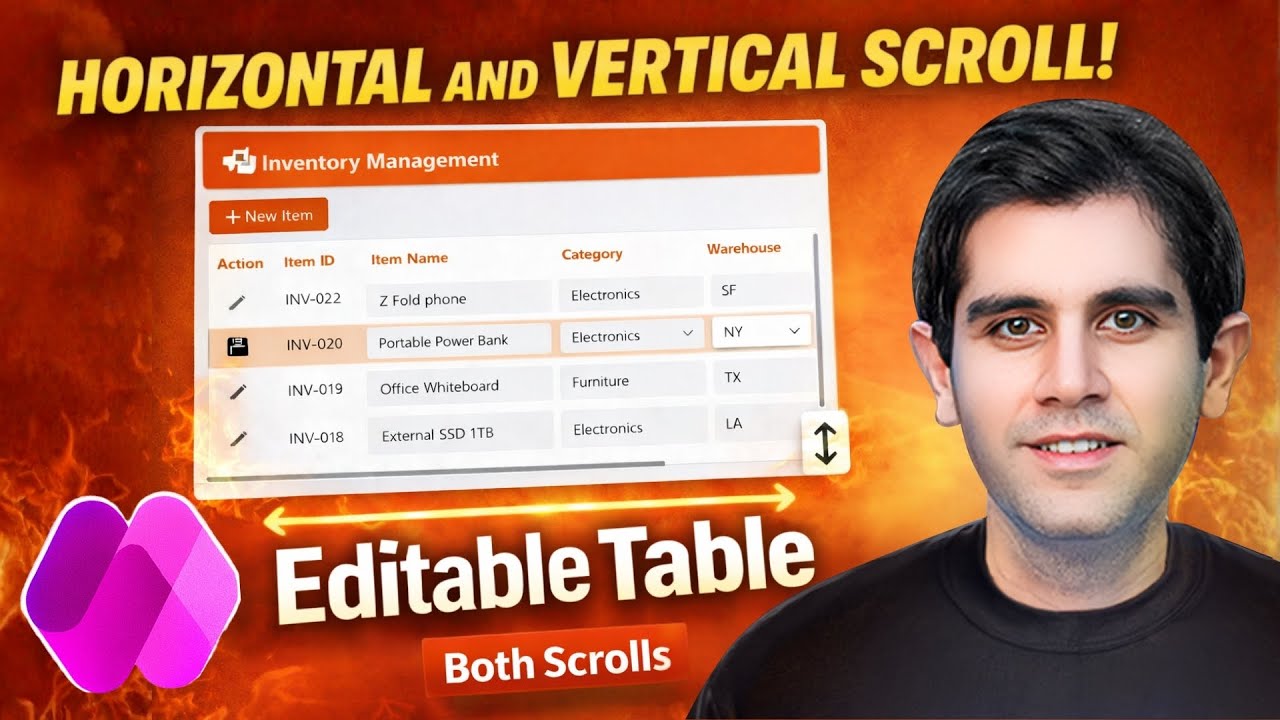
Make Your Power Apps Forms React to Users With Dynamic Sections
Автор: Playbook
Загружено: 2026-02-10
Просмотров: 152
Описание:
🔷 Want more practical Power Apps and Power Automate tips? Subscribe to Playbook here: https://subscribepage.io/Playbook
Learn how to build dynamic form sections in Power Apps so your forms only show the fields and sections that actually matter. In this step-by-step tutorial, we’ll use simple logic to show and hide sections based on user selections, making your apps cleaner, faster to use, and easier to maintain for your team.
You’ll see how to:
→ Plan your form sections and user journey before you open Power Apps
→ Use controls like radio buttons, dropdowns, or toggles to drive visibility
→ Set Visible properties with easy IF logic (no advanced coding required)
→ Create conditional sections for different roles, request types, or scenarios
→ Keep your app maintainable using variables or collections instead of copy-paste logic
This works great for:
• Request forms that change based on department or request type
• HR or IT intake forms with optional sections
• Operations checklists where only certain steps apply
• Any long form that users complain is “too much” to fill out
By the end of the video, you’ll have a clear pattern you can reuse in other apps to build dynamic, user-friendly forms in Power Apps for your organization.
0:00 Intro
0:20 Diagram
0:50 Explain Screen & Data Source Setup
2:07 Set Up Dynamic Form Screen
12:19c Set Up Review Form Submission Screen
15:23 Demo Both Screens
16:23 Outro
Повторяем попытку...

Доступные форматы для скачивания:
Скачать видео
-
Информация по загрузке: