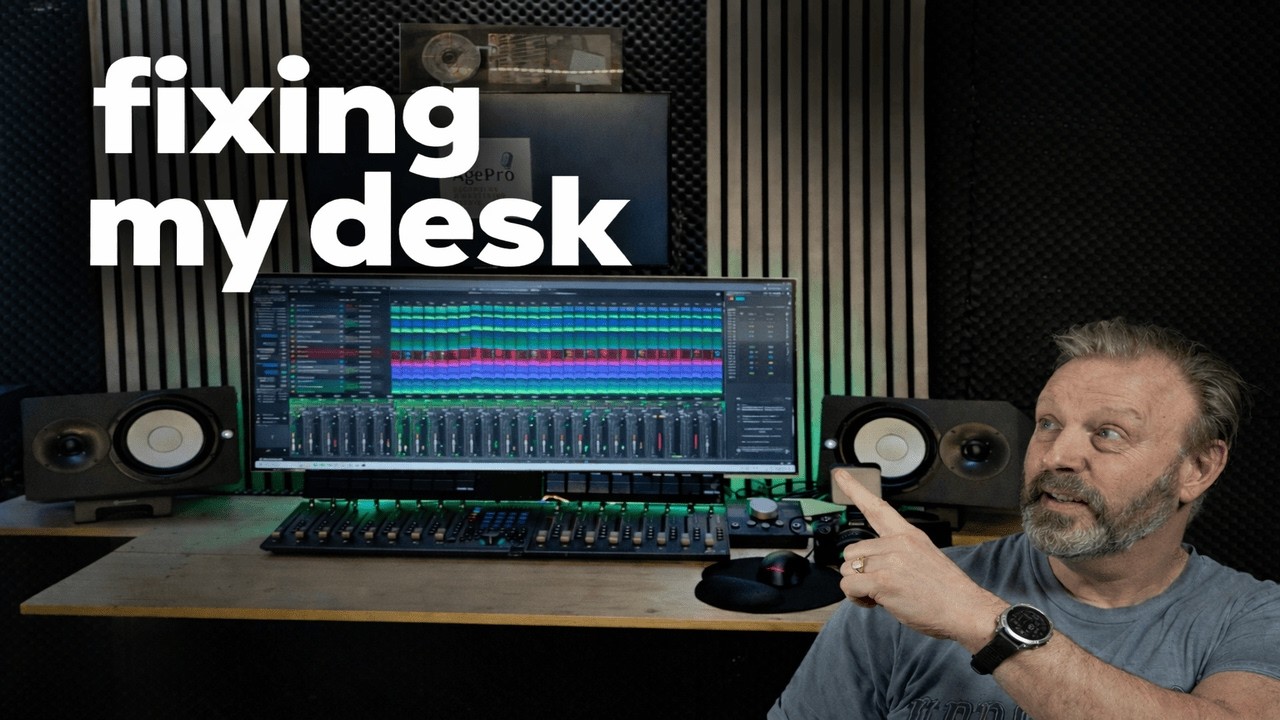
How I Created My New Channel Intro | Pocket 3, Fender Studio Pro & Davinci Resolve Fusion
Автор: AgePro Edit
Загружено: 2026-03-05
Просмотров: 18
Описание:
In this video I create a brand new intro for my YouTube channel.
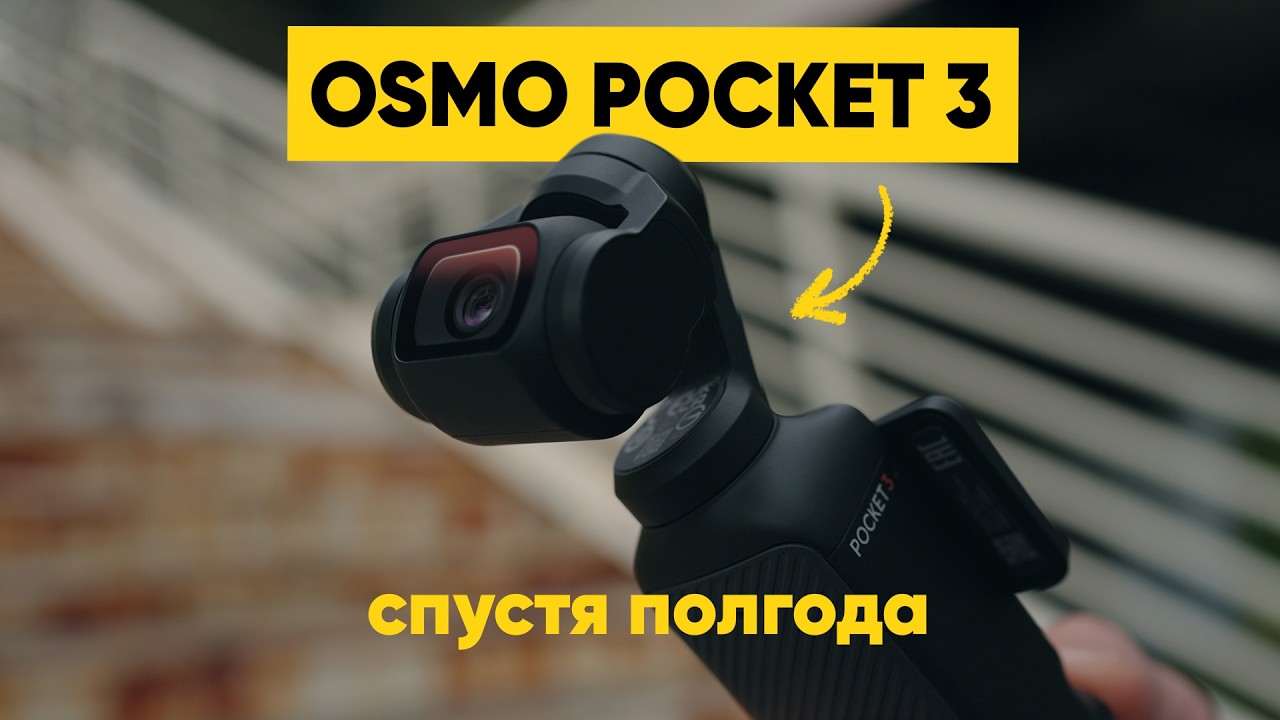
I’ll show you how I filmed cinematic slow-motion footage using the DJI Pocket 3, how I created the background music inside Fender Studio Pro, and how I built the final intro animation using Fusion in DaVinci Resolve.
This intro will be used at the start of my upcoming videos about studio gear, music production, and content creation.
In this video you'll see:
• How to shoot smooth slow-motion footage with the DJI Pocket 3
• How I created a custom intro soundtrack in Fender Studio Pro
• How to build an animation using Fusion in DaVinci Resolve
• My workflow for combining video, music, and animation into a clean intro
If you're interested in filmmaking, music production, or creating content for YouTube, this video might give you some useful ideas for your own channel intro.
Let me know in the comments if you'd like me to make a deeper tutorial about slow-motion filming, music production, or Fusion animations. I might turn it into a dedicated video.
🎧 Music used in the video: Created in Fender Studio Pro
🎥 Camera: DJI Pocket 3, Canon EOS 50D
🎬 Editing & Animation: DaVinci Resolve + Fusion
Повторяем попытку...

Доступные форматы для скачивания:
Скачать видео
-
Информация по загрузке: