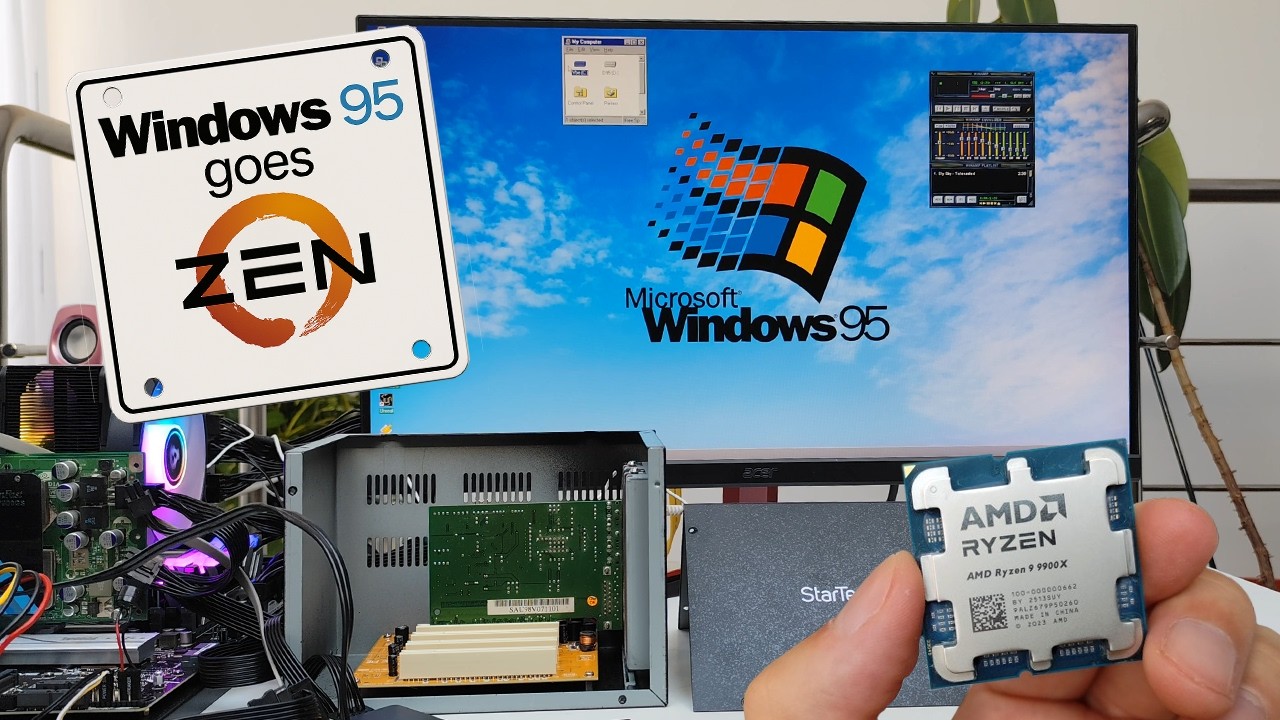
Triple Booting Windows 98, XP, and Windows 11 on a Single NVMe SSD – Real Hardware!
Автор: Omores
Загружено: 2024-05-14
Просмотров: 11643
Описание:
In this video, I’ll show you how to set up a triple-boot configuration featuring Windows 98, Windows XP SP3, and Windows 11—all running from the same NVMe SSD on real hardware, with no emulation! Yes, these three vastly different operating systems can coexist smoothly on an Intel 13th Gen system. You’ll see how I configured partitions, selected compatible hardware, and customized the NTLDR and Boot MGR bootloaders to seamlessly switch between OS options.
This setup includes a classic NVIDIA GeForce 7900GS GPU from 2006, which, incredibly, has functional drivers for Windows 98, XP, and even Windows 11 64-bit! I'll walk you through creating the bootable partitions, dealing with compatibility challenges, and installing drivers for both vintage and modern hardware. Whether you’re a retro computing enthusiast or just curious about mixing legacy OS with the latest Windows, this guide will equip you with everything you need to try it yourself.
Links:
This is how you can install Nvidia 7000 drivers on Windows 98: • Let's install an unsupported NVIDIA GeForc...
*This is how you install Windows 98 on NVMe SSD: • Can we install Windows 98 on NVMe SSD?
*This is how you can install Windows 98SE on SATA SSD also you'll find how to fix your USB mouse: • Let's install Windows 98 SE on a modern PC...
*This is how you create a custom ISO with NVMe drivers for Windows XP:
• Can we install Windows XP on NVMe SSD? (wh...
Highlights:
Triple-Boot Setup: Step-by-step guide to installing Windows 98, Windows XP SP3, and Windows 11 on the same NVMe SSD.
Real Hardware Configuration: we are using on a Samsung NVMe SSD and Intel 13th Gen hardware with no emulation involved.
*Unique Hardware Compatibility: How I made a 2006 NVIDIA GeForce 7900GS GPU work seamlessly with all three operating systems.
*Bootloader Customization: Configuring NTLDR and Boot MGR for a smooth boot experience and renaming entries for clarity.
*Driver Installation: Solutions for finding compatible drivers for USB, audio, and GPU for each OS version.
*Windows 98 on Modern Hardware: Tips on enabling Windows 98 features like USB 2.0 and Wi-Fi connectivity.
*EasyBCD Tips: Using EasyBCD to simplify multi-boot configuration and manage DOS partitions with ease.
*Practical Retro Computing: Best practices for mixing legacy OS and modern Windows for retro gaming and software compatibility.
Повторяем попытку...

Доступные форматы для скачивания:
Скачать видео
-
Информация по загрузке: