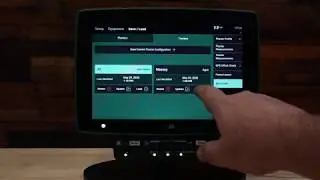
Panorama » Forced Data Upload
Автор: Precision Planting Product Support
Загружено: 2024-02-22
Просмотров: 475
Описание:
Do you have data on your Gen 3 20|20 that hasn’t been uploaded to Panorama yet? Watch this short video for a tutorial on how to manually force export data from your 20|20 to Panorama by Precision Planting.
How to export data from a Gen 3 20|20 to Panorama:
1. On the home screen select “setup” in the bottom right corner.
2. Select “Settings.”
3. Select “Data.”
4. Select “Export.”
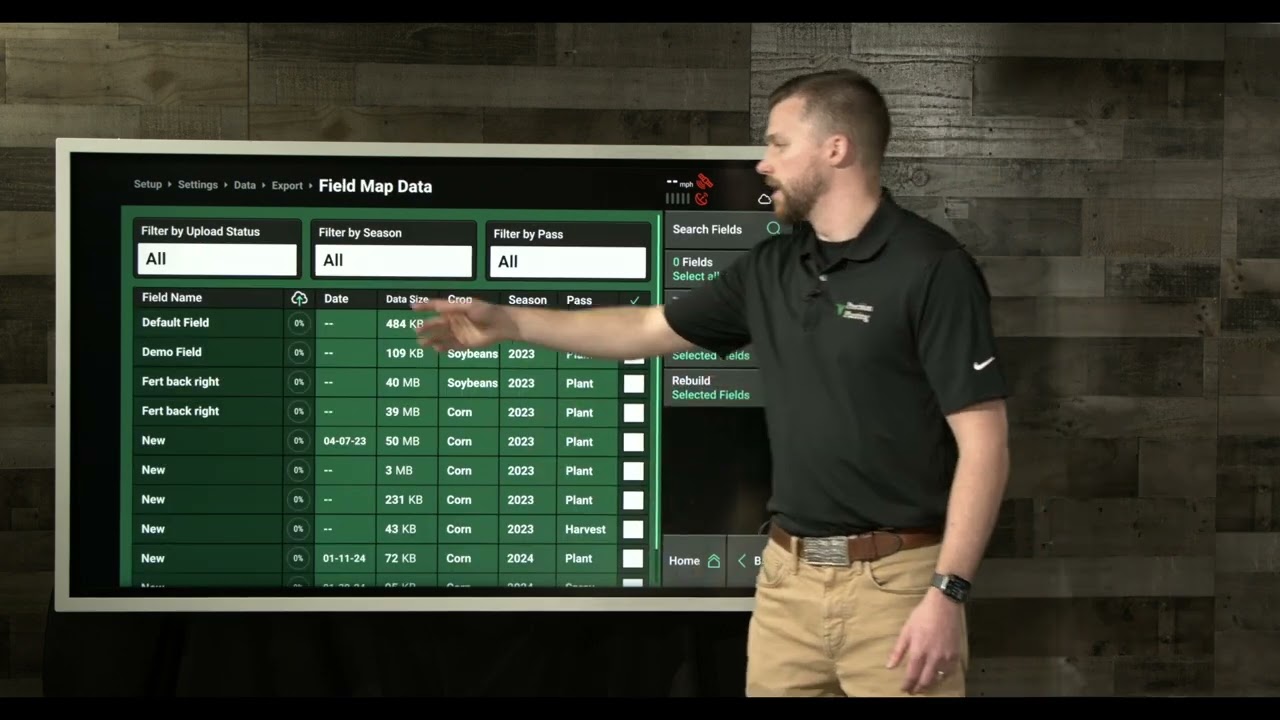
5. Select “Field Map Data.”
6. Using the checkbox column on the far right, choose the fields that you wish to export.
7. Select “Upload.”
8. Choose “Yes” on the pop-up message.
Panorama from Precision Planting allows you to easily view maps, input summaries, and agronomic data from a Gen 3 20|20. See all your 20|20 farming data on your phone, computer, or platform of your choice through the Panorama data analysis software.
🌱 Learn more about Panorama from Precision Planting here » https://www.precisionplanting.com/pro...
Повторяем попытку...
Доступные форматы для скачивания:
Скачать видео
-
Информация по загрузке: