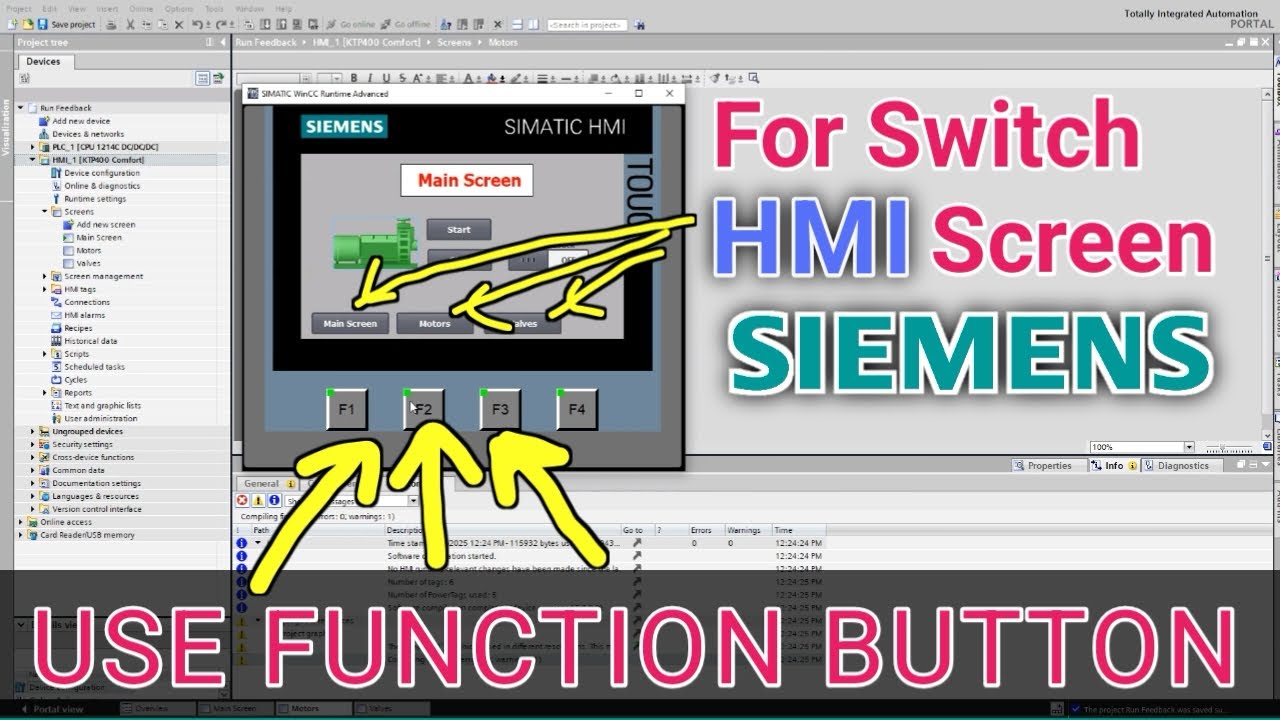
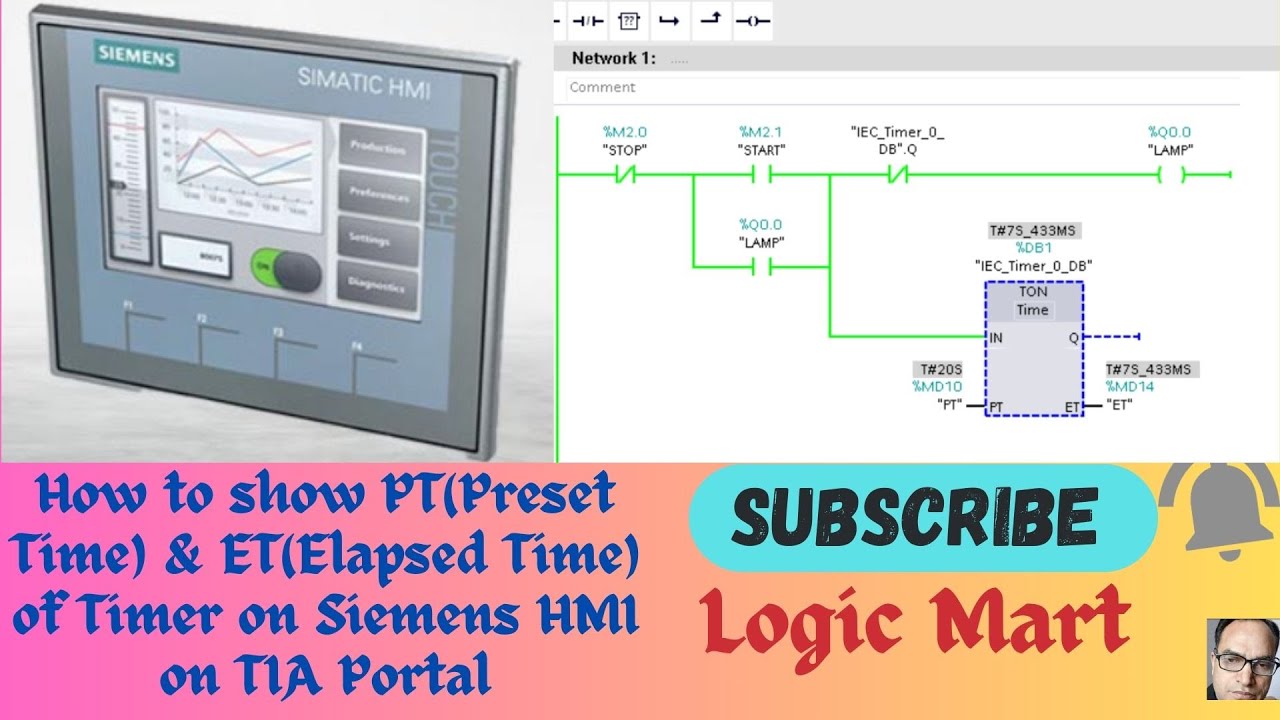
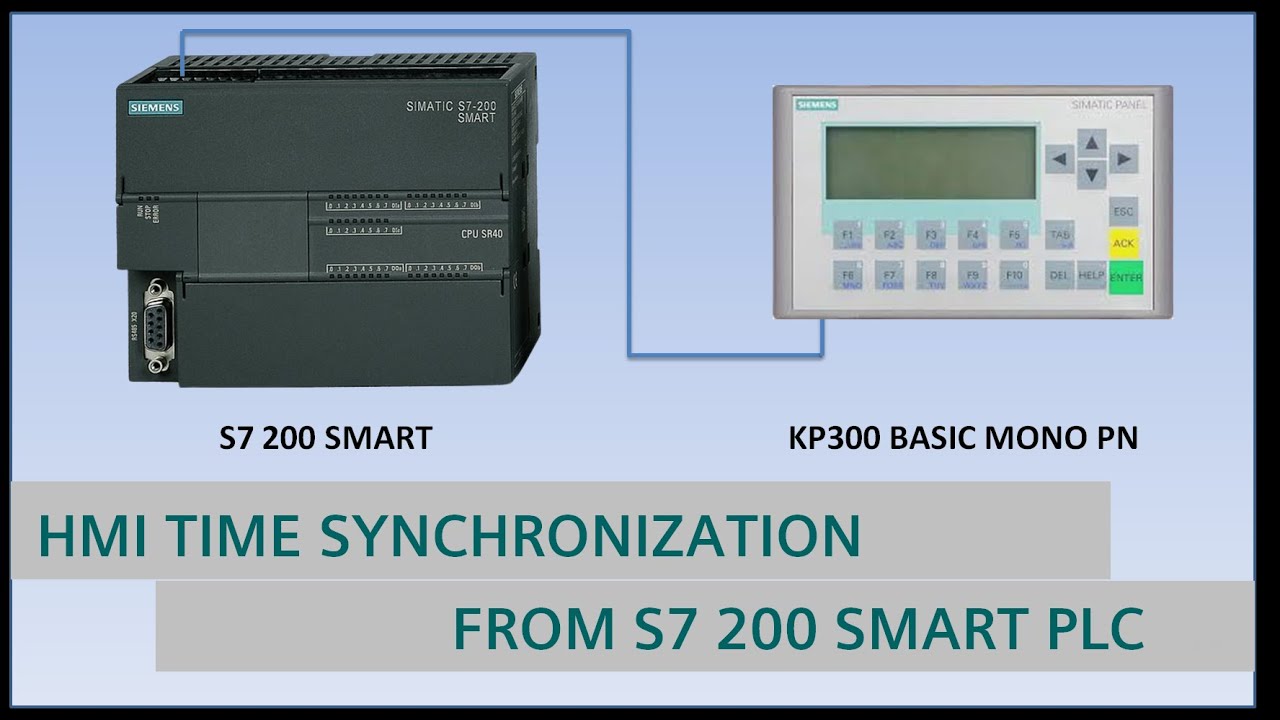
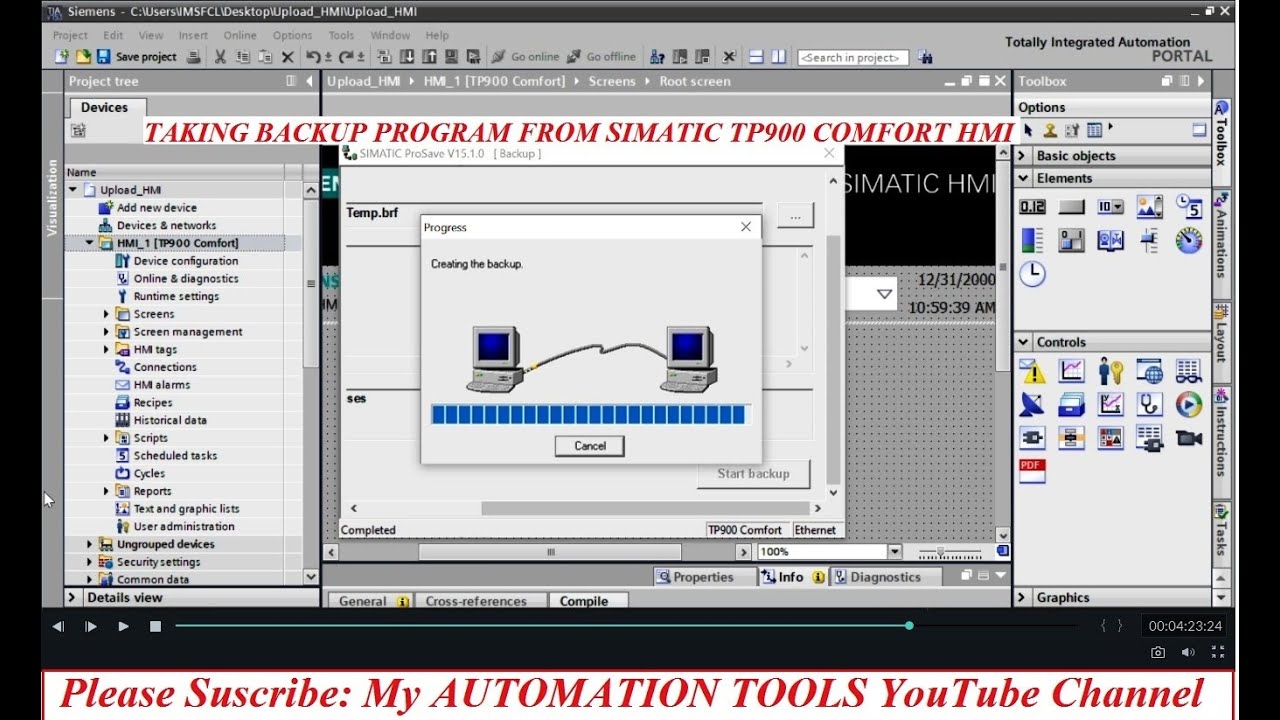
Siemens HMI: Add Clock, Date, and Time in TIA Portal
Автор: AutoNexit (Automation for the Next Era)
Загружено: 2025-07-12
Просмотров: 2572
Описание:
🕒 How to Show Time & Date on Your Siemens HMI – The Right Way!
Need to display the current time and date on your HMI screen? It’s easier than you think!
In this quick tutorial, you'll learn how to:
✅ Link your HMI to the PLC as a slave to automatically sync date & time
✅ Use the Date/Time field object inside TIA Portal
✅ Choose between system time or custom tag-based time
✅ Decide whether the time is read-only or editable by the operator
✅ Display only time, only date, or both – right on the menu bar!
🎯 This small feature can make your HMI panel feel more professional, help operators monitor log timestamps accurately, and enhance traceability.
👇 Have you used the system clock on your HMI before? Do you prefer manual entry or syncing with the PLC?
Share your thoughts below!
#TIAportal #HMI #SiemensHMI #DateTimeDisplay #PLC #IndustrialAutomation #WinCC #ControlPanel #AutomationEngineering #TIAtricks #HMItraining #SiemensTips
Повторяем попытку...
Доступные форматы для скачивания:
Скачать видео
-
Информация по загрузке: