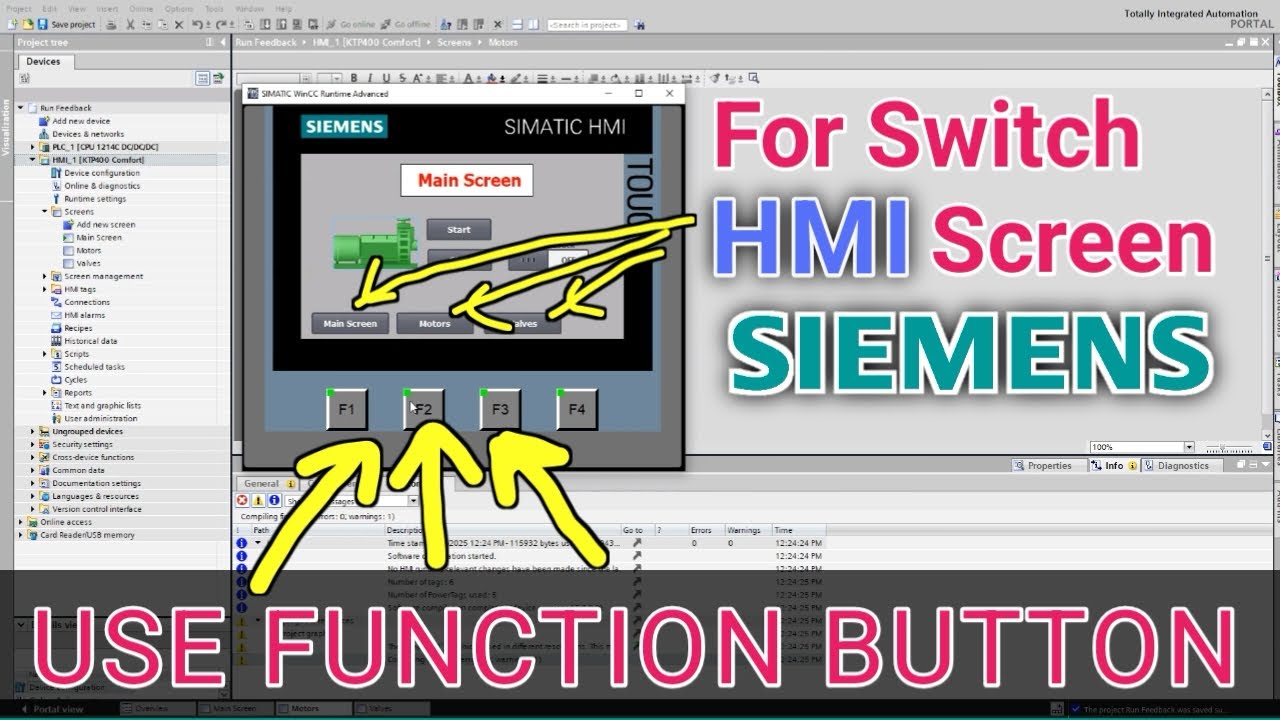
How to Use Function Button to Switch Screens in Siemens HMI | TIA Portal Tutorial
Автор: Basic Electrical Engineering
Загружено: 2025-06-25
Просмотров: 662
Описание:
How to use Siemens Hmi function button for switching between different Screen
In this video, you’ll learn how to configure a Function Button in Siemens HMI (using TIA Portal) to switch between multiple HMI screens like a pro.
This is a must-know technique for anyone designing user-friendly HMI interfaces in industrial automation projects.
📌 Topics Covered:
(1) What is a Function Button in HMI?
(2) Step-by-step screen switch setup in TIA Portal
(3) How to link a button to open another screen
(4) Tips for screen navigation design
(5) Example: Navigation from Home to Settings or Alarm screen
✅ Works for Siemens Basic, Comfort, and Unified HMI panels.
🎓 Whether you're a beginner or intermediate user of Siemens HMI, this tutorial will enhance your project design skills and improve the operator experience.
👉 Don’t forget to Like, Subscribe, and Share for more automation content and tutorials!
#SiemensHMI #TIAPortal #HMIScreenSwitch #FunctionButton #IndustrialAutomation #HMITutorial #TIAProjects #HMIProgramming #AutomationTips #WinCC #SiemensTraining #EngineeringTutorial #ScreenNavigation
Повторяем попытку...
Доступные форматы для скачивания:
Скачать видео
-
Информация по загрузке: