Wireless 3d Printing with Octoprint Advanced Hints and Tips
Автор: Make With Tech (MakeWithTech)
Загружено: 2019-11-10
Просмотров: 13395
Описание:
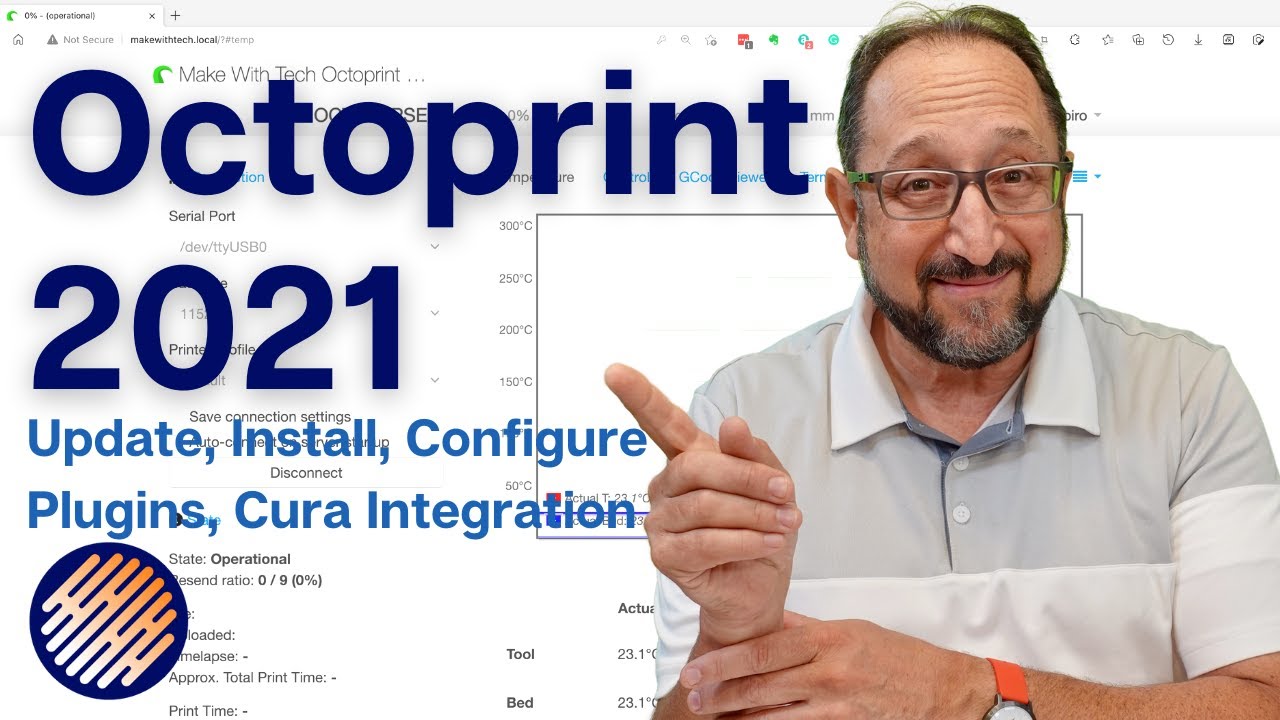
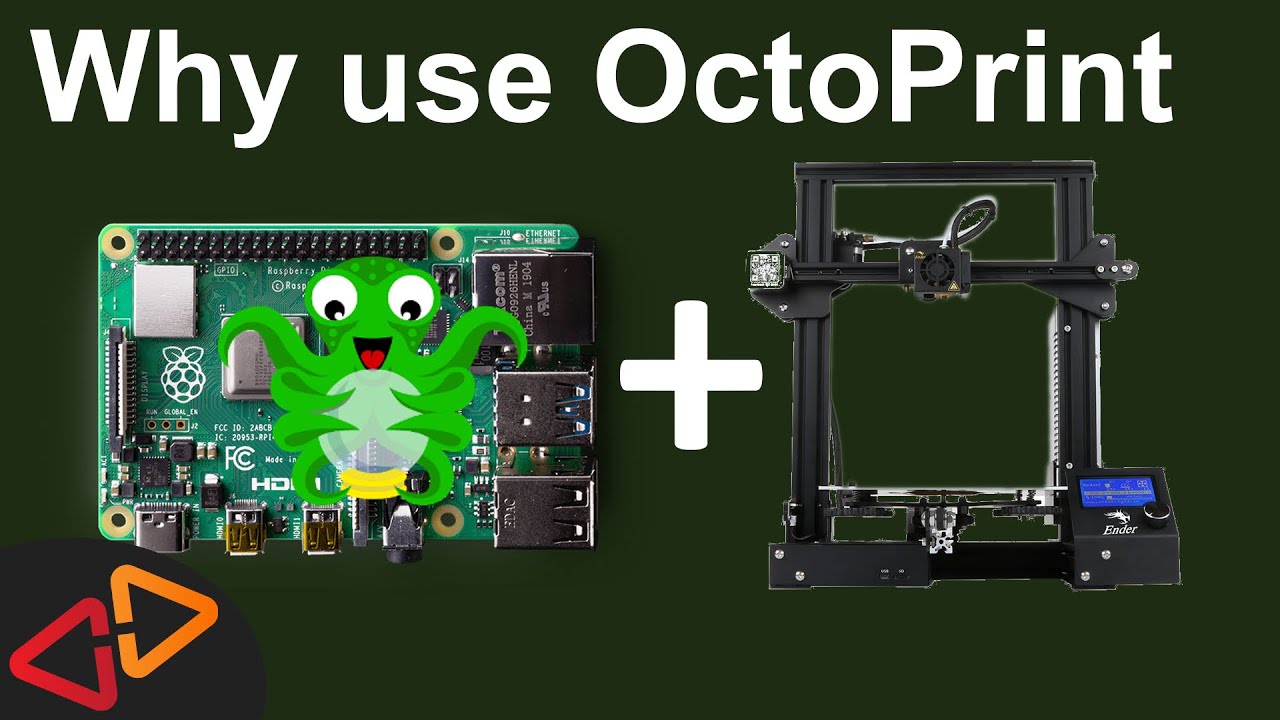
Add WIFI 3d Printing to any 3d printer with Octoprint. Octoprint is a popular open-source software solution that adds a browser front end, both hardwired and WIFI, to any 3d printer with a standard USB connector. While there are many Octoprint installation tutorials, this video takes the topic a bit further and highlights more advanced topics.
If you use Octoprint I believe you should support the developer Gina Häußge at her Patreon page. Great open-source software is free to use and modify but still requires an enormous commitment from the developers and maintainers. Supporting them on Patreon is appropriate.
/ posts
I use Octoprint on my Prusa i3 MK3, my Creality Ender 3 Pro, and Creality Ender 5, and all of my Monoprice printers, including my MP10, MP Select Mini, MP Mini Delta and MP Ultimate 2.
Since this video is quite long, I have included a table of contents here and at the beginning of the video:
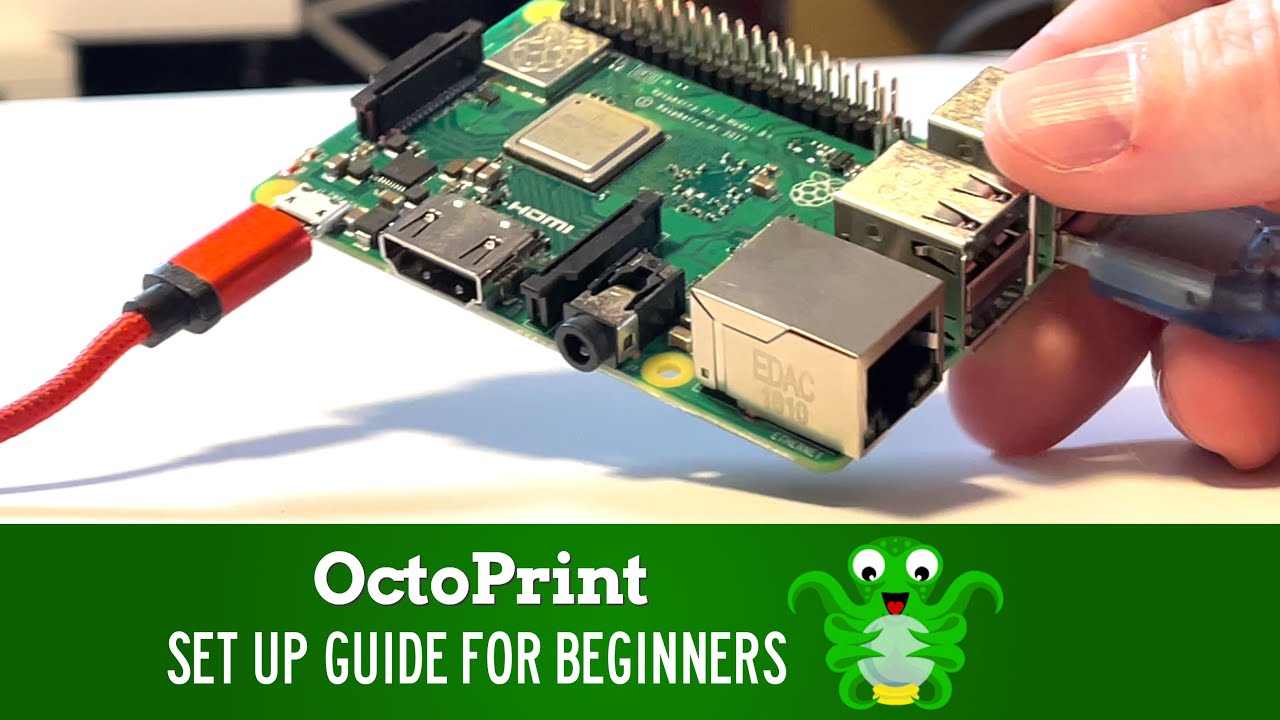
02:01 Raspberry Pi Architecture
05:42 Octopi Installation
07:59 Wifi Configuration
09:26 SSH Terminal Access
11:23 Debugging Wifi
13:29 SSH Example
16:06 Recommended Plugins
21:19 Installing Plugins
21:56 Debugging Plugin Installations
24:56 Backing up Octopi
26:48 Astroprint & Octoprint
You can find Octoprint at octoprint.org, and Astroprint also mentioned in the video at astroprint.com.
Since current versions of both Octoprint and Astroprint require a Raspberry PI 3 family machine here is an affiliate link to a model I have used many times that works great:
https://amzn.to/2NXvaXR
I personally like clear cases. If you have installed beta Octopi 0.17 build that supports a Raspberry Pi 4 here is a link:
https://amzn.to/2X2peAM
This video attempts to cover the material at an intermediate level for folks that may not have a lot of software installation experience. Please leave any comments or suggestions below.
Let's continue to learn together.
Irv
---
The following links are to products I have used, reviewed, or evaluated for the MakeWithTech community. Some of the links below are affiliate links that provide commissions, at no cost to you, and help support the MakeWithTech video production, purchase of products for reviews, lab, forum, and web site.
I have reviewed the following printers or similar printers:
➡︎ https://kit.co/makewithtech/3d-printe...
These are some of the tools I use for 3d printing day-to-day:
➡︎ https://kit.co/makewithtech/basic-3d-...
I have reviewed or used the following 3d printer upgrades:
➡︎ https://kit.co/makewithtech/3d-printe...
Here are the 3d printer filaments I use to evaluate prints, software, and techniques:
➡︎ https://kit.co/makewithtech/3d-printi...
I will be covering basic electronics and software in future MakeWithTech segments and here are the products I am using:
https://kit.co/makewithtech/software-...
Some of the Woodworking products I use:
https://kit.co/makewithtech/drvax-woo...
---
** Affiliate disclaimer: some of the above links in my videos may be affiliate links, which generate a sales commission for me. Your price is the same or less than if you go to the site directly. These sales commissions help to support the MakeWithTech channel. (https://makewithtech.com)
** MakeWithTech and the MakeWithTech videos are Copyright Cogitations, LLC. (https://cogitations.com)
** Equipment used in the MakeWithTech videos has the potential to cause injury if misused. Use all equipment and tools at your own risk and follow all manufacturer's safety recommendations.
** Cogitations, LLC licenses all music used in the MakeWithTech videos from Epidemic Sound. Cogitations, LLC uses only authorized or open source clip art and third party images. Images .
Повторяем попытку...

Доступные форматы для скачивания:
Скачать видео
-
Информация по загрузке: