Marlin 2.0 Build and Install | ANET ET4/5 | Ender 3 V2
Автор: Make With Tech (MakeWithTech)
Загружено: 2020-12-19
Просмотров: 41153
Описание:
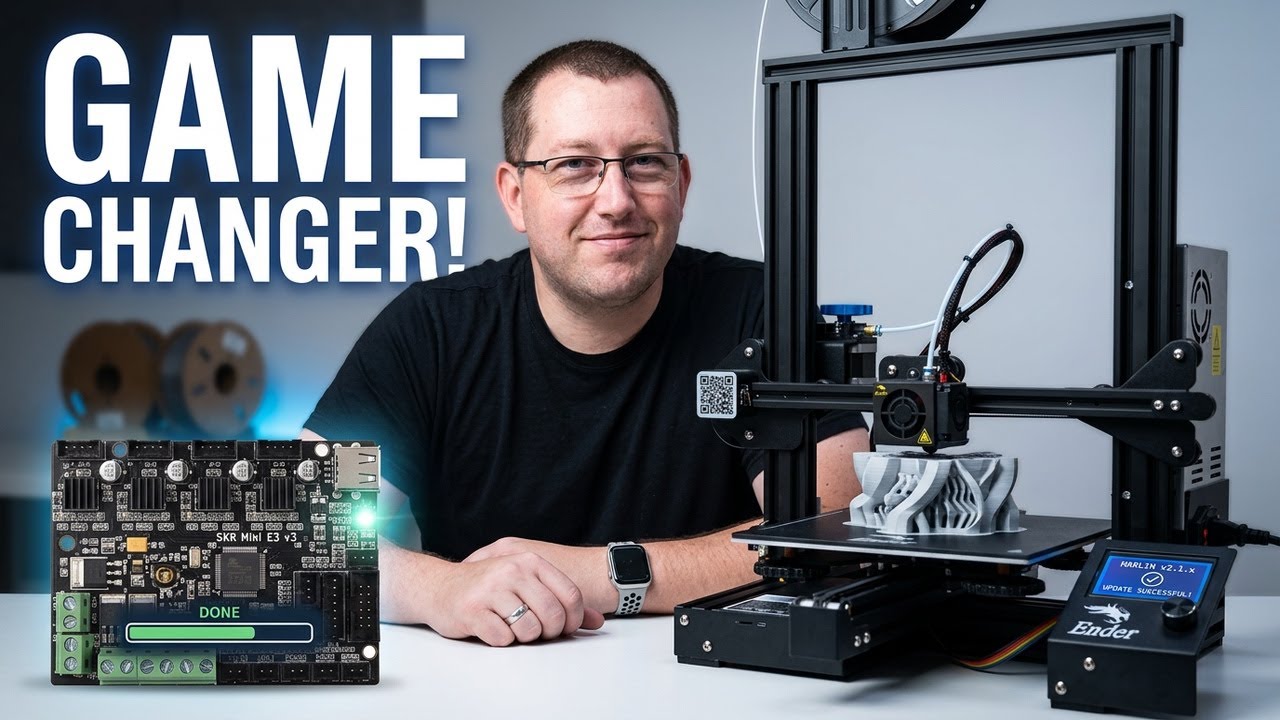
Learn how to build and install Marlin 2.0 on your 3d Printer. In this video I user Visual Studio Code, platformio, and GitHub source code to create a custom Marlin build for the Anet 3/5 3d printers and discuss the steps to do the same for an Ender 3 V2. For the Anet 3/5, I install a custom boot-loader by using the STlink programmer tool and software.
This is the most complex video I have produced for the MakeWithTech channel. The material is tricky to get right, the 3d printer calibration steps are complex to do consistently, the storytelling is complicated to make clear and I wish I had the time to do it all over again because it is still too long and could be improved. In the past when I have cut the material into multiple videos people watched part two so I left this video as a massive 40-minute video. Feel free to watch it in multiple seatings.
The full slide deck is available on the DrVAX user forum. Point your browser at https://forum.drvax.com. Registration is completely free and then go to the registered users topic where you will find the slide and the configuration files used in the video.
Here is an outline with approximate timestamps of everything you can find in the video:
00:00 Introduction
00:38 Ender 3 and Anet ET4/5 Limitations
02:02 Marlin Reference Material
03:15 Marlin 2.0
05:33 What is a Bootloader?
09:33 Marlin Source Code
10:05 Pre-Built Marlin 2.0 Releases
11:12 Tools Used to Configure Marlin 2.0
13:25 Steps in Building Marlin 2.0
14:18 Hards on Marlin Build and Install
28:33 Installing Bootloader on ANET E4/5
33:25 Calibrating PID (hot end/bed)
35:12 Calibrating ABL
Attached to this post you will find the updated slide deck used in the video and the configuration files I used for the ANET ET5 build I demonstrated in the video. In addition, you may find the following links helpful:
https://code.visualstudio.com/
https://platformio.org/
https://marlinfw.org/
The following link points to the STLink programming software:
https://www.st.com/content/st_com/en/...
This is an affiliate link that helps to support the channel to a clone STLink programmer I used in the video:
https://amzn.to/3nzaQws
Recommended YouTube Channels I watched while preparing for this video.
YouTube Channel - HL ModTech (https://www.youtube.com/channel/UCCn....)
YouTube Channel - Teaching Tech (https://www.youtube.com/channel/UCbg....)
The ANET ET4/5 Marlin Port
David Teran - Marlin 2.0 Port
-- https://github.com/davidtgbe/Marlin
-- https://github.com/davidtgbe/BLT
Let's continue to learn together. Irv
---
The following links are to products I have used, reviewed, or evaluated for the MakeWithTech community. Some of the links below are affiliate links that provide commissions, at no cost to you, and help support the MakeWithTech video production, purchase of products for reviews, lab, forum, and web site.
I have reviewed the following printers or similar printers:
➡︎ https://kit.co/makewithtech/3d-printe...
These are some of the tools I use for 3d printing day-to-day:
➡︎ https://kit.co/makewithtech/basic-3d-...
I have reviewed or used the following 3d printer upgrades:
➡︎ https://kit.co/makewithtech/3d-printe...
Here are the 3d printer filaments I use to evaluate prints, software, and techniques:
➡︎ https://kit.co/makewithtech/3d-printi...
I will be covering basic electronics and software in future MakeWithTech segments and here are the products I am using:
➡︎ https://kit.co/makewithtech/software-...
Some of the Woodworking products I use:
➡︎ https://kit.co/makewithtech/drvax-woo...
---
** Affiliate disclaimer: some of the above links in my videos may be affiliate links, which generate a sales commission for me. Your price is the same or less than if you go to the site directly. These sales commissions help to support the MakeWithTech channel. (https://makewithtech.com)
** MakeWithTech and the MakeWithTech videos are Copyright Cogitations, LLC. (https://cogitations.com)
** Equipment used in the MakeWithTech videos has the potential to cause injury if misused. Use all equipment and tools at your own risk and follow all manufacturer's safety recommendations.
** Cogitations, LLC licenses all music used in the MakeWithTech videos from Epidemic Sound. Cogitations, LLC uses only authorized or open source clip art and third party images. Images and videos used in product reviews and tutorials are from the original product (software or hardware) manufacturer's site.
** We are a participant in the Amazon Services LLC Associates Program, an affiliate advertising program designed to provide a means for us to earn fees by linking to Amazon.com and affiliated sites. .
Повторяем попытку...
Доступные форматы для скачивания:
Скачать видео
-
Информация по загрузке: