CR50 Process to remove write protect on new-ish chromebooks
Автор: Terry Scott 2nd Chance computers
Загружено: 2026-02-24
Просмотров: 100
Описание:
Process to remove Write Protect on newer-ish CR50 devices - using a SuzyQ cable with CCD (closed case debugging)
Look up your chromebook device on MrChromebox to device which way to disable Write-Protect:- https://docs.mrchromebox.tech/docs/su...
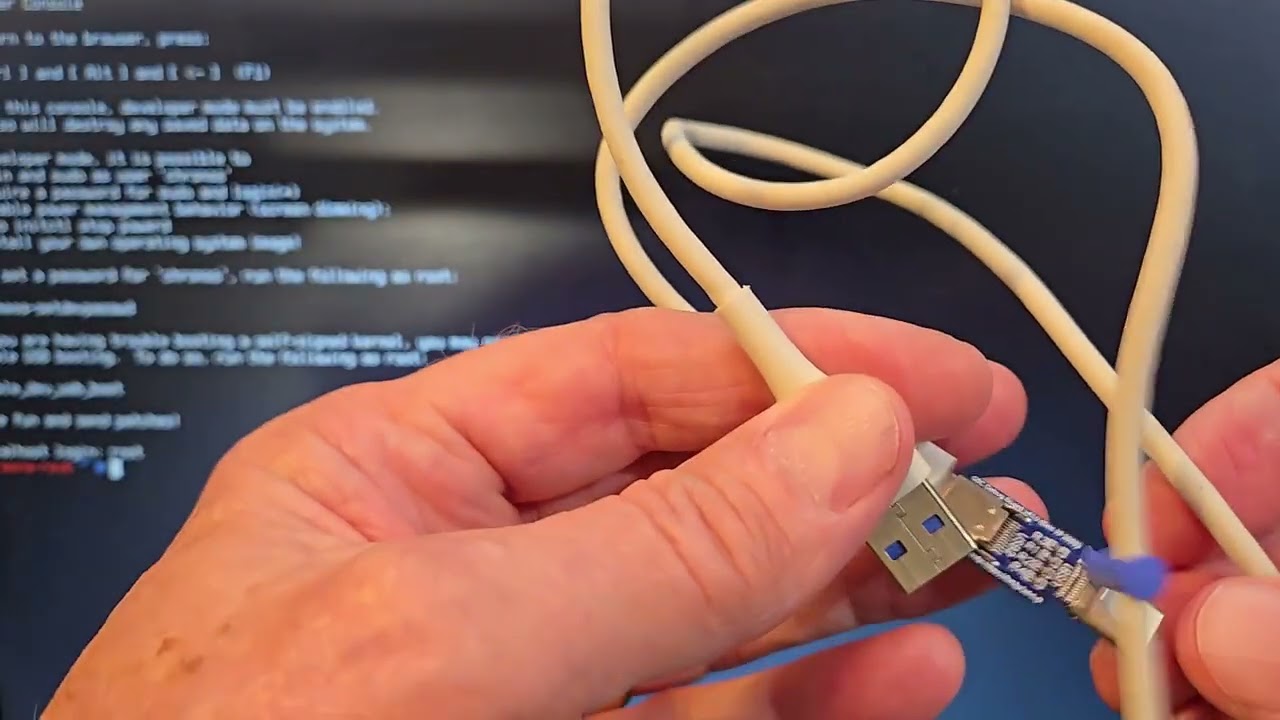
Disabling write-protect info https://docs.mrchromebox.tech/docs/fi...
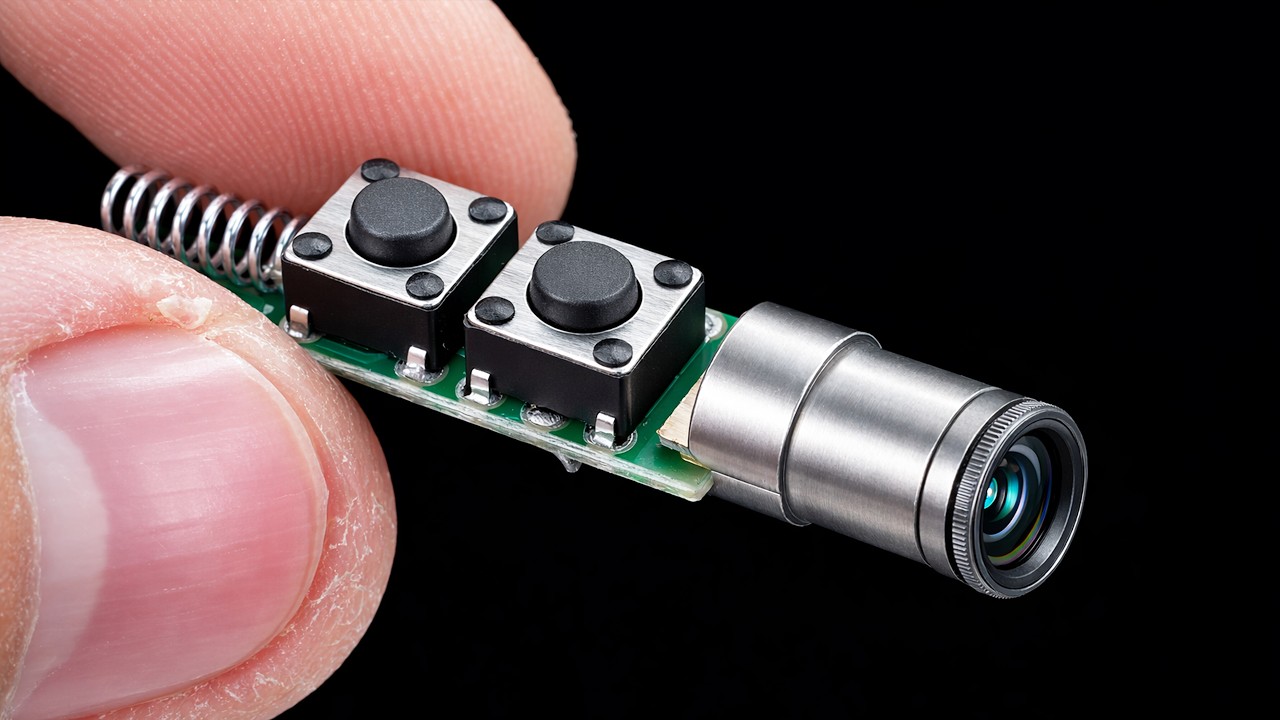
If needed: Ebay - Purchase a SuzyQ module and/or cable - https://ebay.us/m/4Tqscj
*Note below: ゝ is a greater than symbol* - Youtube doesn't allow the "real" greater than symbol**
Group 1 steps:
1. Put in developer mode
2. Go into command prompt - ctrl-alt-right arrow
Login as root
3. Type gsctool -a -o
4. Hit Power button when asked for PP (physical presence). It may take 4-6 minutes and 4-6 times of hitting the power button. System will reboot
=====================
Group 2 steps:
5. Put in developer mode again
6. Login as root
7. Plug in SuzyQ cable
8. ls /dev/ttyUSB* - 3 entries should show
9. echo "wp false" ゝ /dev/ttyUSB0
10. echo "wp false atboot" ゝ /dev/ttyUSB0
11. echo "ccd reset factory" ゝ /dev/ttyUSB0
12. gsctool -a -I Should show all Y. If it doesn't, start with #1 again. Usually works on 2nd time.
13. crossystem wpsw_cur Should respond with a 0
14. Reboot -
After rebooting install MrChromebox bios to be able to boot from USB drives.
Use Rescuezilla image as described in the “How to Process Older Chromebooks”. Or install your preferred Linux or any other OS from a USB drive.
Повторяем попытку...
Доступные форматы для скачивания:
Скачать видео
-
Информация по загрузке: