Tips for Motu DP Digital Performer - Markers tracks - Commands - Mix Window show all - Customising
Автор: Phil Gaudion
Загружено: 2019-02-28
Просмотров: 3501
Описание:
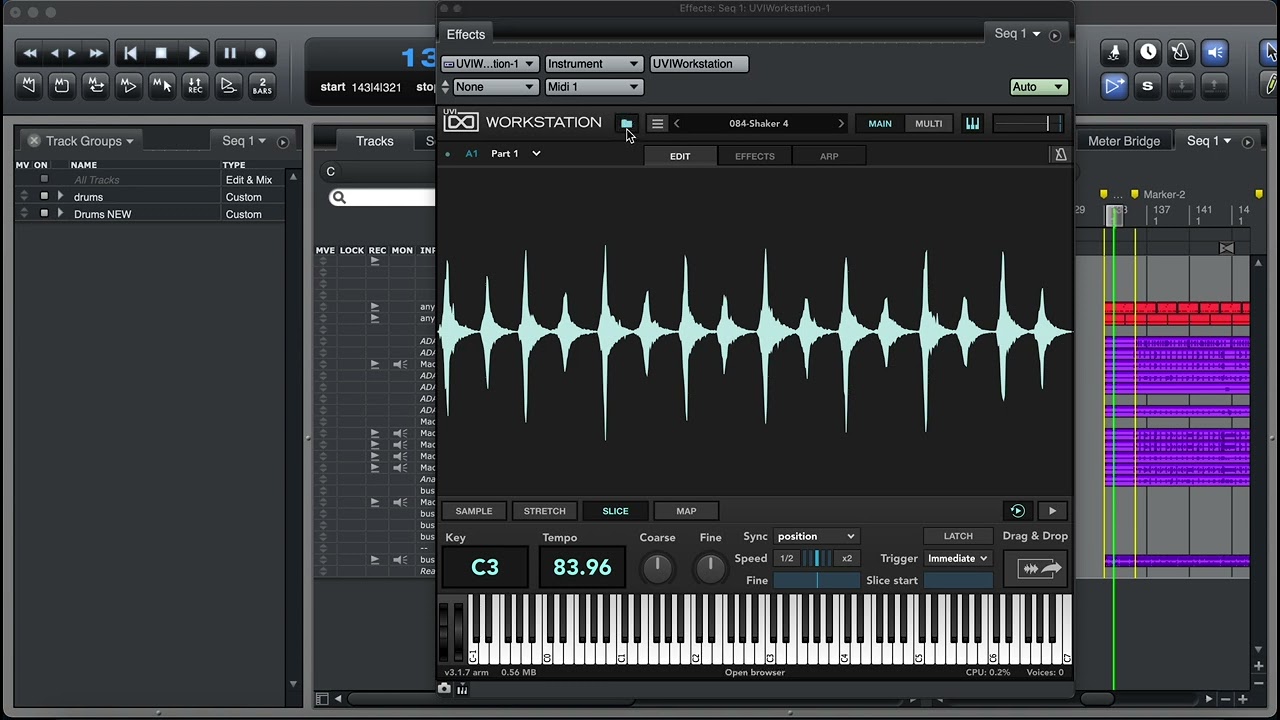
Hi there - MOTU Digital Performer has a very useful feature for setting up your own Key Strokes using the Command window
This Command window feature allows you to customise practically any thing you want into a KeyStroke
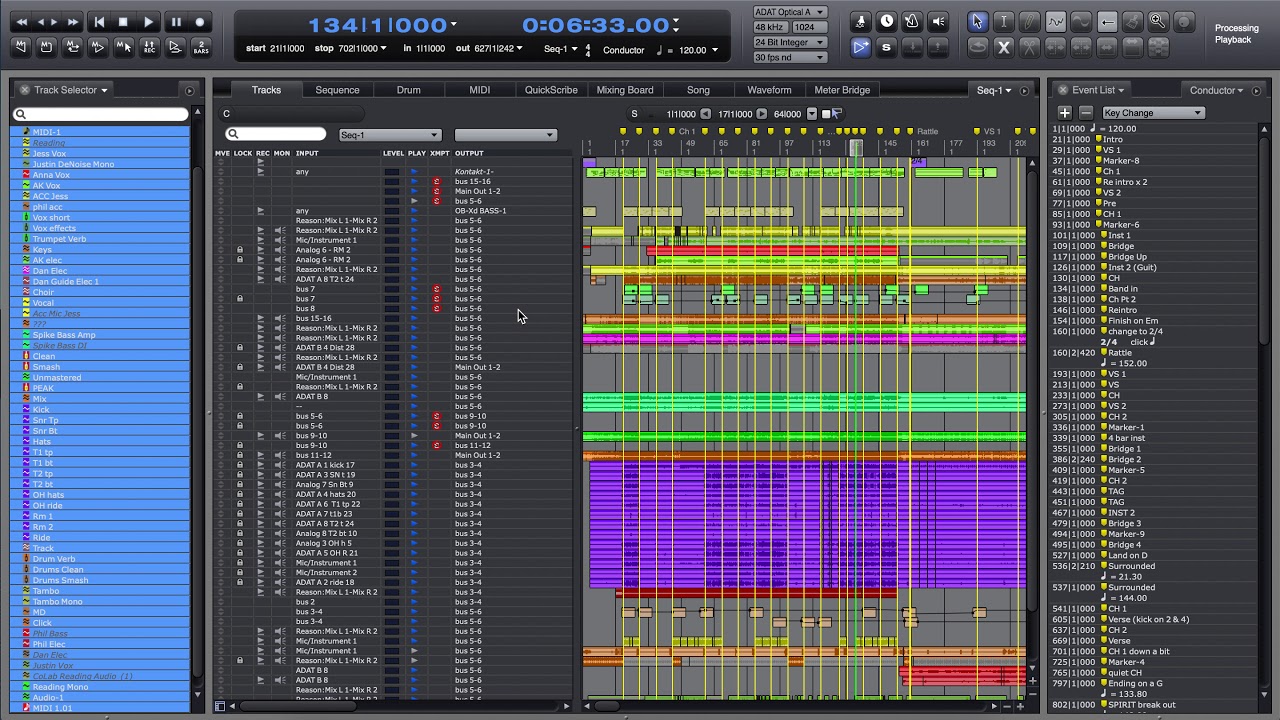
The main thing I wanted to change was navigating the Markers to get around the Sequence quickly for recording and even when I use DP for Live performance where I have Click Tracks or backing tracks for multiple songs lined up in one 'Sequence'
I'm aware it's possible to change 'Chunks' but I didn't want to have to do that, so that's why I wanted to add keystrokes for Marker Navigation..
So I setup the " , " key for 'Go to Previous Marker', and " . " as Go to Next Marker as they are also the 'arrow' keys and to me the symbolised the Previous and Next actions the best - next to that is the " / " key which i find useful for 'Rewind' which takes you back to the start of the sequence or timeline
I also assigned the " y " key to 'Show all Tracks' so that when I get to the mixer I can quickly see all tracks without having to use the Track Selector box in the bottom right corner
I believe this applies to any version of DP Digital Performer you may have
Hope this helps you, I couldn't find anything on YouTube like this..
Please Like and Subscribe!
Cheers
Phil
Повторяем попытку...

Доступные форматы для скачивания:
Скачать видео
-
Информация по загрузке:




![[1274 드럼커버/악보첨부🎼] Yugo Kanno - Canzoni Preferite 갱댄스? (From JoJo's Bizarre Adventure / 조조의 기묘한 모험)](https://imager.clipsaver.ru/j-m5qPicsKQ/max.jpg)