Online [Digital] Evaluation, On-screen Marking System, Answer Sheets Checking Detailed Guide, CBSE
Автор: Physics Pulse
Загружено: 2026-02-19
Просмотров: 2956
Описание:
#link
https://cbse.onmark.co.in/cbseevalweb
Online Evaluation, Digital Evaluation, On-screen Marking System, Board's Answer sheets Checking 2026
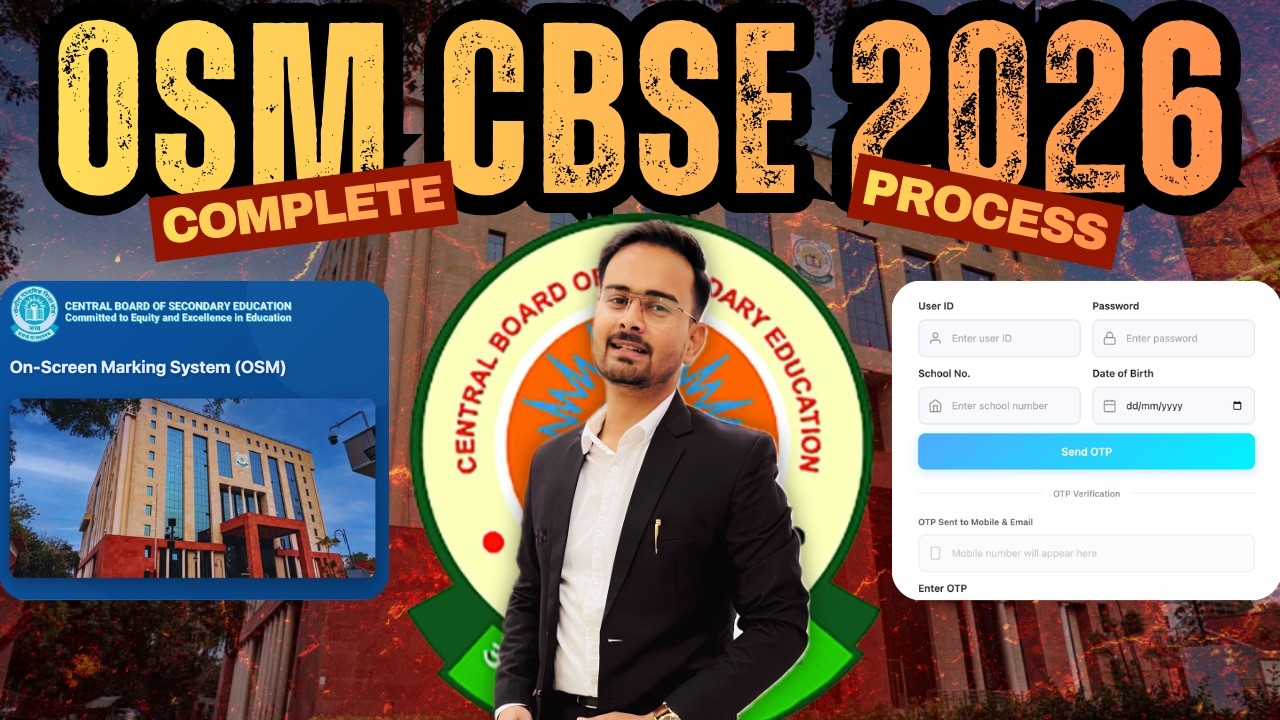
This video provides a detailed guide on the online evaluation process for CBSE 12th board answer sheets, which will be checked digitally on screen (0:00). Teachers can start with mock evaluations using their provided ID and passwords to familiarize themselves with the system (0:26).
Here's a breakdown of the online evaluation process:
Login and Interface (0:44):
Evaluators log in with their user ID, password, school code, and date of birth (0:57).
An OTP (One-Time Password) is sent to the registered mobile number for verification (1:10).
The interface offers various tabs like home, main assessment, profile, subject-wise evaluation report, and day-wise evaluation report (1:31).
System Requirements (2:26):
The on-screen marking system is compatible with PCs or laptops only (2:29).
It requires Windows Operating System 8 or above and a minimum of 4GB RAM (2:31).
Evaluation Tools and Features (3:31):
Step Marks (M): Allows evaluators to give marks for each step of a question, unlike the collective marking in offline evaluations (3:43).
Tick Mark: Used to indicate correct answers, similar to using a green pen (4:24).
Cross Mark: For marking incorrect portions of an answer (4:35).
Viewed Mark (Eye Icon): Essential to mark pages as viewed to avoid skipping any content (4:47).
Blank Page: Option to mark blank pages (5:00).
Special Note: For adding notes about specific questions or discrepancies (5:04).
Repeat Answer: To mark instances where a student has repeated an answer (5:22).
Wrong Question Number: For cases where a student has written a wrong question number for an answer (5:35).
Delete Option: To remove any mistakenly placed marks (5:51).
Checking and Saving Progress (6:11):
Evaluators are advised to save their work frequently to prevent loss due to technical glitches (6:23).
The system provides access to the question paper solution and marking scheme for reference (6:51).
Marking Process (7:35):
Marking incorrect answers: Select the cross mark and right-click to assign zero marks (7:42).
Marking correct answers: Use the tick mark and right-click to assign appropriate marks (8:40).
Handling Unchecked Pages: Use the "viewed" mark for pages that don't require checking (9:48).
Step Marking for Subjective Questions: Follow the marking scheme for each step of subjective questions (10:14).
Internal Choice Questions: Mark "NA" (Not Attempted) for unattempted parts of questions with internal choices (12:35).
Additional Features (13:22):
Adjusting brightness of the question paper (13:22).
Zoom in/out functionality (13:41).
Marking unfair means (UFM) if detected (13:59).
Submission and Auto-Calculation (14:08):
The system automatically calculates total marks, eliminating the need for manual totaling (14:31).
All pages, including rough work and blank pages, must be visited and marked before submission to ensure no content is missed (14:43).
The system will not allow submission if any page or step remains unchecked (16:08).
Saving and Exiting (16:51):
Evaluators can save their work and exit the system at any time, then resume later (16:51).
#cbseboard
#evaluation
#checking
#onscreen
#detailedvideo
#viral
#trending
#viralvideo
#class12
#share
#subscribe
#subscribemychannel
#100k
#100kview
#new
#youtube
#teacher
#teachers
#authentic
Повторяем попытку...
![Online [Digital] Evaluation, On-screen Marking System, Answer Sheets Checking Detailed Guide, CBSE](https://imager.clipsaver.ru/zzoL-BViB1c/max.jpg)
Доступные форматы для скачивания:
Скачать видео
-
Информация по загрузке: