Скачать
Atari ST Hard Drive demo
Автор: Jan G Cornell
Загружено: 2023-01-07
Просмотров: 15
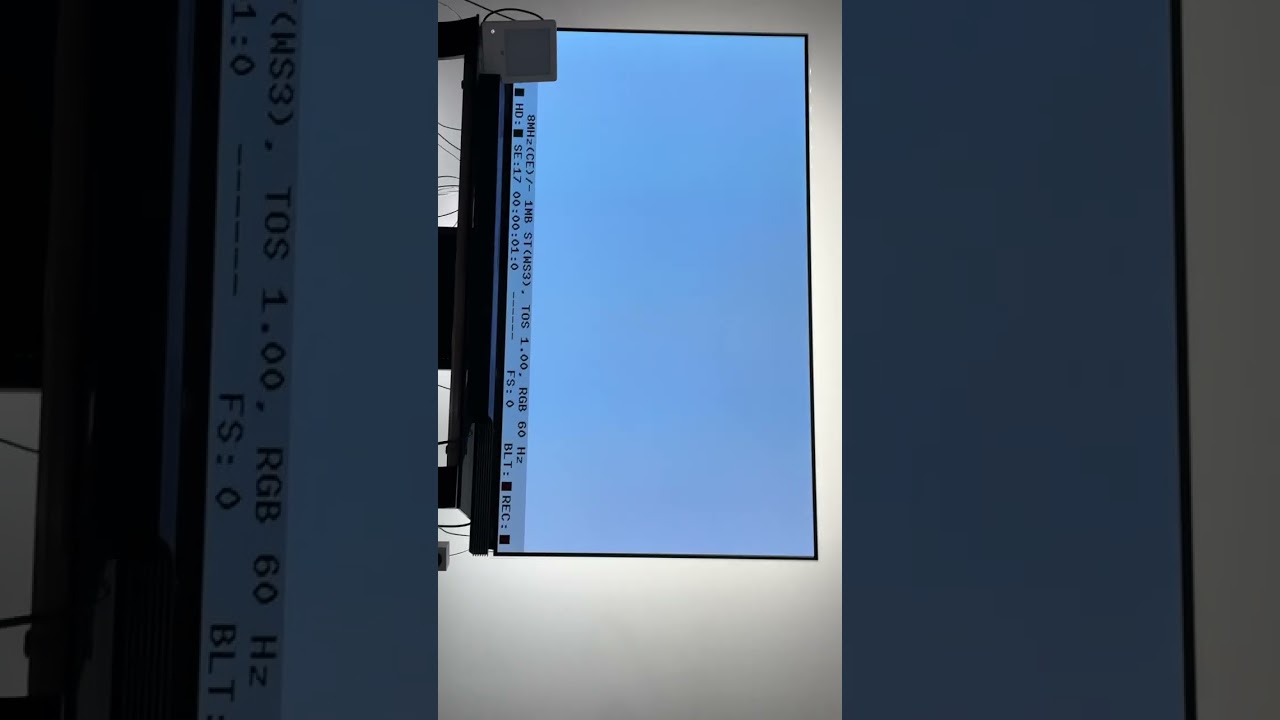
Описание: The Pi 400 boots. Then there is a grey screen for a bit. Then the green TOS desktop appears. After that I hit Fn & F12 on the Pi 400 and the Hatari menu appears. I cursor to Hard Drives & press Enter. From that next screen I select ASCI hard drive. Then I select Browse, and a large games list shows up. Then I cursor down to the first game in the list and hit Enter again, but the game does not run. Thanks for looking!
Не удается загрузить Youtube-плеер. Проверьте блокировку Youtube в вашей сети.
Повторяем попытку...
Повторяем попытку...
Доступные форматы для скачивания:
Скачать видео
-
Информация по загрузке: