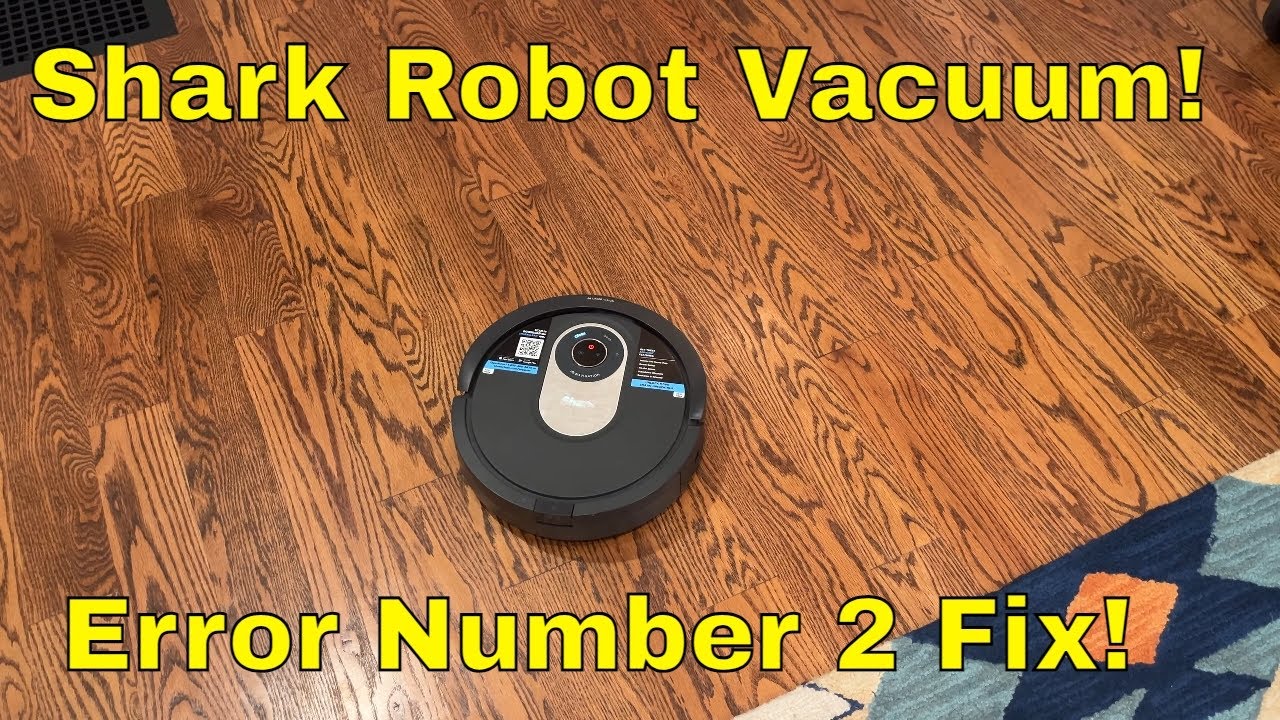
Troubleshoot Shark IQ Side Brush Error (Obstruction Error #2)
Автор: Picking of Sticks
Загружено: 2020-04-09
Просмотров: 130174
Описание:
This video shows how to troubleshoot a problem that appears fairly common with the Shark IQ robot vacuum.
The vacuum will stop about 20 seconds after starting, with a message about "Obstruction" and "Error #2." You check the vacuum thoroughly, but nothing is there!
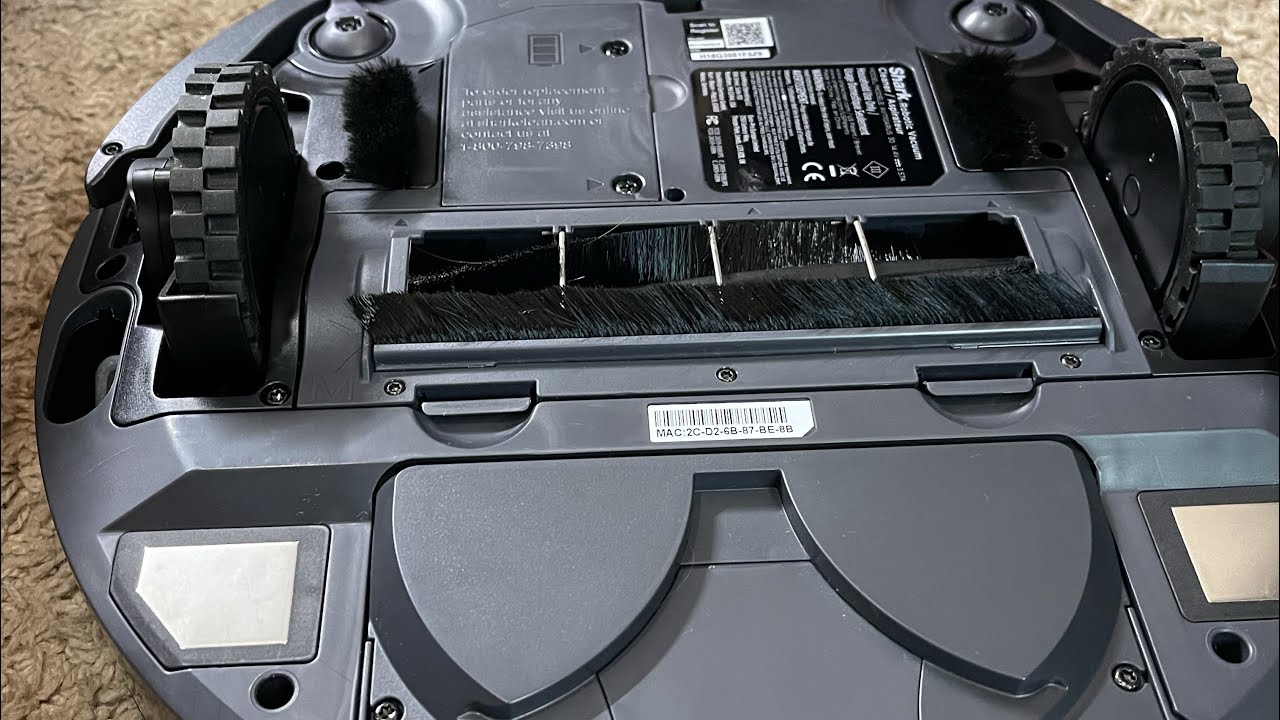
However, the red flashing lights on the vacuum indicate a problem with the side brushes, per the user manual. Replacing the side brush might solve the problem temporarily, but it returns again!
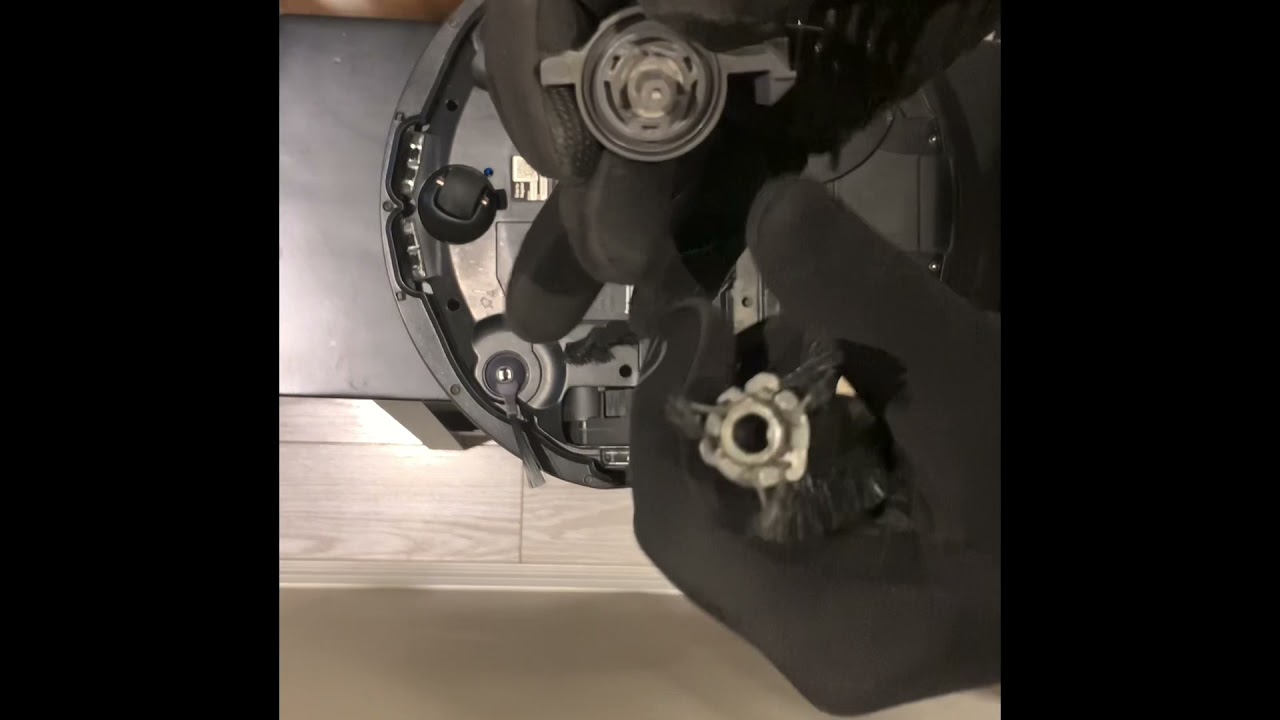
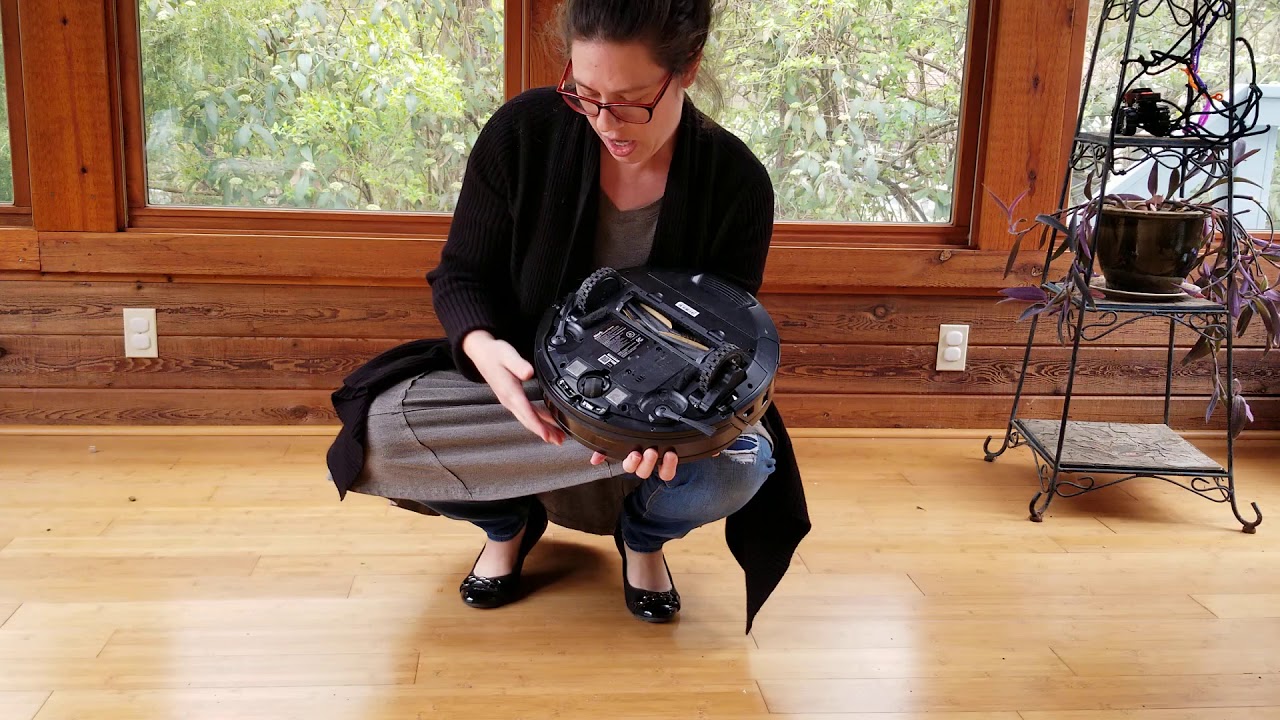
The problem seems to be that the left brush (looking down at the unit from above) struggles to get started spinning, while the right runs freely. In the video, I demonstrate how you can reach under the robot after it starts up and flick the left brush to get it to go. You may have to do this a few times, but once it's going, it tends to stay working.
This is really not ideal, and both of my vacuums have the same problem. One developed the issue after a few weeks; the other, after about two months. I can't really say I'd recommend the vacuum as a result, but if you've already bought it and you're stuck with it, this will probably do the trick.
UPDATE: Both of my vacuums spontaneously stopped having this problem! I didn't change anything, and I can't explain it. Maybe your vacuum will eventually decide it's done pranking you, too? 🤷♀️
Повторяем попытку...
Доступные форматы для скачивания:
Скачать видео
-
Информация по загрузке: