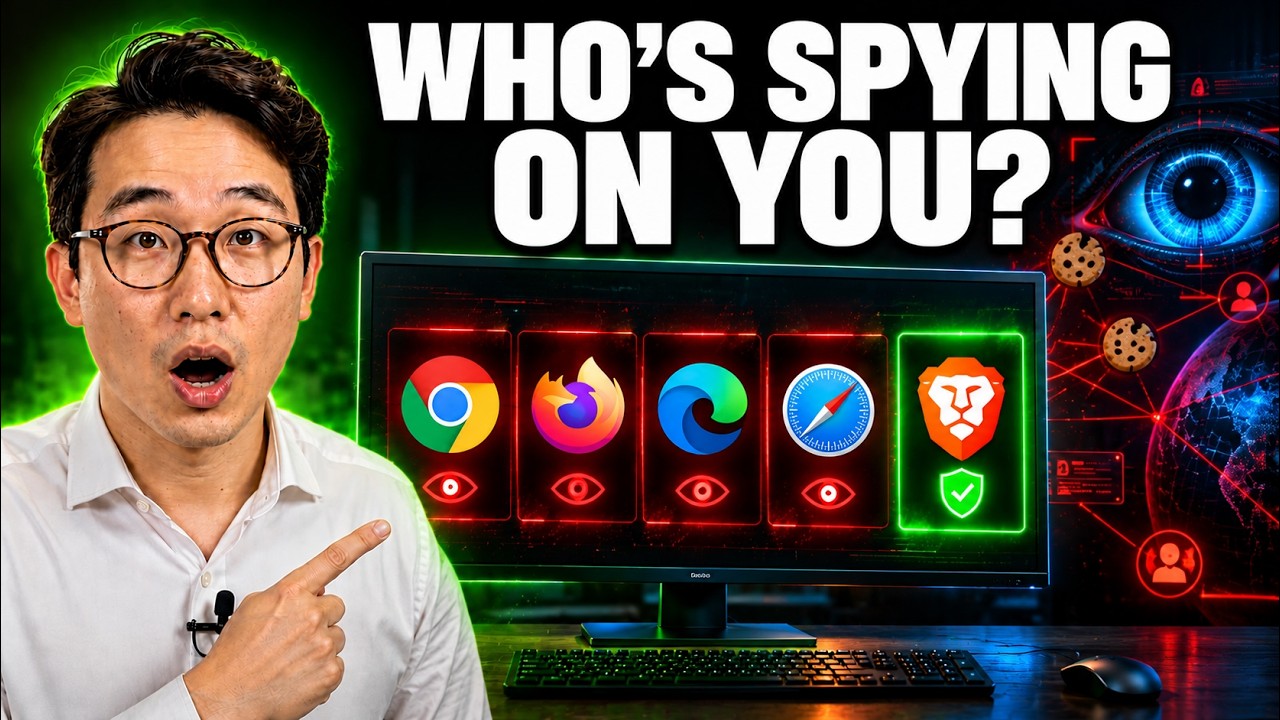
I Tested 5 "Private" Browsers — Only One Didn't Spy on Me
Автор: Power Brief
Загружено: 2026-10-13
Просмотров: 212
Описание:
Are your “private” browsers really protecting your data? Many browsers promise stronger privacy, fewer trackers, and protection from online surveillance but their default settings and privacy features can differ significantly. In this video, I test five privacy-focused browsers to compare their tracking protection, telemetry practices, fingerprinting defenses, and privacy policies.
We’ll examine popular options such as Brave, Firefox, LibreWolf, Mullvad Browser, and DuckDuckGo Browser to understand how each handles online tracking. You’ll learn why incognito mode does not make you anonymous, how browser fingerprinting can identify users, and why blocking third-party cookies is only one part of protecting your privacy. We’ll also look at the limitations of each browser and the settings that can help reduce unwanted data collection.
What You Will Learn:
How five privacy-focused browsers compare
Which features help block trackers and third-party cookies
What browser fingerprinting means for your privacy
Why private browsing is not the same as anonymous browsing
How telemetry and default settings affect data protection
What to consider when choosing a secure browser
No browser guarantees complete anonymity. Your best option depends on your privacy needs, threat model, and how you configure it.
Subscribe to Hardware Index for more cybersecurity tests, software comparisons, browser reviews, and practical technology tips. Comment below: which browser do you trust most?
#PrivacyBrowser #OnlinePrivacy #CyberSecurity #BrowserSecurity #TechNews
Повторяем попытку...
Доступные форматы для скачивания:
Скачать видео
-
Информация по загрузке: