Rename Mac Screenshots Automatically: The Genius "Hybrid" AI Shortcut (MP168)
Автор: Macpreneur
Загружено: 2026-01-24
Просмотров: 143
Описание:
🆓 Get this automation and the step-by-step guide at https://macpreneur.com/freebie168
Ever opened the Shortcuts app on your Mac, stared at that blank screen, and thought, "What am I even supposed to automate?".
That "Automation Blank Page Syndrome" is the #1 thing keeping solopreneurs from being truly productive.
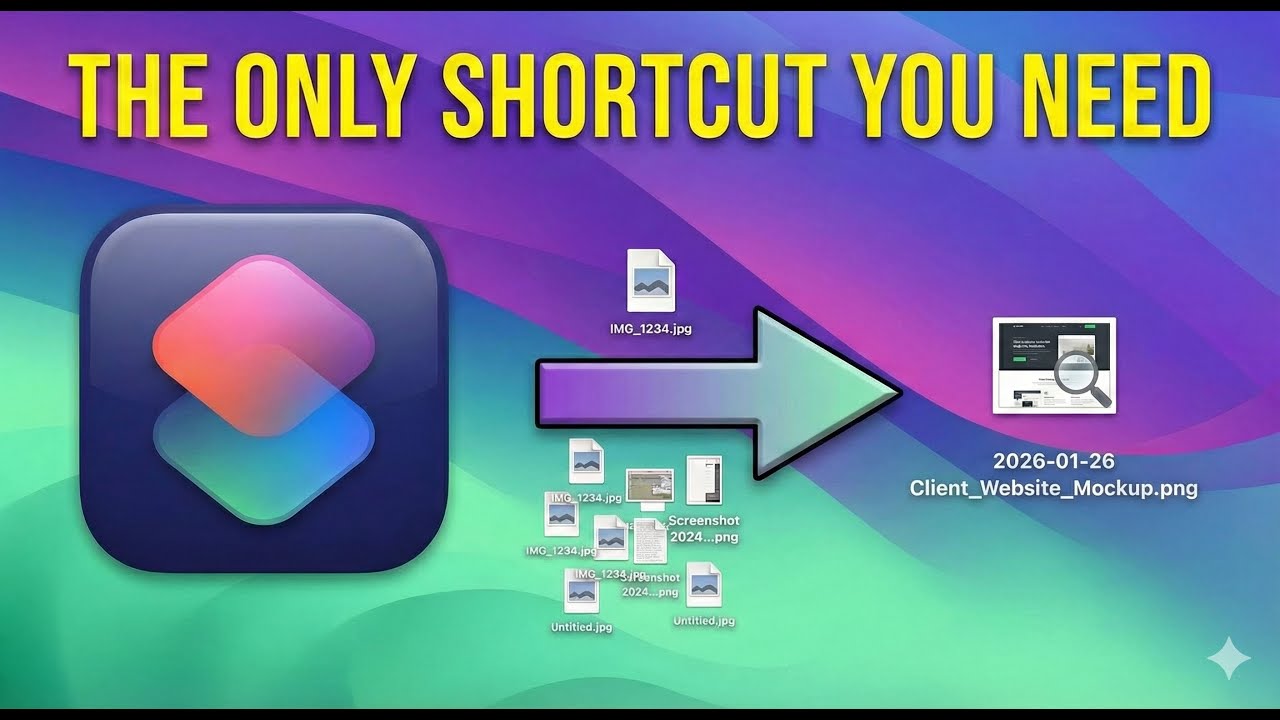
In this video, I’m sharing my battle-tested "hybrid" shortcut that uses AI to automatically rename messy screenshots based on the text inside them—a system I use daily to kill file clutter
🎤 Want to be a guest on the show? https://macpreneur.com/apply
❓Do you have a question about running your solopreneur business on your Mac? Get my answer in a upcoming episode of the Macpreneur podcast.
Visit https://macpreneur.com/question to submit your question in written form or video format!
✅ Want to get personalized time-saving tips to be more efficient on your Mac? Answer a few questions about how you're currently dealing with unnecessary clicks, repetitive typing and file clutter.
It's FREE and takes less than 2 minutes! https://macpreneur.com/tips
🤔 Wondering where to start streamlining your solo business?
⚙️Kickstart your unique journey with a 360° Tech Diagnostic
https://macpreneur.com/diagnostic
Follow me:
-) LinkedIn: / dschreurs
-) Instagram: / macpreneurfm
-) Facebook: / @macpreneurfm
Discover Macpreneur
-) Website: https://www.macpreneur.com
-) Podcast: https://macpreneur.buzzsprout.com/share
Chapters
00:00 Introduction
00:34 Episode Overview
01:10 Challenges with Existing Tools
02:05 The New AI-Powered Automation Solution
03:35 Why Automate Image Renaming?
04:48 Automation pre-requisites
09:15 What the automation does
09:57 Setting up the automation
10:58 Running the Automation
12:37 Advanced Automation Techniques
14:15 Free guide and download link
15:35 Next and outro
Повторяем попытку...
Доступные форматы для скачивания:
Скачать видео
-
Информация по загрузке: