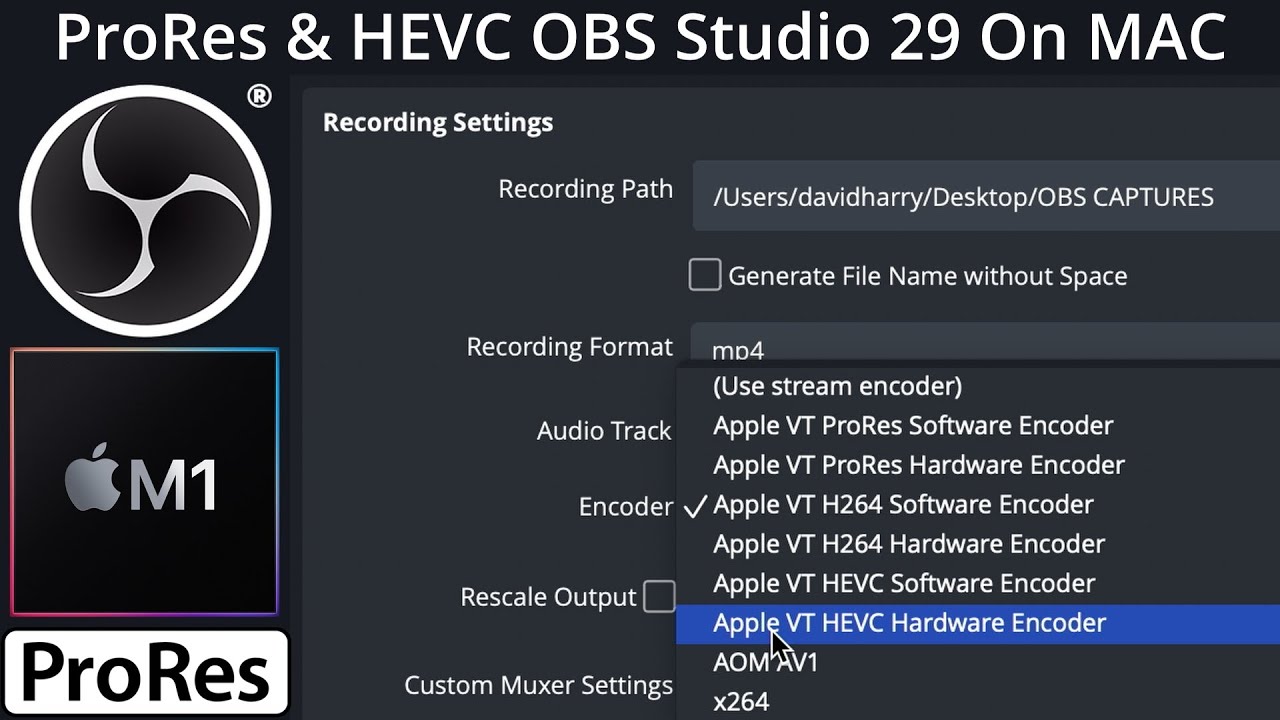
OBS Studio On Apple Silicon ARM Mac MacBook Pro M1 Max
Автор: David “DEVO” Harry
Загружено: 2022-08-16
Просмотров: 1193
Описание:
Blackmagic Design Ultrastudio Recorder 3G: https://geni.us/UltraStudioRecorder3G
Xbox Series X: https://amzn.to/3dynyeF
MacBook Pro M1 Max: https://amzn.to/3w66pQ7
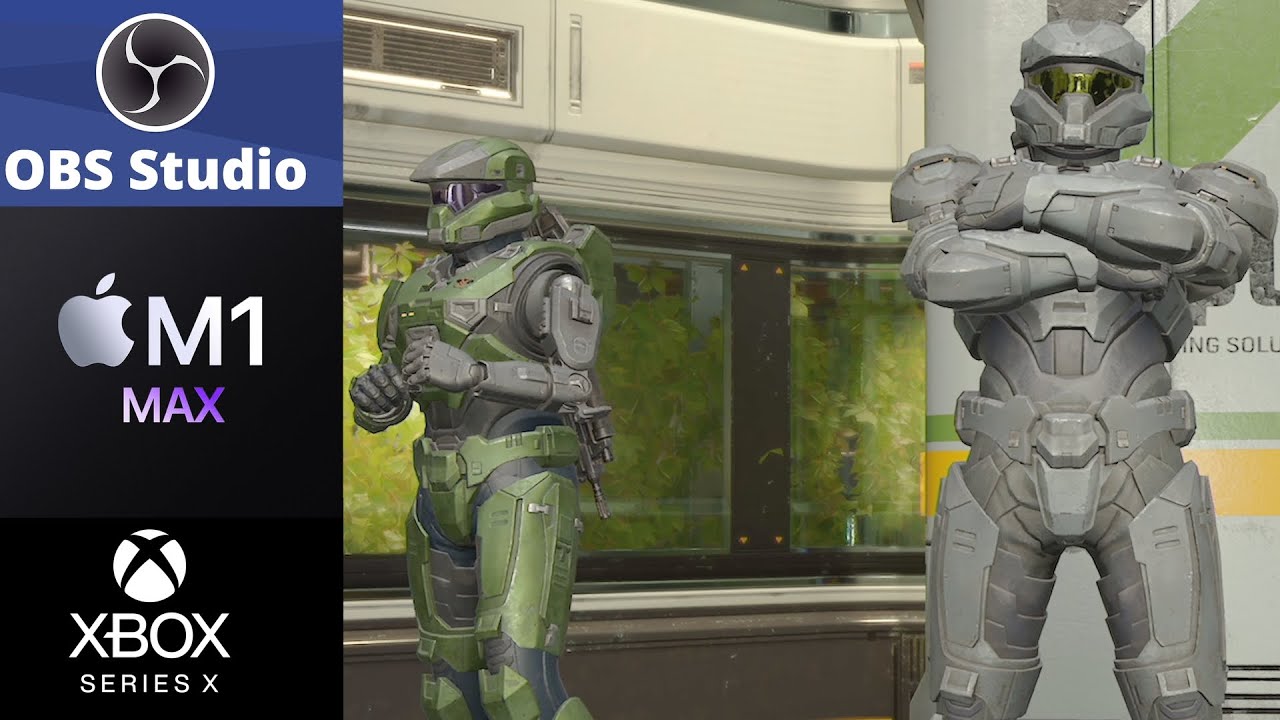
In this video I'm showing an example of recording gameplay from an Xbox Series X playing a game of Halo Infinite being recorded on the ARM Apple Silicon native version of OBS Studio. This very specifically a picture quality recording test.
This is OBS Studio 28 beta on a MacBook Pro M1 Max. The HDMI capture interface is a Blackmagic Design Ulttrastudio Recorder 3G. The Ultrastudio 3G is a Thunderbolt to HDMI capture interface. With it being 3G it cam only record up to 1080P 60FPS over HDMI from the Xbox Series X or any games console.
For this example, OBS Studio was set to a canvas resolution of 3840x2160 4K UHD and the 1080P input from the Xbox Series X via the Blackmagic Utrastudio Recorder 3G was upscaled in OBS Studio using the Lanczos scaling filter. The frame rate was 59.95 FPS, basically 60 frames per second.
The recording video coded in OBS Studio was the Apple VT H264 Hardware Encoder, which is basically the hardware variant of Apple Video Toolbox. The video recording bitrate was set to 200,000Kb/s, which is quite but this recording needed to be of high quality as it was then edited in DaVinci Resolve Studio and Resolve then exported out a H.265 file with a lower bit rate for the YouTube upload file.
This is basically and example of how to record console gameplay on a Mac, or more specifically, how to record Xbox Series X gameplay on an Apple Silicon Mac MacBook Pro M1 Max.
Let me know in the comments if you'd like me to show how to do specific setups of OBS Studio on Apple Silicon Mac. I will do another video soon which will be a step by guide on how to record Xbox Series X and PS5 on an Apple Silicon Mac using OBS Studio 28. Basically, a full setup guide for what I done in this video.
Please give a thumbs up, sub, share my videos and click the bell for notifications.
If you would like to support my channel please use my Amazon lnks when buying from Amazon. Using my links to buy anything other than my linked products still gives me a small comission.
Amazon comissions don't cost you any extra, the comission is part of Amazon's selling price.
You can also send me a coffee donation via my PayPal link, coffee keeps me going while editing :) Or a thumbs up, sub or share is a massive help for my channel.
Support via PayPal https://www.paypal.me/DavidHarry
My YouTube equipment & recommendations.
Amazon USA https://amzn.to/3g2Oi3i
Amazon UK https://amzn.to/2ZR6IOV
My Amazon Shop links.
Amazon USA https://www.amazon.com/shop/davidharry
Amazon UK https://www.amazon.co.uk/shop/davidharry
Amazon USA: https://geni.us/Amazon-USA
Amazon UK: https://geni.us/Amazon-UK
Amazon Deutschland: https://geni.us/Amazon-Deutschland
Amazon France: https://geni.us/Amazon-France
Amazon España: https://geni.us/Amazon-Espana
Amazon Italia: https://geni.us/Amazon-Italia
Amazon Canada: https://geni.us/Amazon-Canada
As an Amazon Associate I earn from qualifying purchases when you use my Amazon Affiliate links.
Contact me for product reviews. I DO NOT RESPOND TO VIEWER QUESTIONS.
[email protected]
http//www.DavidHarry.com
I’m David Harry. Thank you very much for watching this video, take care and goodbye now.
Cheers,
Dave.
#OBSstudioOnAppleSiliconARM#OBSstudio28#OBSonMac
Повторяем попытку...
Доступные форматы для скачивания:
Скачать видео
-
Информация по загрузке: