Fix a hot pixel on your Canon DSLR: T2i, Kiss, 5D, 7D
Автор: andycivil
Загружено: 2011-11-23
Просмотров: 73622
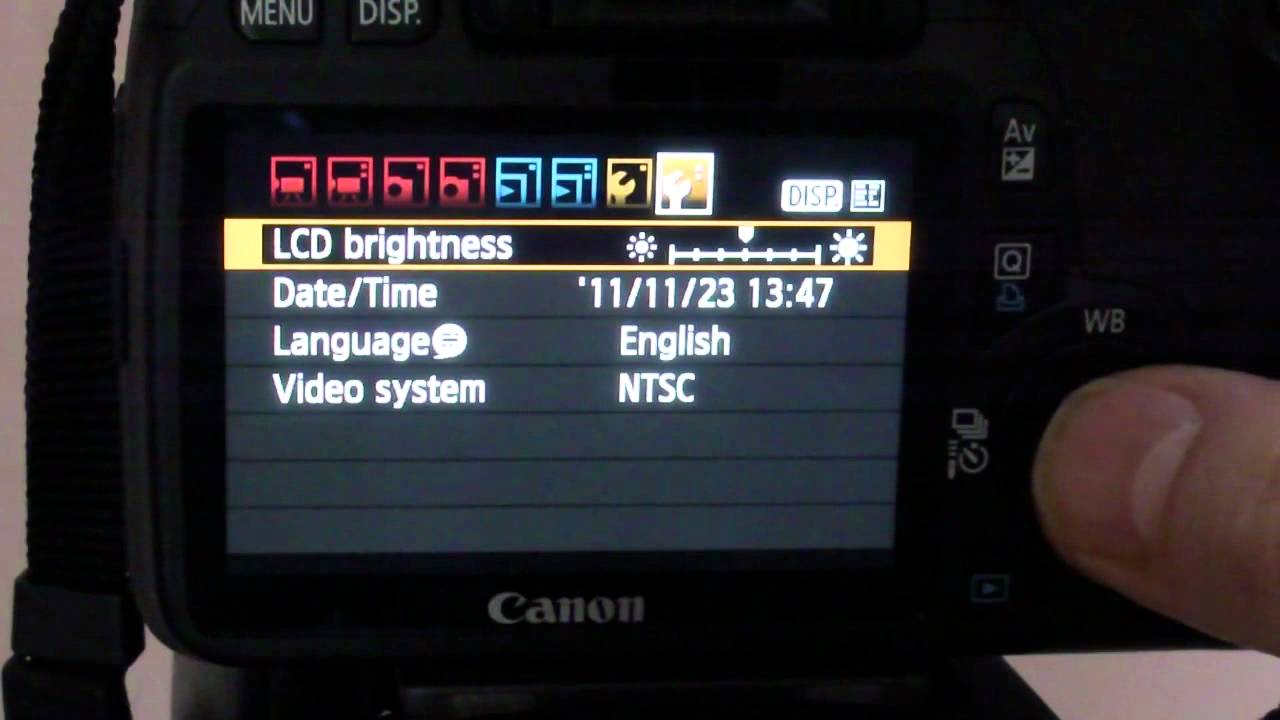
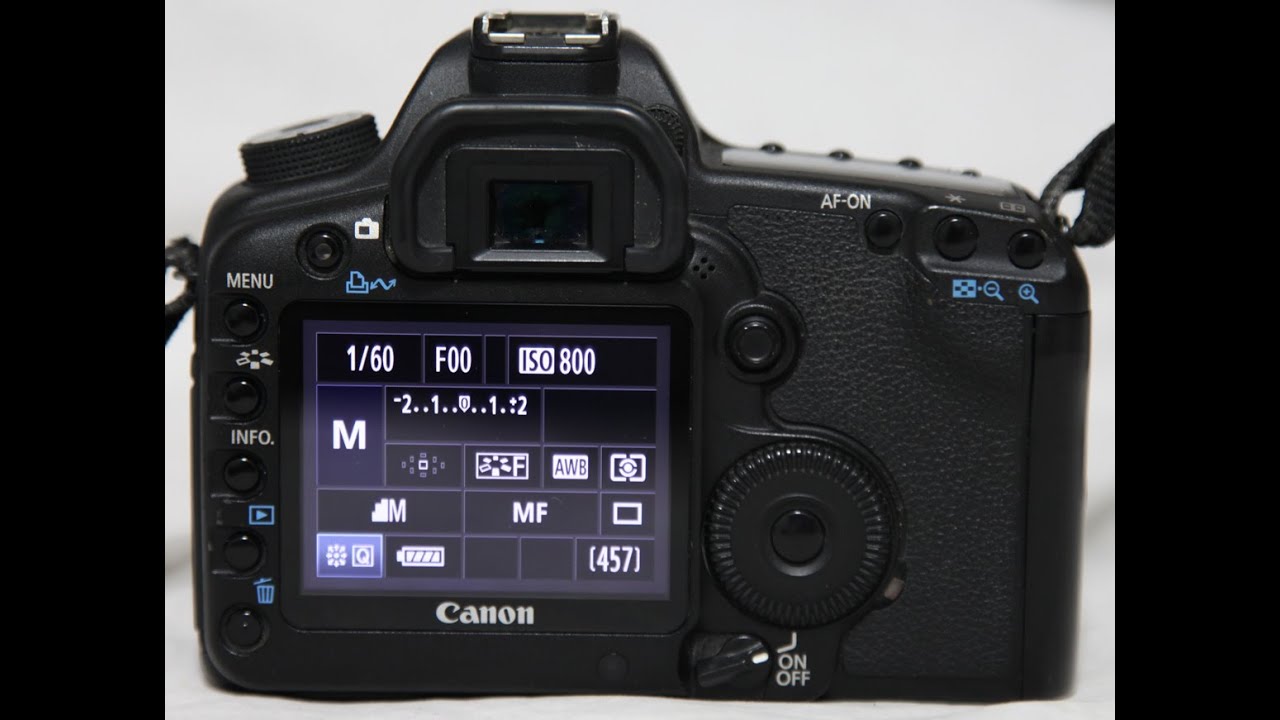
Описание: This is my Canon T2i DSLR camera, but this procedure is also valid for the 5D, 7D and others. It has what's called a 'hot pixel'. I don't see it in normal use, but under low light conditions in video mode (I've got the lens cap on at the moment) if you increase the sensitivity you can see that one pixel is showing red even though there's no light to cause it. It's especially obvious if I use the digital zoom. You can fix this easily, here's how. You need to choose "Clean Manually" in the menu because this triggers a remapping of the pixels. It's under the two-dot settings menu... except you may not find it at first. Even if you put it on the photo setting and choose "Sensor Cleaning", it's not there. Why? Advanced settings don't appear unless you choose "P" mode or higher. Now "Clean Manually" appears. Choose it, and wait thirty seconds, then turn off the power as it says. Now when I power up and choose video mode and zoom in, it's gone.
Повторяем попытку...
Доступные форматы для скачивания:
Скачать видео
-
Информация по загрузке:











![[4K FULL HD] Relaxing Water Background | 1 HOUR | Calm Water Wallpaper (No Sound)](https://imager.clipsaver.ru/y9PTNTSpGJs/max.jpg)