How To Clear Cache Partition In Samsung Galaxy A54 5G
Автор: WebPro Education
Загружено: 2023-04-17
Просмотров: 9732
Описание:
Here's how to clear cache partition on Samsung Galaxy A54 5G
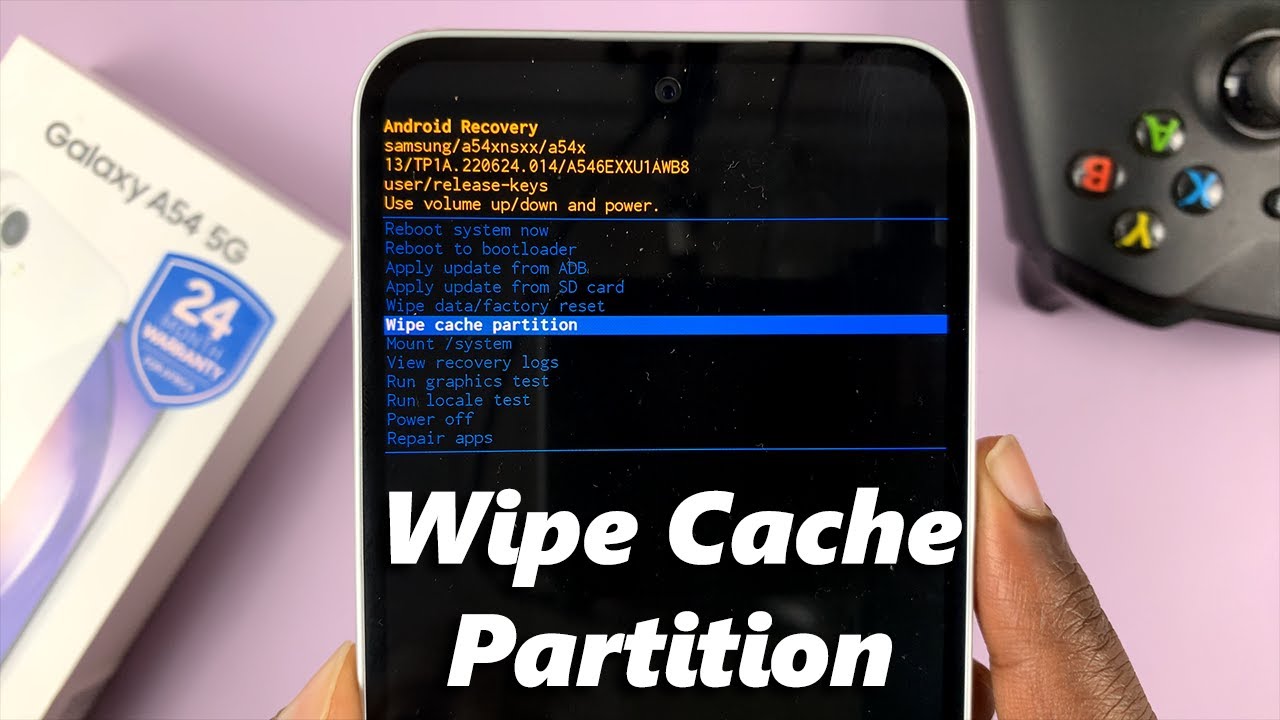
On Android, the system cache partition is where temporary system files are stored. You can clear the cache on your Samsung Galaxy A54 at any given time. Keep in mind that you need to access recovery mode on your Galaxy A54 5G.
From here, you navigate through the options available using the volume buttons and select the clear partition from the choices available. Allow the process to complete and once done, you can restart your device.
How To Clear Cache In Galaxy A54 5G:
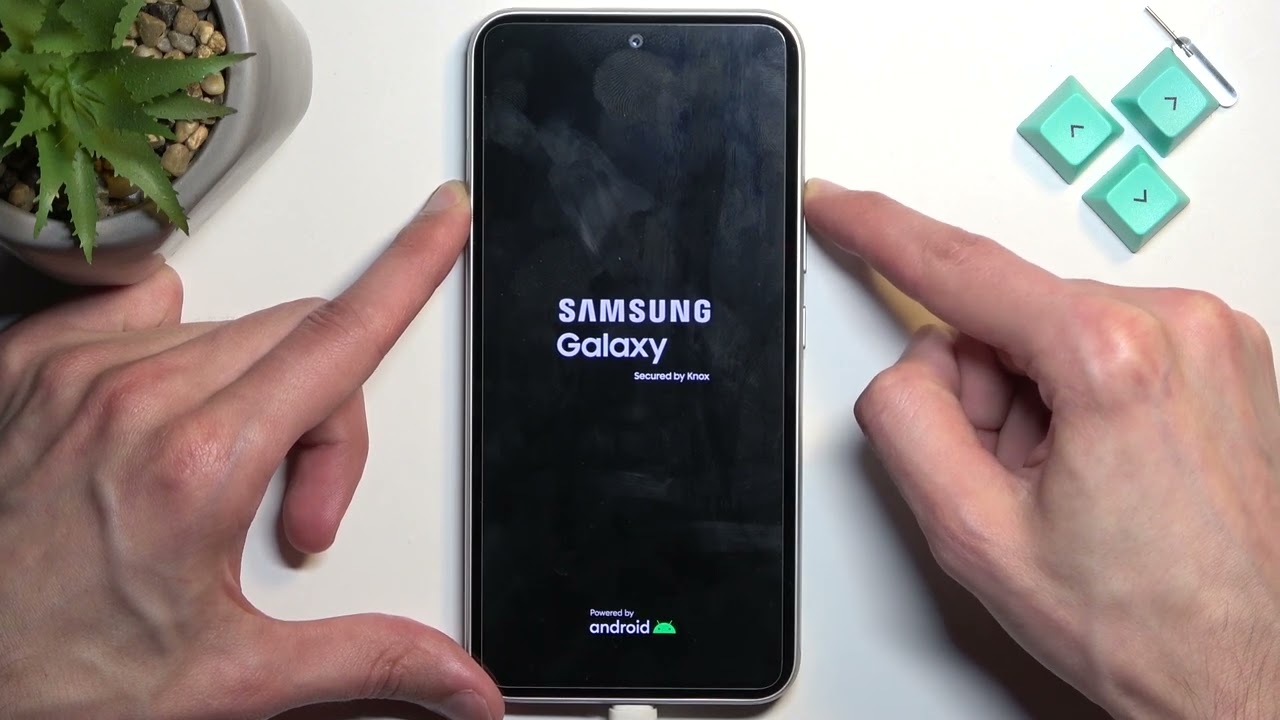
Put your phone in recovery mode
Navigate to 'Clear Cache Partition'
Select using the side key and confirm
Then select 'Reboot System Now' to reboot the phone back to Android One UI
You've cleared the cache in your Samsung Galaxy A54 5G
Galaxy S23 Ultra DUAL SIM 256GB 8GB Phantom Black:
https://amzn.to/3IneO8x
Galaxy S23 Ultra DUAL SIM 256GB 8GB Green:
https://bit.ly/3xagLyr
----My Gear for Youtube videos----
Main Camera (iPhone 13 pro): https://amzn.to/3GZztve
Tripod: https://amzn.to/35acqRa
Cell Phone Tripod Adapter: https://amzn.to/3v3wFuI
Lights: https://amzn.to/3vkoGK7
As full disclosure, I use affiliate links on this channel, and purchasing through these links earns me a small commission. The price you pay will be the same!
Website: https://www.webproeducation.org
Facebook: / webproeducation.org
Twitter: / webpro_e
Instagram: / webproeducation
Повторяем попытку...
Доступные форматы для скачивания:
Скачать видео
-
Информация по загрузке: