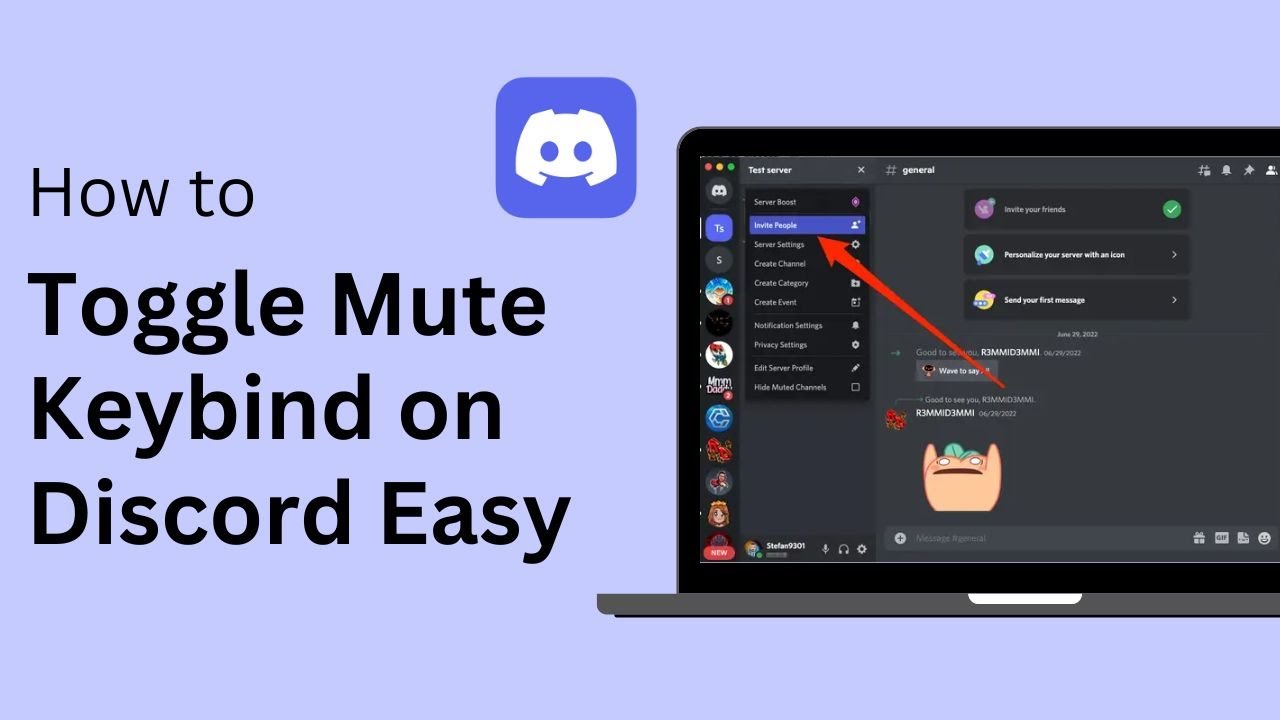
How To Toggle Mute On Discord | Discord Mute Keybind Tutorial !
Автор: Genie Guide
Загружено: 2024-09-03
Просмотров: 638
Описание:
In this tutorial, we walk you through the simple steps to set up a toggle mute keybind on Discord. Whether you're new to Discord or just looking to streamline your experience, this guide will show you how to easily set up a shortcut to mute yourself with a single keypress.
Discord is a popular communication platform for gamers, communities, and professionals alike. Being able to quickly mute and unmute yourself is an essential function, especially during intense gaming sessions, online meetings, or just casual chat with friends. This video will guide you step by step on how to configure this feature manually.
First, open your Discord app and navigate to the "User Settings" section. The User Settings menu is your gateway to customizing your Discord experience. Within this menu, you’ll find various options that allow you to personalize how the app functions according to your needs.
Once inside the User Settings, locate the "Voice & Video" option under the "App Settings" section. The Voice & Video settings allow you to manage everything related to your audio and video inputs and outputs on Discord. But for the purpose of this tutorial, we're focusing on keybinds.
After accessing the Voice & Video settings, you'll see another option labeled "Keybinds." Keybinds in Discord allow you to assign specific actions to specific keys or combinations of keys on your keyboard. This is particularly useful for actions you need to perform quickly, like muting your microphone without having to navigate through menus.
In the Keybinds section, look for the option to "Add a Keybind." Clicking on this option will bring up a new menu where you can assign a key or combination of keys to a specific action. In this case, we want to set up a toggle mute keybind.
Choose the key you'd like to use for muting your microphone. For example, you could use the right Shift key, but you can choose any key or combination that feels comfortable for you. Once you've selected your preferred key, you'll need to assign the "Toggle Mute" action to it. This means that every time you press this key, your microphone will either mute or unmute, depending on its current state.
Finally, save your settings, and you're all set! You've now successfully created a shortcut to toggle mute on Discord, making your communication experience more efficient and user-friendly. This feature is particularly useful if you find yourself needing to mute and unmute frequently, as it saves you the hassle of navigating through menus during a conversation.
If you found this tutorial helpful or if you have any further questions, feel free to leave a comment below. We're always here to help you make the most out of your Discord experience. Thank you for watching, and don't forget to check out our other tutorials for more tips and tricks.
Timestamps:
0:00 Introduction
0:03 Opening Discord and Accessing User Settings
0:18 Navigating to Voice & Video Settings
0:30 Accessing the Keybinds Option
0:43 Assigning a Keybind for Toggle Mute
0:59 Conclusion
Hashtags:
#DiscordTutorial #DiscordKeybinds #ToggleMute #DiscordTips #Gaming #OnlineMeetings #VoiceChat #MuteShortcut #DiscordGuide #HowToDiscord #laptop #desktop
We hope this video was beneficial to you. If it did help you either, then leave a like and subscribe to the channel. If you have any more questions, queries or doubts, leave them in the comments section. Thank you very much for watching and see you soon in our next video. #genieguide
Повторяем попытку...
Доступные форматы для скачивания:
Скачать видео
-
Информация по загрузке: