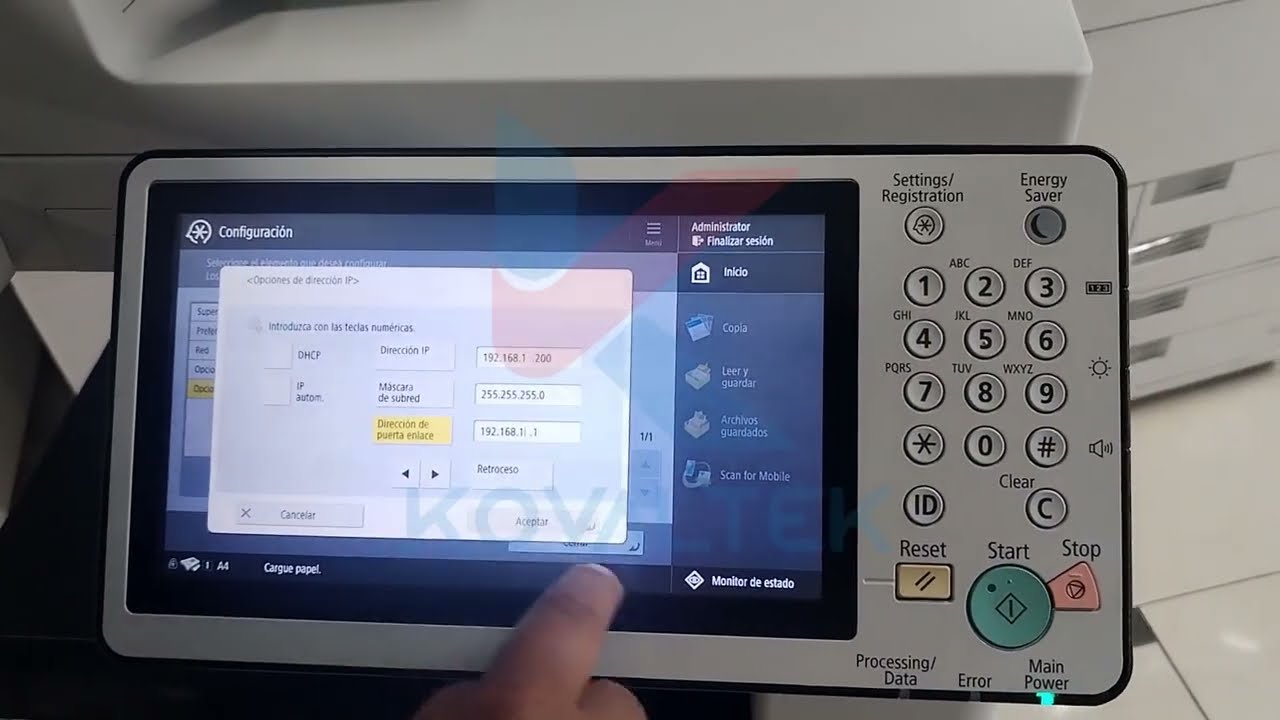
Canon IR 2318 installation
Автор: New_tips
Загружено: 2016-02-22
Просмотров: 44475
Описание:
Canon ir 2318 driver installation:
If you want to install Canon 2318 on your PC,
Write on your search engine IR 2318 download and select the first item in the list iR2318 - Canon Europe and this is the link of the page:
https://www.canon-europe.com/support/...
Select your operating system and English language
When you scroll down you find out a big list.
Choose [Windows 32bit & 64bit] UFRII Printer Driver V30.65.
The easy way to install the copier is to choose a network installation if your copier have network plug, and it's important that the copier is connected to the router by network cable and your router is connected to your PC, otherwise the drivers won't install.
The copier name will pop up in the table list, click on it and click Add, and then click on the next button to install the drivers.
After installation, you can check the copier by going in the start button at the bottom left of the desktop and click on printers and faxes and you find your copier ready to print.
If your copier has a USB plug only, link the USB cable to your PC directly and choose USB connection then next and the driver installation will begin.
Go to Start button in the left bottom corner on the Windows task bar, click on printer and fax, and if you don’t find printer IR 2318 in the list click on add printer and install it manually.
Повторяем попытку...

Доступные форматы для скачивания:
Скачать видео
-
Информация по загрузке:
![Canon IR 2520W Photocopier/ Scanner/Printer & Network Installation [Complete Guide]](https://imager.clipsaver.ru/p0OTSVQ6M7w/max.jpg)