How-To: Integrated Audio Setup Microsoft Teams (USB-A)
Автор: Swivl
Загружено: 2021-07-22
Просмотров: 598
Описание:
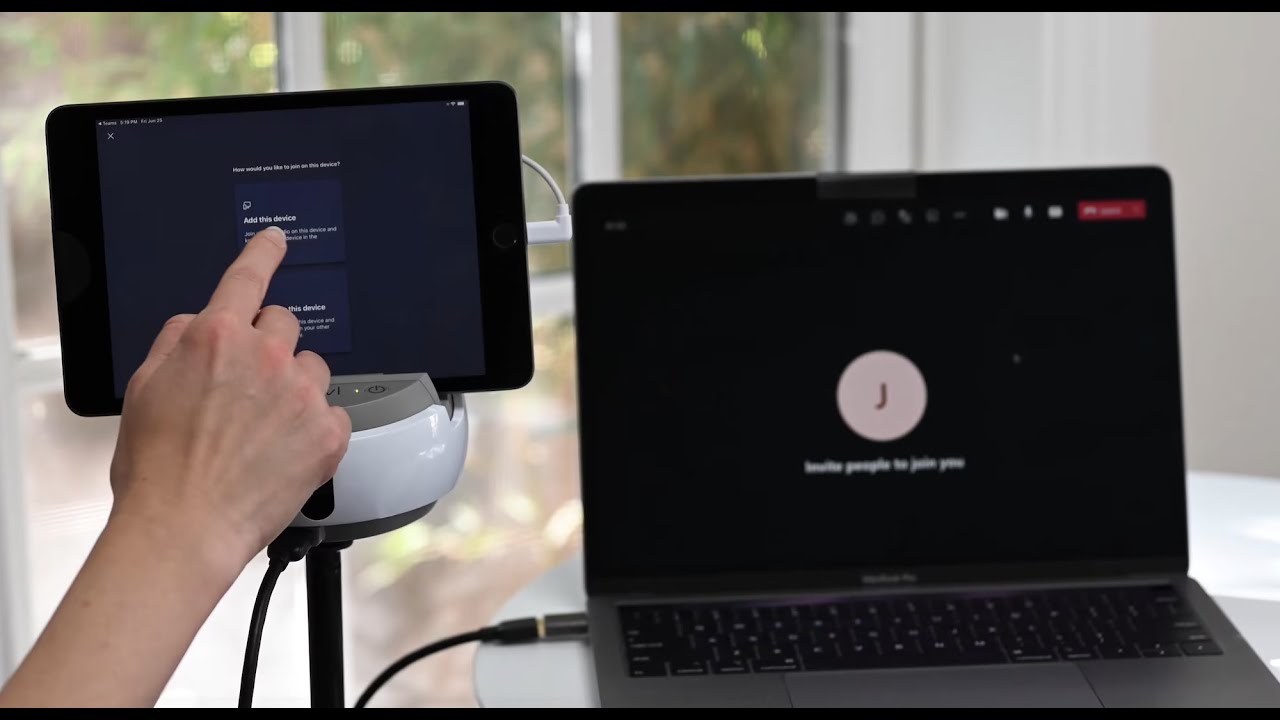
In this video we will connect to a Microsoft Teams Meeting using the Integrated Audio Setup and a USB-A Cable.
00:09 Connect USB-A to Computer
00:28 Connect USB-A to Swivl Robot
00:43 Connect Device to Swivl Robot
00:56 Turn on Swivl Robot
01:17 Turn on Marker
01:35 Start Microsoft Teams Meeting from Computer
01:43 Change Mic Settings
02:04 Launch Microsoft Teams from Tablet
02:12 Join Session and Mute
02:29 Adjust the Marker
For additional help with your Integrated audio setup, check out our Helpdesk ► https://swivl.zendesk.com/hc/en-us/
* * * * * * * * * * * * * *
Connect with Swivl:
Twitter ► / swivl
LinkedIn ► / swivl
Instagram ► / goswivl
Check out our website ► https://www.swivl.com/
Learn more about Synth ► https://gosynth.com/
Learn more about Skilled.space ► https://skilled.space/
Need help with a Swivl product? ► https://swivl.com/setup
Повторяем попытку...
Доступные форматы для скачивания:
Скачать видео
-
Информация по загрузке: